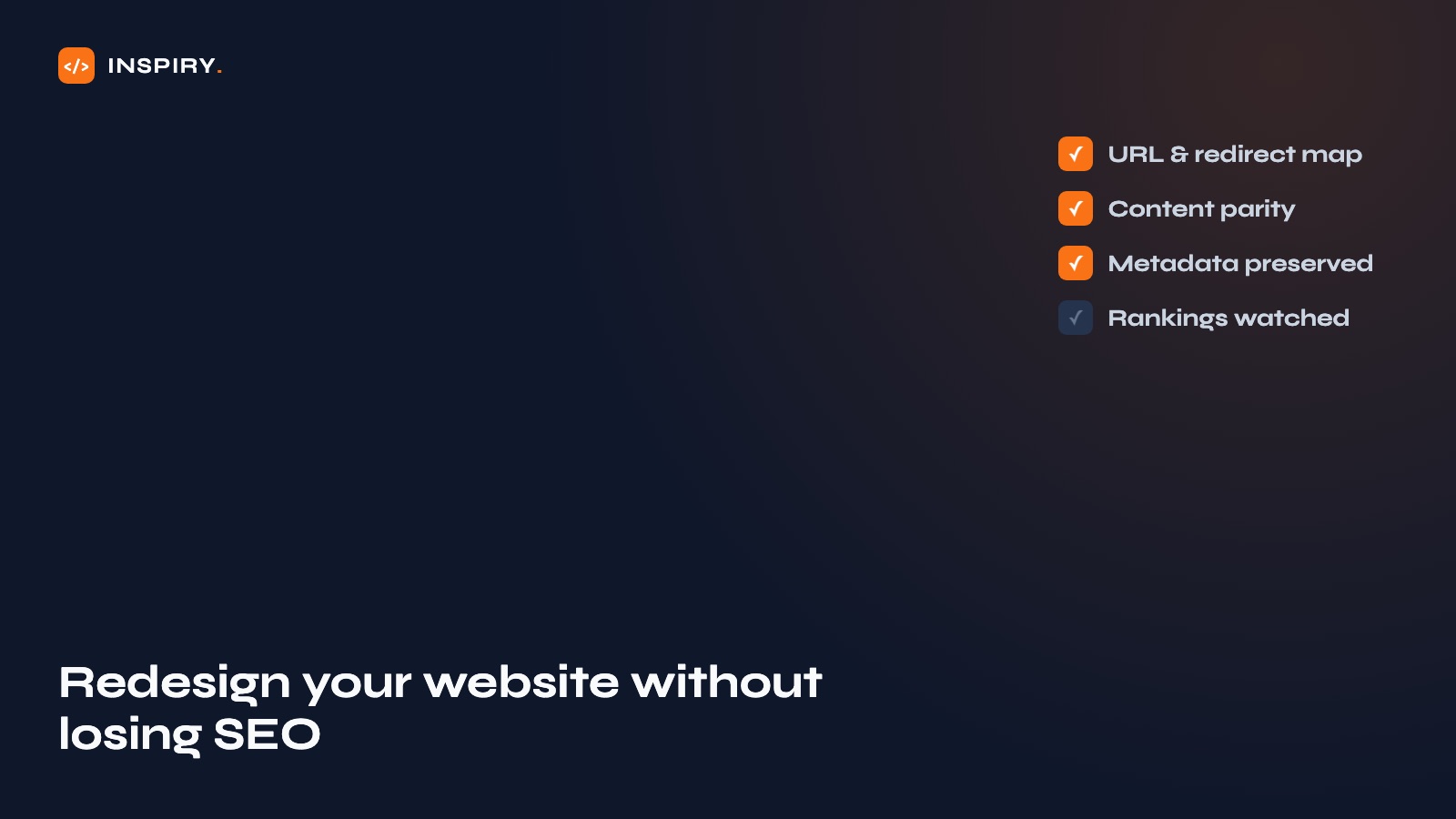
A website redesign without SEO loss is a migration done deliberately: every ranking URL inventoried, redirected one-to-one, and its content and metadata carried across intact. Done casually, the same project cuts organic traffic 40-70 percent within weeks. A redesign should be the best thing that happens to your website this year. Here is the checklist that keeps it from becoming the worst.
The redesign that cuts traffic in half
Picture a common sequence. A business invests in a redesign. The new site looks great: cleaner, faster to navigate, everyone is proud of it. Three weeks after launch, someone checks the numbers. Organic traffic is down 40, 50, sometimes 70 percent. The contact form has gone quiet. Nobody changed the marketing. The only thing that changed was the website.
This is not rare, and it is not bad luck. It is the predictable result of treating a redesign as a design project when it is also a migration. Google spent years learning your old site: which URLs answer which searches, what each page says, how they link together. Launch a new site without carrying that map across and you do not get a refreshed website. You get a stranger wearing your logo, starting close to zero.
Why website redesigns destroy rankings
Four mechanisms cause almost all redesign traffic disasters, and all four are invisible on launch day:
- →URLs change silently. A new platform or theme generates new page addresses. /services/kitchen-remodeling becomes /what-we-do/kitchens. To Google, that is a deleted page plus an unknown new one, and the old page's ranking history dies with it.
- →Content gets "cleaned up." Designers trim text to fit layouts. The 900-word service page that ranked for years becomes 150 words and a hero image. Those words were doing the ranking.
- →Metadata vanishes. Title tags, meta descriptions and schema markup live inside the old CMS and theme. They do not migrate unless someone deliberately moves them.
- →Performance regresses. The new site ships on a heavier theme and a stack of new scripts. Prettier, but slower, and slower gets measured.
Before the redesign: inventory everything
Everything in this phase happens before anyone opens a design tool. It is an afternoon of work, and the cheapest insurance you will buy.
- →Crawl the current site. Produce a complete list of every URL that exists: pages, posts, PDFs, category pages. A crawler like Screaming Frog (free up to 500 URLs) or a CMS export does this in minutes. This list is the master record the whole migration checks against.
- →Export rankings and traffic. In Google Search Console, pull the last twelve months of top pages and top queries. Now you know which URLs are your money pages, the ones that must survive intact.
- →Record metadata. Capture the title tag, meta description and any schema markup for at least every money page. A spreadsheet is enough.
- →Benchmark performance. Run PageSpeed Insights on your key templates and save the scores. You cannot detect a regression without a baseline.
During the build: preserve what Google already trusts
The build phase is where good intentions meet deadlines. Four rules keep it safe:
- →Build the 301 redirect map. Every old URL that changes gets a permanent redirect to its exact new counterpart: page to page, one hop. Redirecting everything to the homepage is how years of accumulated authority burn in one line of config.
- →Keep content parity on money pages. If a page ranks, its text moves to the new design substantially intact. Redesign the layout; keep the words. Improve content later, one page at a time, once the migration has settled.
- →Carry the metadata over. Titles, descriptions and schema from the inventory spreadsheet go into the new build, page by page. This is tedious. Do it anyway.
- →Watch the noindex tag. Staging sites are hidden from Google on purpose. Launching with that setting still on is the classic self-inflicted disaster; make removing it a named launch-day task with a named owner.
After launch: the four-week watch
Launch day is not the finish line; it is the start of the monitoring window.
- →Day one: submit the new sitemap in Search Console and confirm Google can crawl the site.
- →Weekly: check Search Console's indexing report for 404 errors. Every 404 on a URL with traffic history gets a redirect the same day.
- →Week one: re-run PageSpeed Insights against the pre-launch baseline and treat any regression as a launch bug, not a future optimization.
- →Week four: compare top pages and queries against the pre-launch export. A brief wobble is normal; a persistent drop on a specific page means a specific mistake, and the inventory tells you which.
This discipline is how we run every redesign project at Inspiry: the migration checklist sits beside the design brief from day one, which is why a rebuild that changes platform, design and content can hold its rankings through the switch. If your current site ranks and you are weighing a rebuild, our guide to choosing between restyling and redesigning is the natural next read.
This page is written and maintained by the Inspiry Solutions engineering team and reviewed by Mian Rizwan, founder. We have built WordPress, Shopify and full-stack projects for clients in 15+ countries since 2019: 200+ shipped, all at fixed prices. What you read here reflects how we actually scope and build.