WordPress maintenance is the scheduled work of keeping a site updated, secure, backed up and fast. In 2026 the market charges anywhere from $0 to $1,500 a month for it, and the spread is not arbitrary. This guide breaks down what each tier actually covers, what the cheap plans quietly skip, and how to tell a real maintenance plan from a subscription to nothing.
How WordPress sites actually die
WordPress sites rarely die dramatically. They rot. A plugin update sits pending for six weeks because the last one broke the slider. The PHP version your host keeps emailing about never gets upgraded. The backup plugin has been silently failing since March, and nobody has ever tested a restore. Then one ordinary Tuesday, an update you finally click, or a vulnerability you never patched, takes down the contact form, and you find out from a customer eleven days later.
That is the game most owners are playing: update roulette. Click update and hope, or leave it and let the known vulnerabilities pile up. Maintenance is the quiet product that ends that game, which is why it is worth knowing what it should cost and what the money should buy.
What does WordPress maintenance actually cover?
"Maintenance" gets used for everything from a cron job to a retainer. A complete definition has five parts:
- →Updates: WordPress core, plugins, themes, and the PHP version underneath, applied on a schedule instead of in a panic.
- →Security: monitoring, malware scanning, firewall rules, and a human who patches fast when a plugin you use gets a disclosed vulnerability.
- →Backups: offsite, automatic, and periodically restored somewhere to prove they work. An untested backup is a hope, not a backup.
- →Performance: caching, database cleanup, image weight, and Core Web Vitals watched over time, because sites get slower gradually and nobody notices from inside.
- →Uptime: monitoring that tells your team the site is down before your customers do.
Every plan on the market covers some subset of that list. The price differences below are mostly about how much of it you get, and whether a developer's time is included when something needs actual fixing.
What does WordPress maintenance cost in 2026?
The market sorts into three tiers.
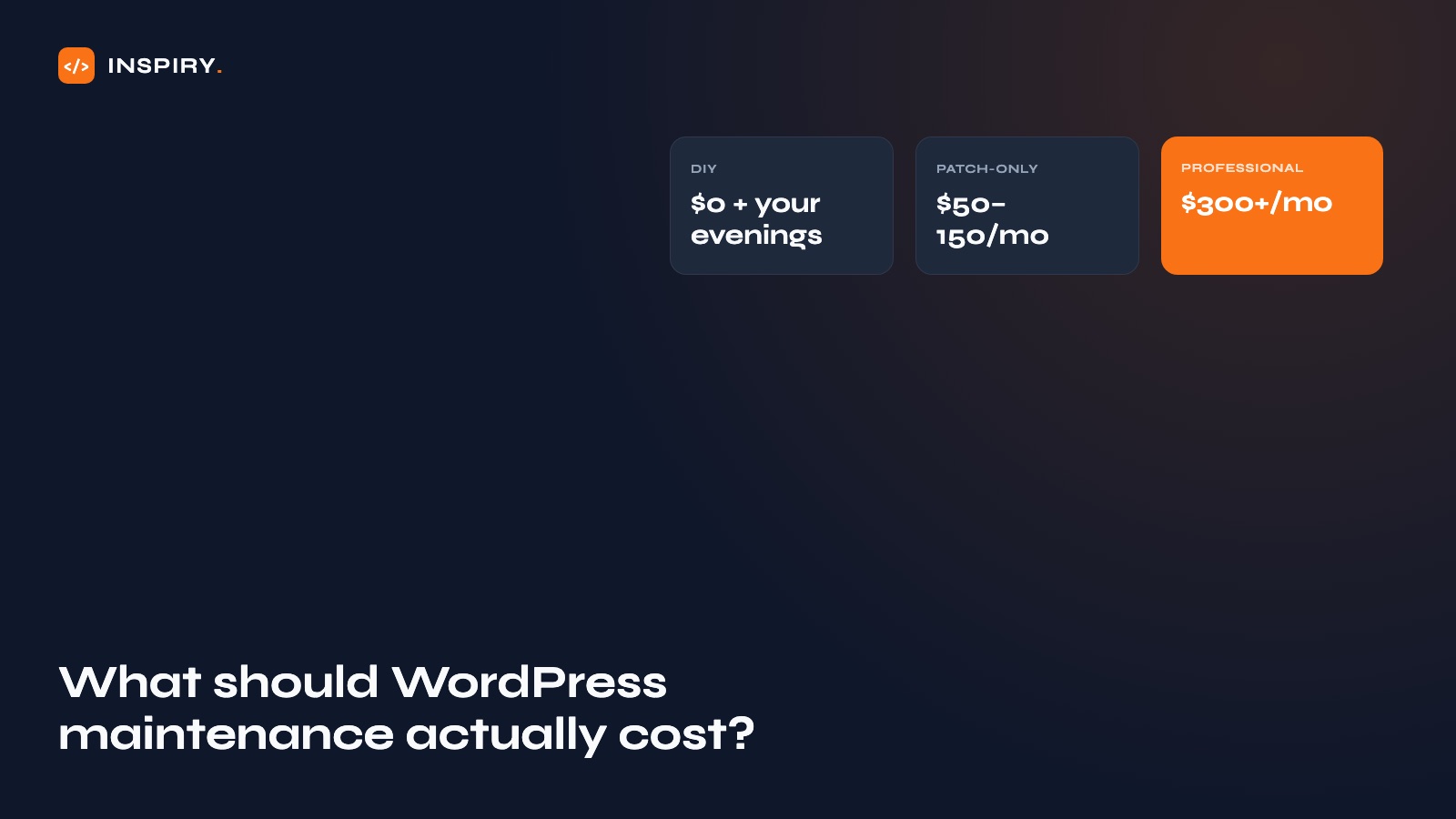
DIY: $0 plus your evenings. You run the updates, you check the backups, you search for the white screen of death at midnight. Fine for a hobby site. For a business site the honest price is not zero: it is a few hours a month on a good month, and a lost weekend plus lost revenue on a bad one.
Budget services: commonly $50-150 a month. These are patch-only plans: updates applied, a backup taken, perhaps a malware scan. Useful as far as they go. The price only works at volume, which means automation, which means nobody is looking at your site specifically.
Professional plans: commonly $300-1,500 a month. Updates tested on a staging copy first, security with a named human responding, performance reviewed over time, and usually an allowance of development hours for small fixes and changes.
| DIY | Budget service | Professional plan | |
|---|---|---|---|
| Monthly cost | $0 + your time | Commonly $50-150 | Commonly $300-1,500 |
| Updates | When you remember | Automated, on live site | Tested on staging first |
| Security response | You, whenever | Scan & notify | Patched by a human |
| Performance work | Rarely happens | Not included | Monitored & tuned |
| Development time | Yours | None; separate invoice | Hours included |
What cheap maintenance plans quietly skip
Updates get applied directly to the live site, because staging copies cost money to run and minutes to use. When an update breaks something, the plan's job is done: it applied the update. Yours is beginning.
Patch-only plans also keep the site exactly as fast, and exactly as slow, as the day they started. Performance decay is gradual, unbilled, and invisible from inside the company. It shows up in rankings and conversion long before anyone connects it to the maintenance line item.
Why we fold maintenance into development plans
At Inspiry, maintenance and support starts at $1,499 a month and is built around the professional tier's discipline: staging-tested updates, daily backups with restore drills, 24/7 uptime monitoring, and a plain-English health report every month. It runs month to month. The person maintaining the site is a developer who can fix what monitoring finds, which is the difference between a report and a resolution.
Red flags in a maintenance contract, whatever you pay
- →They can't tell you when a restore was last tested. Then the backups are decorative.
- →"Unlimited" anything with no response time attached. Unlimited requests answered eventually is a queue, not a service.
- →The hosting or admin accounts are in their name. Leaving becomes a negotiation.
- →A price too low to include a human. Automation applies updates; it does not notice what broke.
This page is written and maintained by the Inspiry Solutions engineering team and reviewed by Mian Rizwan, founder. We have built WordPress, Shopify and full-stack projects for clients in 15+ countries since 2019: 200+ shipped, all at fixed prices. What you read here reflects how we actually scope and build.