Shopify vs WooCommerce is mainly a choice about operating responsibilities. Shopify manages its platform infrastructure; WooCommerce runs on WordPress with hosting and site maintenance arranged by you. Both can support commerce, but total cost depends on the build, services and work your team needs. This guide compares those responsibilities and gives seven practical decision checks.

Why the Shopify vs WooCommerce feature checklist is a distraction
Both platforms support core selling tasks. Availability and implementation still differ by plan, extension, region and integration. A Shopify vs WooCommerce feature comparison is useful when tied to a real workflow, not when it assumes every requirement is an inexpensive add-on.
Ask who manages hosting, who tests changes and who investigates a failed purchase. Those responsibilities differ more than the headline feature lists. We work on both platforms, so this Shopify vs WooCommerce comparison focuses on the operational fit rather than naming a universal winner.
Shopify: rented, predictable, bounded
Shopify is a hosted platform with managed core infrastructure. Merchants still manage themes, apps, access, data and customer operations. App configuration and integrations can fail, so a working hosted checkout does not eliminate the need for end-to-end testing and support.
The trade is control. You cannot touch the server. Checkout customization is bounded. Payments carry platform economics: use Shopify’s own payment system and life is simple; insist on an outside gateway and you commonly pay extra fees for the privilege. The platform’s rules on themes, apps, and data are the rules. Shopify assumes an owner who wants to sell things, not administer software, and it prices that assumption into the monthly bill. For that owner, the constraint is the product.
WooCommerce: owned, flexible, yours to maintain
WooCommerce is a commerce plugin for WordPress. You or your provider arrange hosting, maintain the software stack, test compatibility and manage backups and security. The core licence is only one part of the Shopify vs WooCommerce cost comparison.
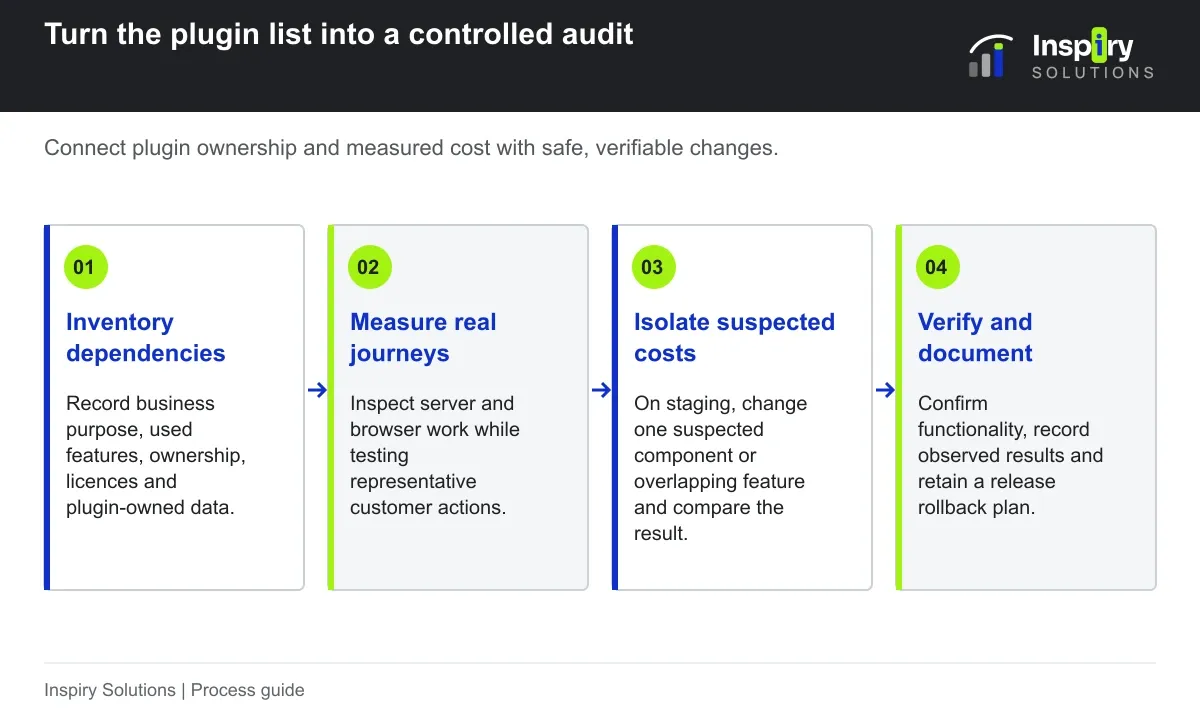
Be concrete about what maintenance means, because it is where WooCommerce budgets go wrong: plugin and core updates land continuously, and each one is a small compatibility bet. The responsible routine of testing on staging, updating, verifying checkout, and confirming backups is a recurring chunk of someone’s month, every month. Skip it and the store still runs, right up until it does not, usually during a traffic spike.
WooCommerce gives access to WordPress code and data on your chosen hosting. That supports substantial customisation, but not unlimited capability without cost: integrations, payment services, licences, security and engineering still impose constraints. Content and commerce can share one editorial system when that suits the business.
Shopify vs WooCommerce: the operating reality, side by side
| Responsibility | Shopify | WooCommerce |
|---|---|---|
| Hosting | Platform managed | You or your hosting provider manage it |
| Running cost | Plan, apps, services, payments and support | Hosting, extensions, services, payments and support |
| Customisation | Within supported platform capabilities | Broad code access with engineering responsibilities |
| Maintenance | Managed core; theme, apps and workflows still need checks | Core, plugins, theme, hosting and recovery need owners |
| Typical fit | Commerce teams preferring managed infrastructure | Teams wanting WordPress integration and technical control |
Include developer and operational time in Shopify vs WooCommerce budgets. Managed infrastructure removes some responsibilities, not all support work. Compare current plan and supplier quotes with equivalent scope rather than assuming the free plugin always creates the lower total.
Shopify or WooCommerce: decide by how you operate
Forget the platforms for a second and describe your own business.
- No technical staff, no developer on retainer, selling is the whole job? Shopify bias, strongly. The monthly fee buys operations you would otherwise neglect, and neglected store operations fail at the worst possible moments.
- Already running on WordPress, or is content your acquisition engine? WooCommerce bias. Your team already knows the admin, your articles and products live in one system, and you are not paying a second platform to duplicate what WordPress does well.
- Need checkout control, unusual pricing logic, or deep integrations with your own systems? WooCommerce bias. That is exactly the control you take the maintenance burden on for.
- Scaling fast with a small team? Shopify bias. Growth multiplies operational load, and hosted infrastructure absorbs it without you hiring for it.
Demanding cases need proof: B2B catalogues, subscriptions, unusual pricing and multi-region sales can change plan, extension and engineering requirements. Test the hardest workflow before choosing. Shopify vs WooCommerce should be decided by the validated implementation and the team operating it.
We build both: here is our honest bias
We have built stores on both platforms for years, and our Shopify development and WordPress development practices are both real, so neither answer needs to win. Our pattern after years of this: owners without technical staff are happier on Shopify two years in, even when WooCommerce looked cheaper on paper. Teams with content operations and developer access get more from WooCommerce than Shopify would ever let them build. Either way the build runs the same with us: the price is agreed before work starts, and you own your code and accounts from day one, which matters twice as much on WooCommerce, where the code is the store.
This Shopify vs WooCommerce guide compares commerce systems. For a broader content-led business site, read WordPress vs Shopify. If either platform appears suitable, compare representative prototypes and full operating budgets rather than assuming switching later will be inexpensive.
Seven Shopify vs WooCommerce checks using your own workflows
Build the comparison around an ordinary order and the hardest order you expect to fulfil. Shopify vs WooCommerce becomes much clearer when a provider demonstrates those tasks instead of ticking generic features.
- Catalogue complexity. Test variants, product information and staff editing. Include an awkward product, not just the simplest demo item.
- Payments and regions. Confirm gateway availability, currency handling, tax configuration and current fees for the business location. Do not assume a plan description applies everywhere.
- Fulfilment. Trace an order through stock, shipping and returns. Decide which system owns each record and how discrepancies are repaired.
- Content operations. Publish a service page, article and product update with the actual team. Shopify vs WooCommerce should include editing effort, not only storefront design.
- Technical ownership. Name the person or service responsible for updates, integrations, access and recovery. Hosted infrastructure does not remove every operational task.
- Whole-life budget. Include build, subscriptions, extensions, support and expected changes. Verify current Shopify plan terms rather than repeating old fees.
- Future change. Export a representative record and identify app-specific data or subscriptions. Shopify vs WooCommerce migration effort depends on those details.
A practical Shopify vs WooCommerce proof of fit
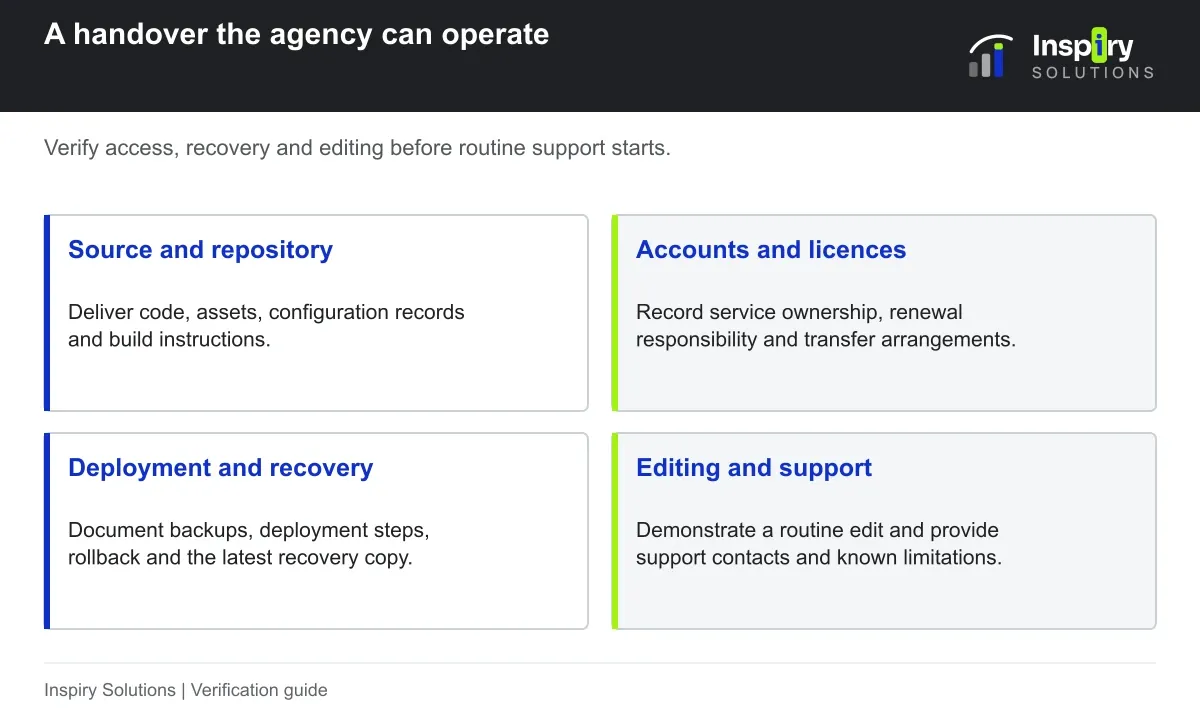
Use a short demonstration with your own anonymised requirements. Have a staff member edit product information, place a safe test order and find the fulfilment status. Include a failed-payment or unavailable-stock case so the demonstration shows exceptions as well as the happy path.
Record what worked natively, what needed an extension and what required custom engineering. Ask who supports each dependency and what happens when it changes. That evidence is more dependable than a claim that either platform is unlimited or effortless.
The WordPress features overview explains its extensible content foundation. For the implementation decision, our theme guide and Shopify theme comparison help separate presentation work from backend responsibilities.
If you are leaning towards a move, see our Shopify migration SEO checklist and our broader comparison of WordPress vs Shopify.
Common questions
Is WooCommerce cheaper than Shopify?
Not necessarily. A free core plugin does not eliminate hosting, paid extensions, maintenance or developer costs. Shopify includes managed infrastructure but adds plan, app and service costs. Compare Shopify vs WooCommerce with current supplier quotes and the same required workflows.
Can I switch from WooCommerce to Shopify later, or the other way?
Yes, but the effort depends on data and functionality. Products, customers and orders need mapping and validation; payment tokens, subscriptions, accounts and app-specific data may have migration limits. Include redirects and journey testing rather than assuming a standard export moves the entire business.
Does Shopify vs WooCommerce have a clear SEO winner?
No platform guarantees rankings. Compare content workflows, accessible pages, accurate metadata and performance in the actual implementation. WordPress offers broader control; Shopify supplies supported controls within its platform.
Who handles updates in Shopify vs WooCommerce?
Shopify manages its core platform infrastructure. Merchants still need checks for themes, apps and business workflows. WooCommerce requires an owner for WordPress, plugins, themes and hosting compatibility, preferably with staged testing.
Can Shopify vs WooCommerce support unusual product rules?
Potentially, but validate the precise requirement. Complex pricing, subscriptions or regional restrictions may change the plan, extension and engineering work needed. A general feature claim is not a working proof.
What should a Shopify vs WooCommerce migration budget include?
Include data mapping, extension replacement, account and subscription limitations, content, redirects and testing. Validate representative records before bulk import. The cost is broader than moving product titles and images.
Your next step
Choose Shopify vs WooCommerce by the work your team can reliably operate. Validate the demanding workflows, calculate ongoing responsibilities and choose with evidence rather than platform loyalty.