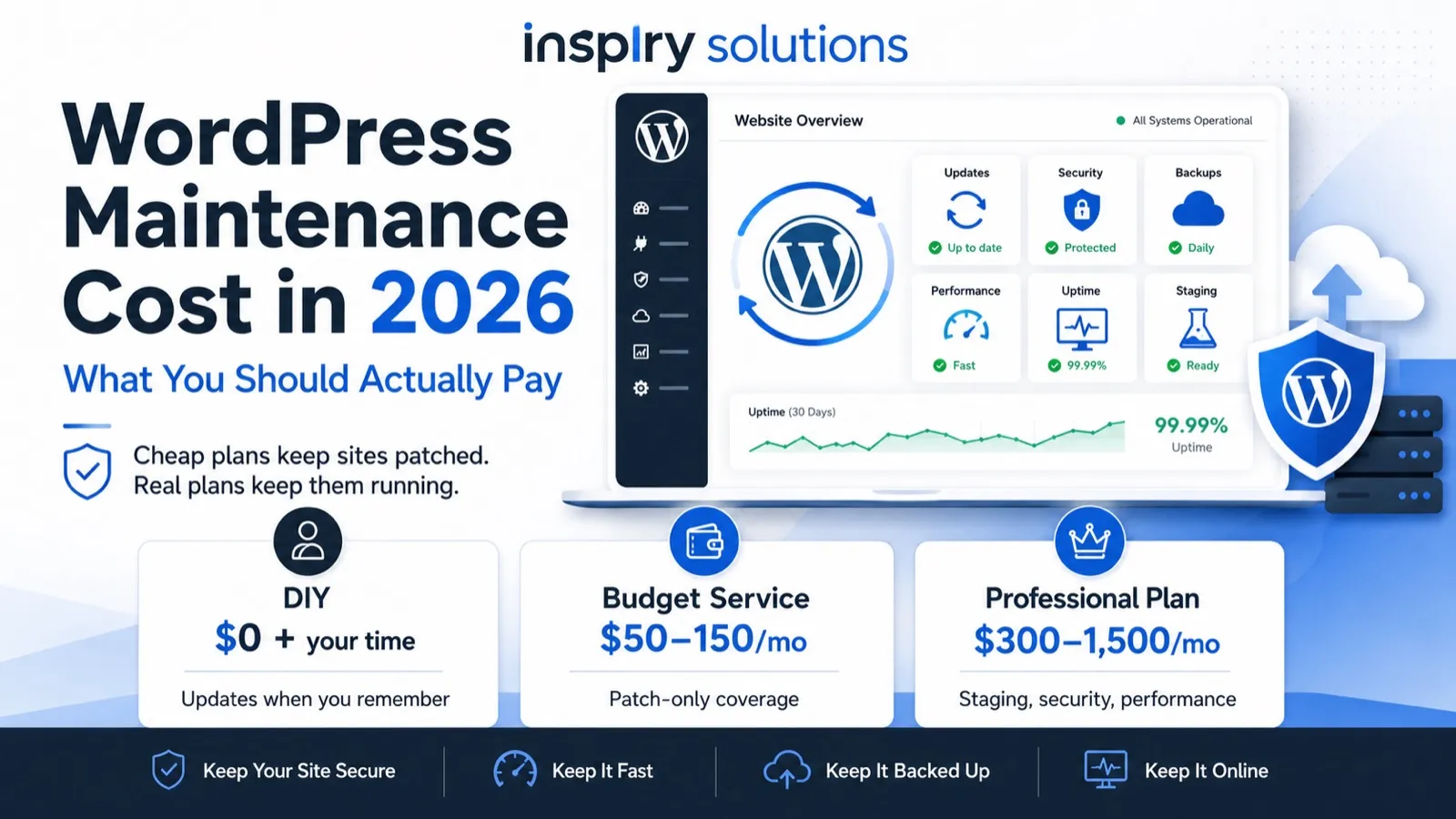
WordPress vs Shopify is a choice between a flexible content management system and a managed commerce platform. WordPress suits teams needing control over hosting, content structures and custom code; Shopify suits many product-led businesses preferring managed infrastructure. Neither is universally better. Compare the workflows, operating responsibilities and full cost before deciding.

Why the platform choice matters more than the design
A website platform is not just a technical decision. It shapes your marketing capabilities, your operational overhead, and your growth trajectory, and choosing wrong can cost months of migration work and real revenue. The two platforms serve fundamentally different philosophies: WordPress optimizes for control, Shopify for convenience. We build on both every week, so the comparison below has no vendor to protect.
Where WordPress wins
WordPress started as a blogging platform in 2003 and grew into a full CMS capable of powering everything from portfolios to enterprise eCommerce. Its strengths all trace back to openness:
- Flexible content structures, themes, plugins and source-code access.
- Control over technical SEO output, depending on the implementation.
- Access to site files and database on hosting you control.
- A free core licence, with hosting, services and support budgeted separately.
- An established ecosystem, while supplier quality still needs evaluation.
Where Shopify wins
Shopify manages its platform infrastructure so merchants can focus on selling. Store setup, apps, permissions, customer operations and integrations still need responsible owners. WordPress vs Shopify is not a choice between all maintenance and no maintenance.
- A unified commerce administration system for supported workflows.
- Inventory, product, order and discount capabilities, with plan and region limits to check.
- Managed platform hosting, certificates and infrastructure updates.
- Apps and supported integrations for additional requirements.
- Managed checkout capabilities, with extension options and fees that depend on current terms.
WordPress vs Shopify head to head
| Dimension | WordPress | Shopify |
|---|---|---|
| Running cost | Hosting, licences, payments and support | Plan, apps, payments and support |
| Editing | Depends on content model and editor | Commerce-focused administration and theme editor |
| Customisation | Broad code and hosting control | Supported theme, app and platform capabilities |
| SEO | Implementation and content determine results | Implementation and content determine results |
| Scale | Architecture and hosting need planning | Managed infrastructure; operational limits still matter |
| Security | Site, host and dependencies need owners | Managed core; access, apps and data still need care |
WordPress can serve substantial traffic with appropriate architecture and hosting. Shopify manages more of that infrastructure, but neither makes integrations or data recovery automatic. A WordPress maintenance scope and a Shopify operational plan should both identify ownership and acceptance checks.
When to choose WordPress
Consider WordPress for complex content, tailored editorial workflows and requirements that need hosting or code control. Commerce often uses WooCommerce or another integration; our commerce comparison covers that choice. A WordPress development brief should include ongoing support and implementation limits.
When to choose Shopify
Shopify is the smarter choice when the primary goal is selling physical or digital products, when you want to launch quickly without hiring for infrastructure, or when you sell across multiple channels and want one dashboard. Merchants who value a hands-off approach to hosting, compliance, and patching are trading some control for a great deal of operational quiet, and for most product businesses that trade is worth it. Custom storefronts are what our Shopify development service exists for.
WordPress and Shopify together
Some businesses combine WordPress content with a Shopify storefront. That can be appropriate, but creates integration, analytics, routing and editorial responsibilities across two systems. The WordPress vs Shopify decision should include those costs instead of assuming a hybrid gives every benefit without extra work.
Eight WordPress vs Shopify checks before choosing
A platform demonstration should use your business requirements, including the awkward cases. These eight checks make WordPress vs Shopify a practical operating decision rather than a popularity contest.
- Identify the primary task. Is the site mainly publishing, booking, selling products or supporting an account workflow? Describe the result customers need, not just the pages.
- Test content editing. Ask the actual staff to publish a service page, article and product update. WordPress vs Shopify should include editorial effort and approval requirements.
- Trace a sale. Include product selection, payment, confirmation, stock and fulfilment. Test the difficult item, subscription or regional requirement before approving the platform.
- Map integrations. List CRM, inventory, finance and marketing systems. Establish data ownership and how failed synchronisation is noticed and repaired.
- Inspect search output. Check useful URLs, titles, canonical preferences, sitemap coverage and page access. Neither platform wins search by its name alone.
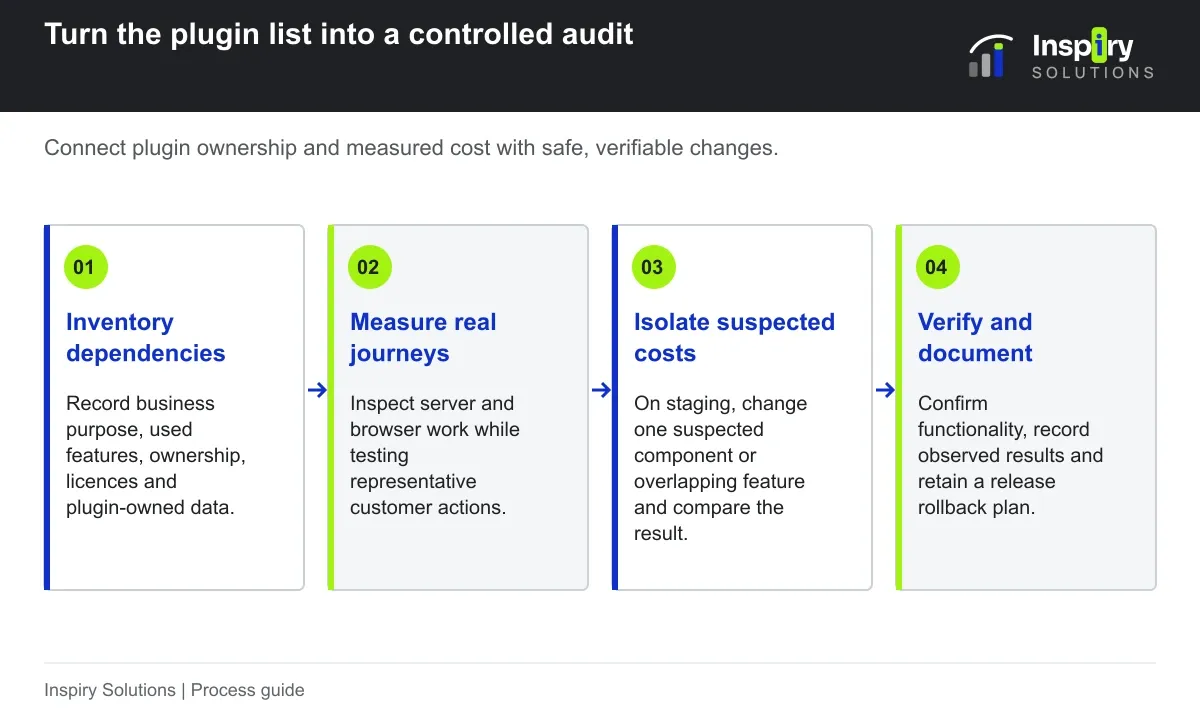
- Plan continuing care. Name owners for updates, apps, access, data exports and incident response. WordPress vs Shopify changes the division of work, not the need for responsibility.
- Compare a full budget. Include build, platform, hosting, licences, payment charges and support. Use current supplier terms for the business region and billing period.
- Understand future change. Try a representative export and record which data belongs to extensions. Plan redirects and account migration limits rather than assuming an export moves everything.
A WordPress vs Shopify proof of fit for a mixed business
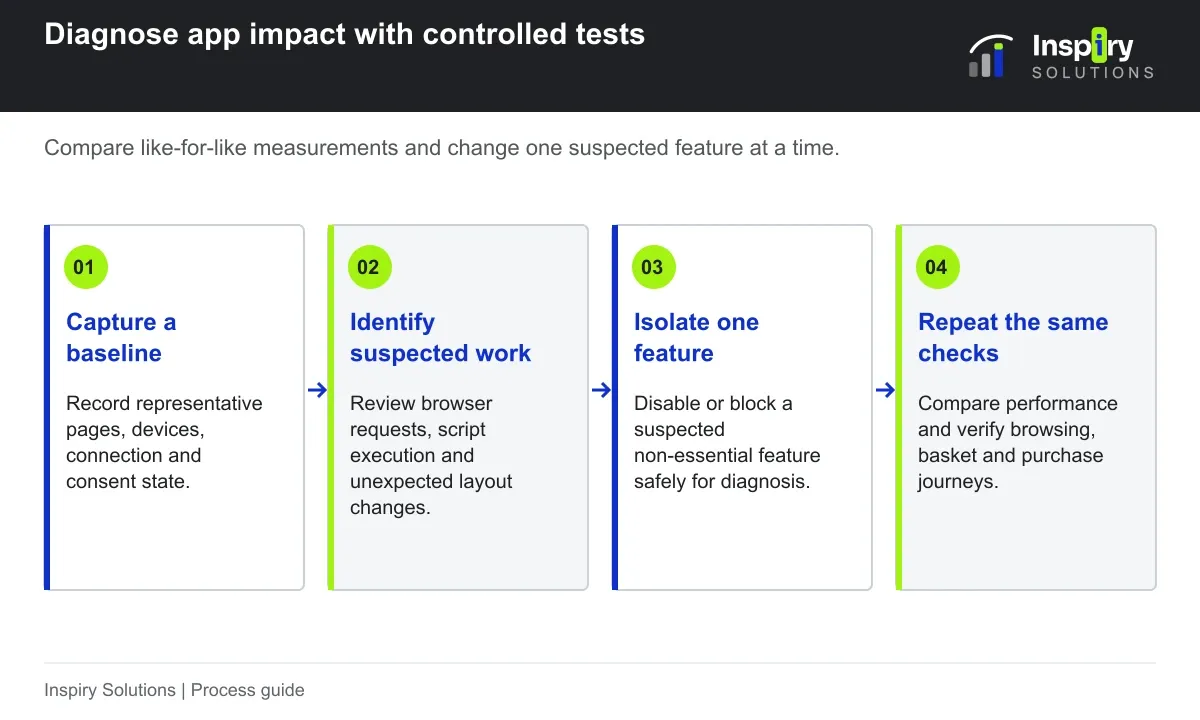
Suppose a business publishes detailed guidance and sells a small catalogue. Test one article, one product with several options and one safe purchase on each proposed implementation. Have the content team and order team work through the tasks themselves.
Record what each platform handles directly, what needs an extension and what requires engineering. Include permissions, editor training and support. A comparison built from these tasks is more useful than counting plugins or repeating old market-share figures.
The official WordPress features overview explains its content and extensibility foundation. Shopify’s current plan terms help establish commerce constraints. Neither source replaces testing your own requirements with a provider.
If you choose a hybrid, decide which system owns products, editorial content and analytics events. Confirm how navigation moves between them and who investigates a broken integration. WordPress vs Shopify can be both, but only with deliberate responsibilities.
Use our website cost guide for the whole-life budget and the redesign checklist when moving an established site. A platform switch should preserve useful customer routes, not merely recreate the visible design.
Make WordPress vs Shopify running costs comparable
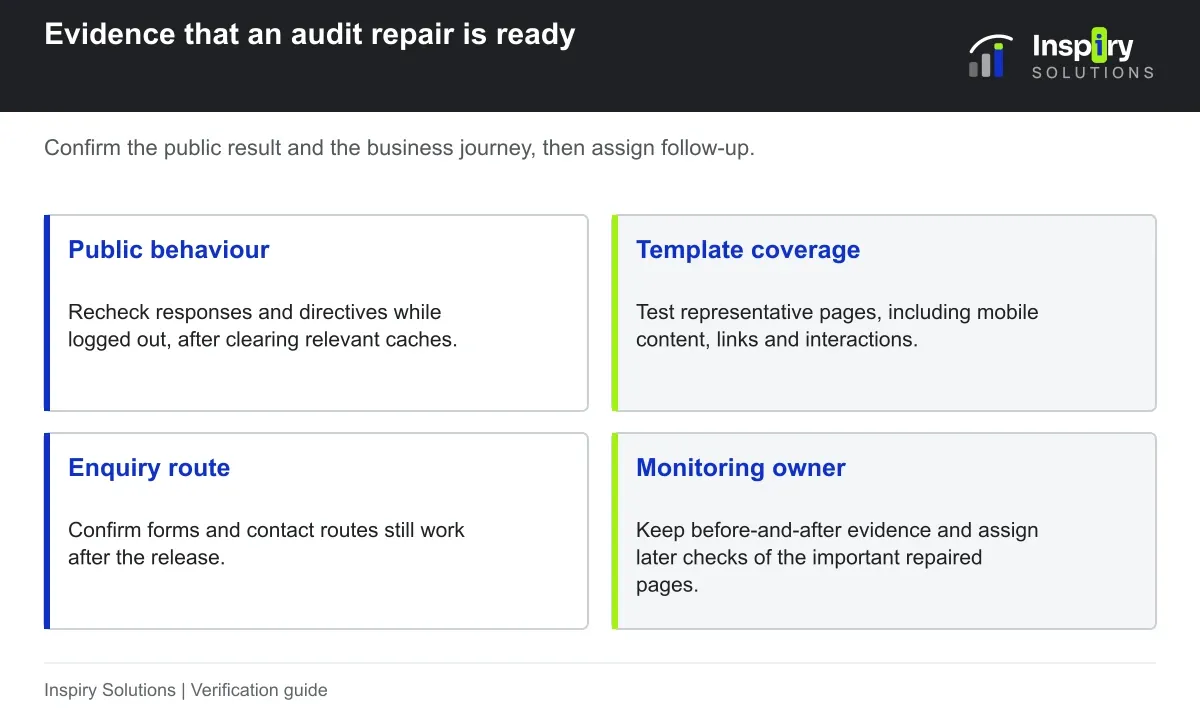
Write the same required service list on both sides: platform or hosting, paid extensions, payment processing, integrations, backups or exports, support and planned improvements. Record billing currency, tax assumptions and the term for any introductory or annual price.
A supplier may bundle some of these costs and separate others. Do not compare a bare software licence with a fully supported service. In the WordPress vs Shopify budget, identify who performs recurring work even where the invoice does not name it separately.
Include the likely changes after launch. A new region, wholesale workflow or subscription model can change the required plan or integration scope. Ask a provider how the current implementation would accommodate that specific change rather than assuming either platform scales without further engineering.
Keep uncertain items as ranges or pending quotes with clear assumptions. That is more useful than a precise total based on old plan fees and missing support work. The decision should reflect the requirements your team can validate today and the changes it reasonably expects next.
If you choose a store platform, our Shopify vs WooCommerce comparison and Shopify migration SEO checklist cover the next decisions.
Common questions
Is WordPress or Shopify better for eCommerce?
Shopify can suit standard selling workflows with managed infrastructure. WordPress with WooCommerce may suit content-led commerce and tailored requirements when technical support is available. Test the actual products, payments and integrations before choosing WordPress vs Shopify.
How much does WordPress vs Shopify cost to run?
Compare current hosting, platform plans, licences, apps, payment charges and support with equivalent requirements. Shopify’s current pricing page is the right place to verify plans for your region and billing term. A free WordPress core licence does not mean a free operating budget.
Is WordPress or Shopify better for SEO?
Neither platform guarantees better rankings. WordPress offers broad control over implementation; Shopify provides supported SEO controls within its platform structure. Useful content, accessible pages, appropriate metadata and dependable performance matter on both sides of WordPress vs Shopify.
Can WordPress vs Shopify be a hybrid choice?
Yes, but two systems add routing, content, analytics and integration responsibilities. Decide what each owns and how a broken connection is detected. Choose a hybrid for a demonstrated need rather than presumed benefits.
Does Shopify eliminate every maintenance task?
No. Its core infrastructure is managed, but themes, apps, access, data exports and operational workflows still need owners. WordPress vs Shopify changes the responsibility model rather than removing it.
Can I migrate between WordPress and Shopify?
Yes, with scope depending on data, accounts, subscriptions and extension functionality. Validate exports, useful URLs and customer journeys. A platform switch is not just a visual redesign.
What is the best WordPress vs Shopify decision test?
Use real editing and customer tasks on a representative implementation. Record native capabilities, extensions, engineering needs and support. Compare full budgets against that evidence before approving the platform.
Your next step
Decide WordPress vs Shopify through a representative workflow and a complete operating budget. Pick the platform your team can maintain well, with clear limits and a tested route to future change.