A Shopify custom theme is storefront code designed for one business; a premium theme is a licensed starting point you configure and may extend. Neither approach automatically improves speed or sales. Compare the editing workflow, required features and ongoing support before paying for a full build. This guide gives seven practical checks for the decision.
What a premium Shopify theme actually buys you
A well-supported premium theme can provide useful layouts, editor controls and an update path at a lower initial cost than a bespoke build. Prices and support vary, so preview the actual theme and check the current licence. Shopify explains the theme preview and purchase process.
A premium theme is often a sensible starting point for a new store when it supports the catalogue and buying journey. A Shopify custom theme becomes a stronger candidate when evidence shows an important limitation that targeted configuration or a focused extension cannot resolve.
If you are at that stage, choose the theme like the tool it is: one built on Shopify’s current architecture (Online Store 2.0 sections everywhere), from a developer with a track record of shipping updates, in a demo that resembles your catalog size rather than your taste. A theme demoed with twelve artisanal products will fight you at four hundred SKUs, however beautiful the typography.
The ceiling growing Shopify stores hit
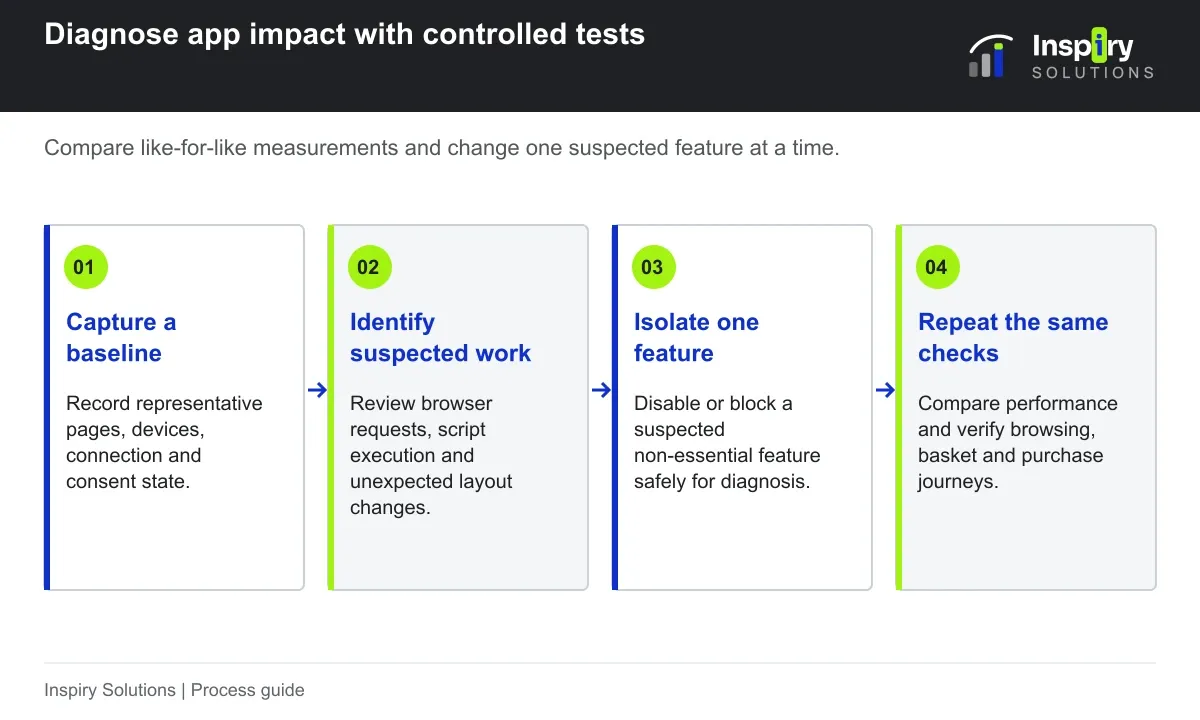
Growing stores may encounter these constraints. They are reasons to investigate, not inevitable stages every premium theme reaches.
- Layouts that do not explain a particular product clearly.
- App workarounds adding cost or measured storefront performance problems.
- Editor controls that cannot support the required catalogue or campaign structure.
Custom edits also need an update strategy. Record which files or sections differ from the supplier version and how updates are reviewed. A Shopify custom theme and a modified premium theme both create maintenance work; neither removes that responsibility.
What custom Liquid development changes
A custom theme flips the starting point. Instead of pouring your products into a generic container, the storefront is designed around what you actually sell and how your customers actually decide.
- Layouts designed around the product information customers need.
- Suitable presentation features, such as size guides and comparison tables, implemented in theme code where appropriate.
- Measured performance targets with only the required assets loaded.
One thing a well-built custom theme should never cost you: day-to-day independence. Done right, custom means custom sections. Your team still rearranges pages, swaps images, and edits copy in the normal Shopify editor without calling a developer. If an agency delivers a custom theme your staff cannot edit, they have built you a dependency, not an asset. Ask to see the editing experience before you sign anything. And on ownership, because the industry has a bad habit here: everything we build lives in your store and your accounts, whether or not you keep working with us.
A Shopify custom theme is a presentation layer, not a replacement for every commerce service. Complex bundles, pricing, subscriptions or inventory rules may still need apps or supported platform APIs. It also cannot repair a weak offer or unsuitable product information by itself.
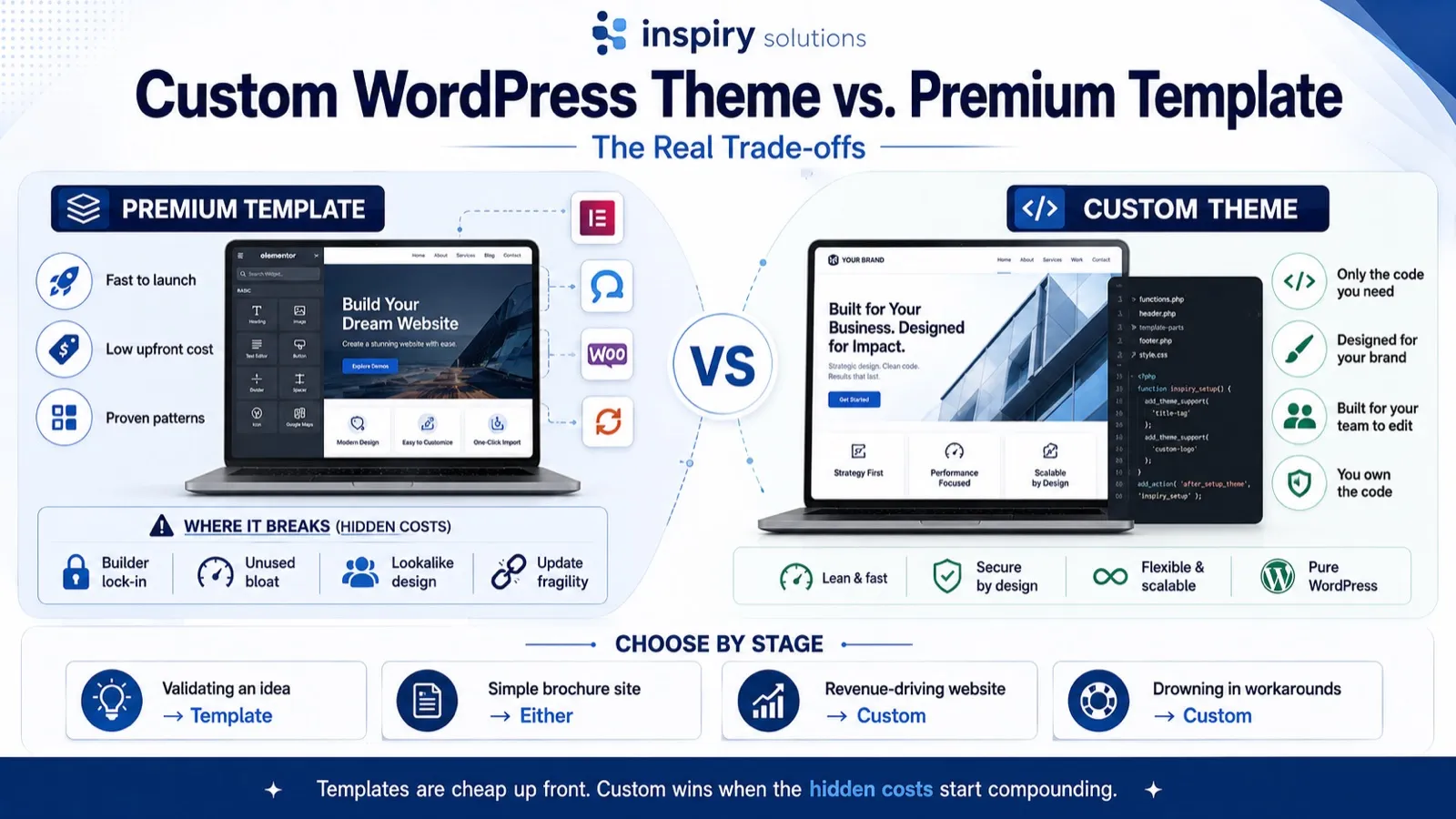
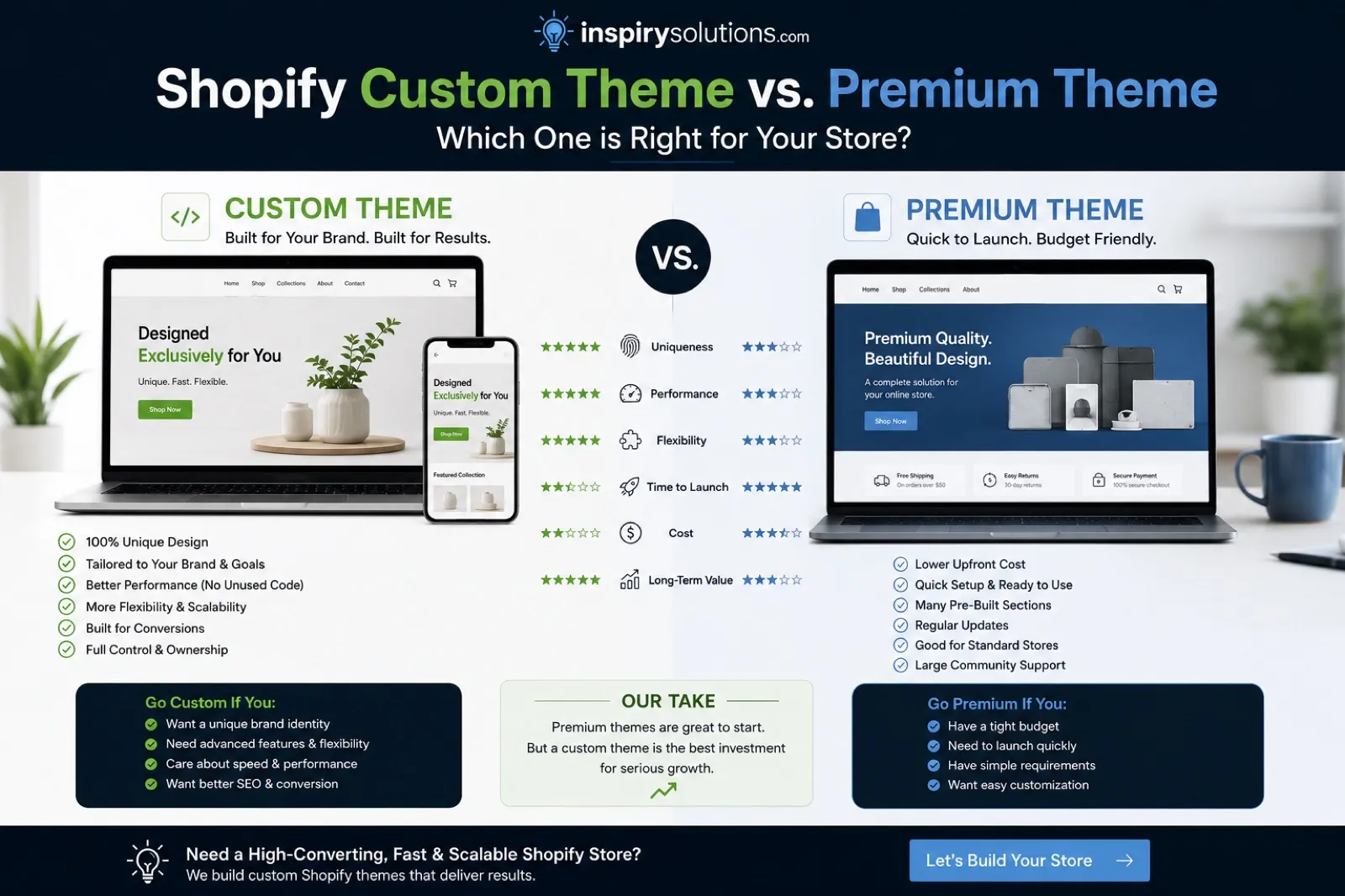
Premium theme vs custom theme, side by side
| Check | Premium theme | Shopify custom theme |
|---|---|---|
| Initial cost | Current licence plus setup and extensions | Scoped design, build and testing quote |
| Timing | Depends on content and setup | Depends on scope and review |
| Features | Existing sections plus suitable extensions | Purpose-built sections; backend services may still be needed |
| Performance | Measure the installed implementation | Measure the completed implementation |
| Updates | Supplier releases and custom-edit review | Named developer and release process |
| Editing | Demonstrate the actual workflow | Demonstrate the actual workflow |
The staged upgrade path that wastes the least money
Here is the advice that costs us projects: do not buy custom on day one. Launch on a good premium theme, sell, and let real data tell you which limits are actually costing money. Most new stores never hit the ceiling. The ones that do know exactly where, and that knowledge is worth more than any design brief. Move toward custom work when the signals are concrete:
- Your app bill has quietly become a serious monthly line item, and half of it replaces things a theme could do natively.
- You can point at specific pages where customers stall, and the fix is not a setting your theme offers.
- You are in a niche where brand differentiation visibly moves revenue, and the template look has become a liability.
Targeted customisation is a useful middle option: keep a suitable foundation and improve a demonstrated limitation. Our Shopify development service can compare that route with a full Shopify custom theme. Scope design, integrations, testing and ongoing support before treating a rebuild as the better investment.
Seven Shopify custom theme checks before commissioning work
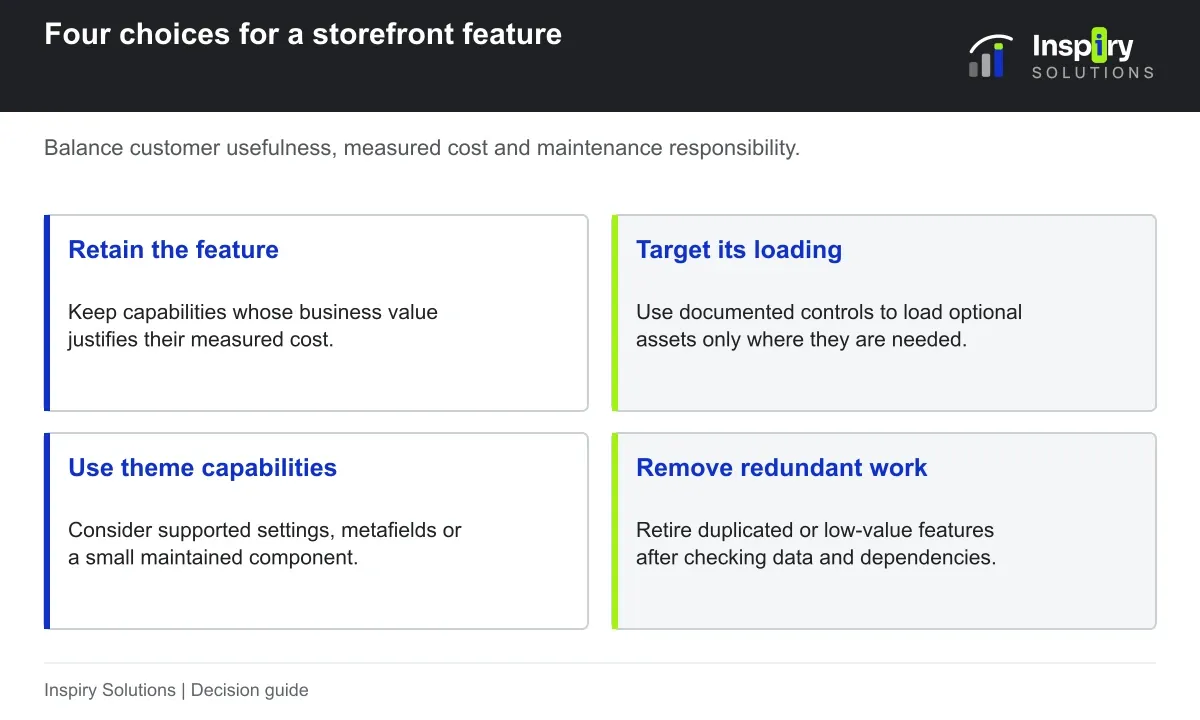
Describe the constraint first, then compare the smallest useful intervention. A Shopify custom theme should earn its scope through a better implementation of a real requirement.
- Identify the blocked task. Show where customers or staff struggle. A general wish to look unique is harder to evaluate than an unclear comparison table or unusable product option.
- Test existing settings. Preview another suitable section or theme configuration with real content before deciding the foundation is inadequate.
- Separate frontend and backend work. A Shopify custom theme can change presentation. Inventory rules, complex pricing and subscriptions may require other supported services.
- Measure the current baseline. Use representative product and collection pages. Custom code is not automatically faster than a supported premium theme.
- Demonstrate editing. Ask staff to change content, reorder a section and publish a campaign. The Shopify custom theme should support routine work without fragile manual code edits.
- Specify acceptance. Include mobile navigation, product options, cart, search, consent and checkout checks. Define the evidence required before release.
- Plan maintenance. Keep source, deployment notes, dependencies and a named support owner. Include the cost of future platform and app changes.
Evaluate one Shopify custom theme improvement before a rebuild
Choose a difficult product page and prototype the intended improvement. Use genuine product information and several viewport sizes. Ask the team to edit it, then follow the customer task through selection and cart. This reveals whether the proposed section solves the problem without requiring a full storefront replacement.
Compare the focused prototype with a broader build estimate. If the foundation remains suitable, extending it may give better value. If the improvement requires incompatible overrides across several templates, a Shopify custom theme may create a cleaner support path. Record the reasons rather than treating the larger quote as inherently superior.
Use Shopify’s theme performance guidance as an implementation reference. Combine it with real-user performance measures and the project budget checklist so both quality and ongoing costs remain visible.
What a Shopify custom theme handover should contain
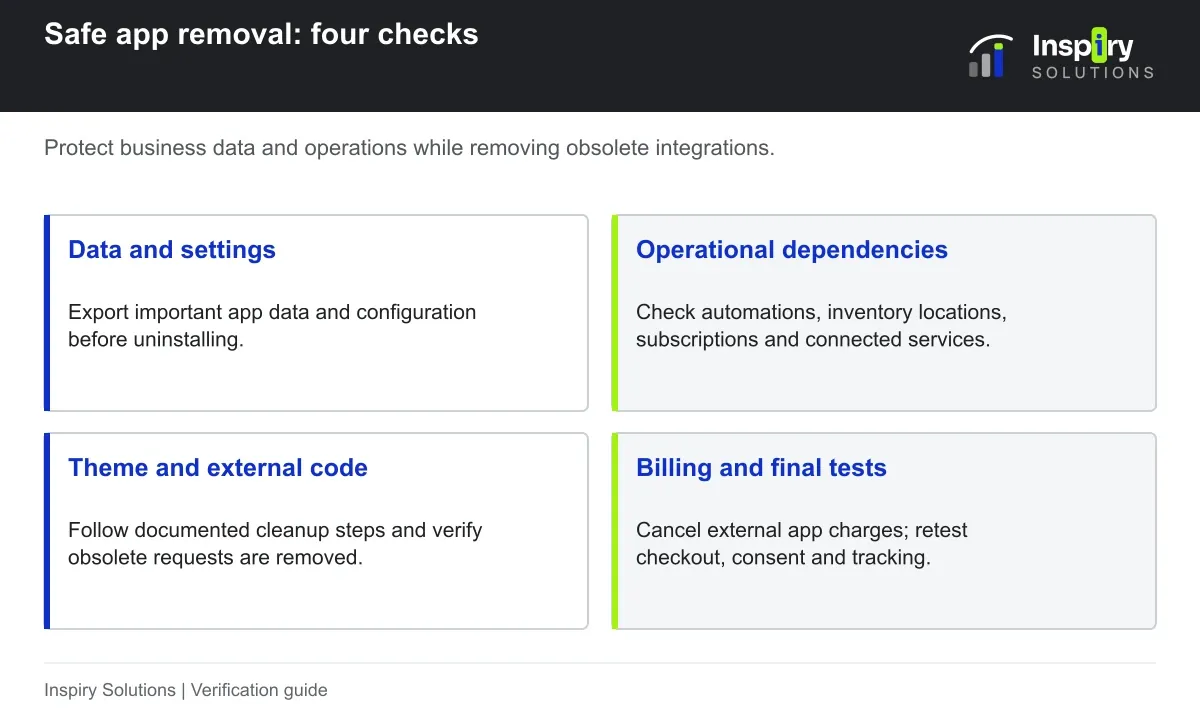
Request the released source, version history, editing instructions and a list of required apps. Record any paid dependencies and who renews them. Include the test results for representative templates, not just a link to the finished homepage.
Have a staff member publish an ordinary content change before acceptance. Have the maintainer explain how the previous release can be restored. If the Shopify custom theme uses a build pipeline, make sure the business has an appropriate route to its source and deployment records.
Agree which post-launch defects are covered and how new requirements are quoted. This separates warranty-style correction from continuing development. The custom implementation is easier to support when its limits and responsibilities are documented as carefully as its design.
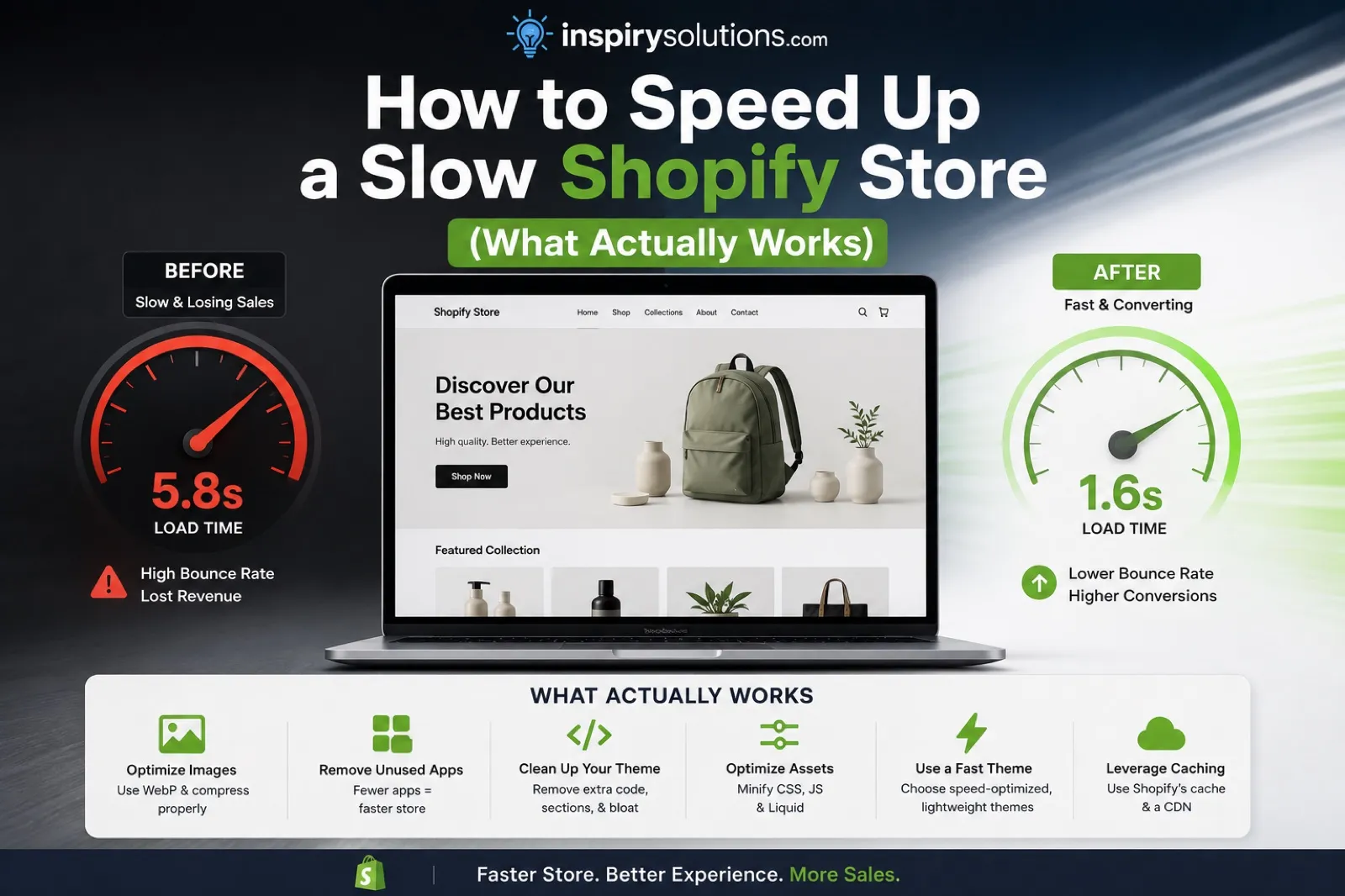
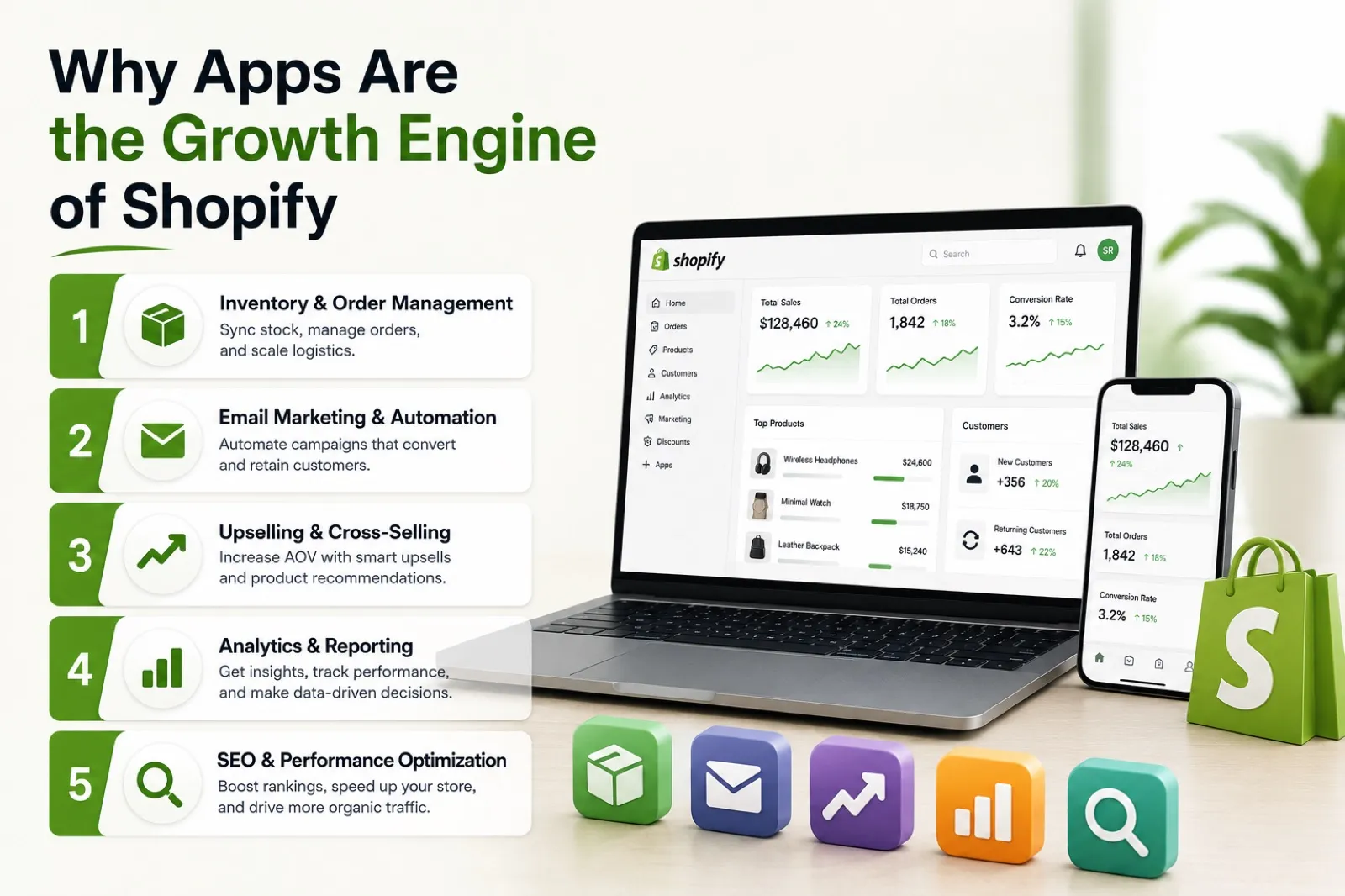
Before commissioning theme work, it can help to read how to speed up a slow Shopify store and which Shopify app categories support growth.
Common questions
How much does a custom Shopify theme cost?
A Shopify custom theme needs a scoped quote covering templates, sections, integrations, content and testing. A licence price for a premium theme is not comparable to a complete custom storefront project. Ask for initial and ongoing costs, including support and third-party services.
Can I customize a premium theme instead of building fully custom?
Yes. Custom sections and focused layout changes can extend a suitable premium theme. Choose a full Shopify custom theme when the required changes conflict with the existing architecture, not after an arbitrary number of years. Include an update strategy for either approach.
Is a Shopify custom theme always faster?
No. Performance depends on assets, code, apps and configuration. Compare representative pages and interactions before and after implementation. A custom label or a clean demo does not establish real-user performance.
Can staff edit a Shopify custom theme?
They should be able to complete agreed routine tasks through suitable editor controls. Ask for a demonstration with real content. Document tasks that still need a developer and include that support in the budget.
Does a Shopify custom theme replace every app?
No. Some presentation features can live in theme code, while backend pricing, inventory, subscriptions or integrations may need apps and platform APIs. Review the actual dependency before promising to remove a service.
Who maintains a Shopify custom theme?
The agreement should name a responsible developer or team and explain releases, recovery and support. Keep source access and dependency records usable. Custom code still needs review when platform, content and app behaviour changes.
Your next step
A Shopify custom theme is worthwhile when it addresses a demonstrated limitation. Test a focused improvement first and include editing, verification and ongoing support in the decision.