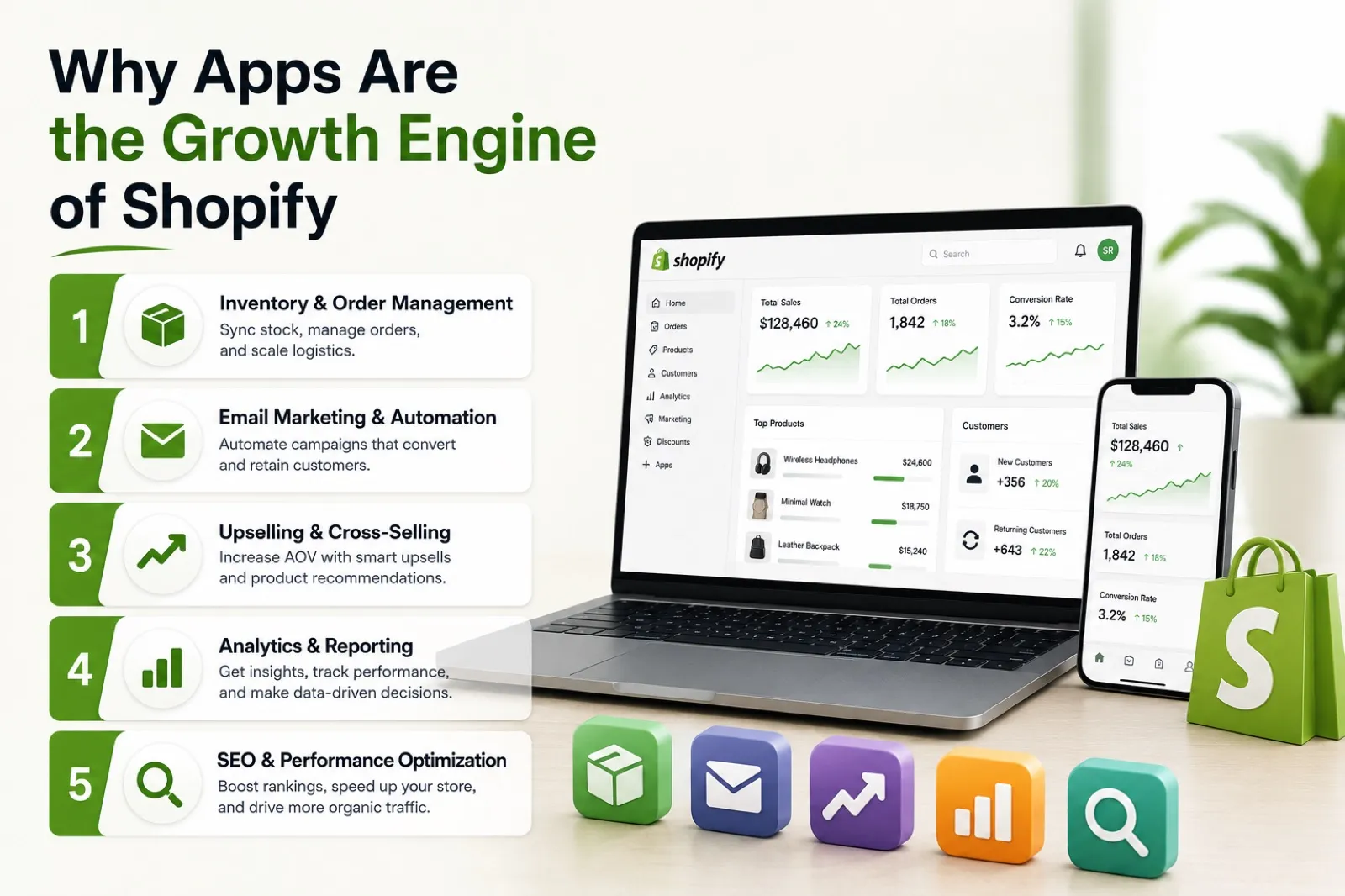
Shopify apps can solve operational gaps in inventory, email, merchandising, analytics and SEO. They are not a universal shopping list: begin with the platform’s current native features, identify one business need and test whether an additional tool earns its cost. This guide covers five categories and a practical selection process.
Reviewed 1 October 2026: the earlier Stocky recommendation has been removed. Shopify confirms that Stocky became unavailable on 31 August 2026. Existing users should follow the official transition guidance rather than treating it as a current app option.
Choose Shopify apps by the workflow they improve
Write the problem before opening an app listing. Is stock reconciliation taking too long? Are customer messages inconsistent? Is a product comparison difficult to understand? Define the result, the owner and the existing process. A tool is easier to evaluate against that brief than against a promise of growth.
Separate administrative tools from storefront features. Some Shopify apps work behind the scenes; others add requests, visible components or interaction work. Neither the app count nor the price reveals the total impact. Check the relevant customer and staff journeys.
1. Shopify apps for inventory and order operations
Start with the stock, location, purchase-order and fulfilment capabilities already available to your store. Map the source of truth for each record. If an external warehouse or ERP owns stock, establish how changes reach Shopify and what happens when a synchronisation fails.
An additional inventory tool may be justified for a documented gap such as a specialised warehouse workflow or reporting need. Demonstrate an ordinary receipt, a partial shipment, a return and an adjustment. Check identifiers, location mapping, permissions and reconciliation rather than choosing by an arbitrary orders-per-day threshold.
Stocky’s retirement is a useful reminder that dependencies change. Review historical data and integrations during a transition, and train the staff using the replacement process. Do not assume every old record or feature transfers automatically. Keep recovery and export responsibilities visible.
2. Shopify apps for email and customer communication
Compare the existing marketing tools with the messages your business actually needs. A useful brief might include a delivery-aware follow-up, a back-in-stock notification or a segmented campaign. Specify the trigger, audience, content owner and success measure before selecting a platform.
Check integration quality using a test customer and representative order. Confirm that fields, consent status and relevant events reach the tool correctly. Inspect duplicate messages and suppression behaviour. An attractive automation canvas does not establish that the real data will be reliable.
Pricing may depend on contacts, sending volume or usage tiers. Verify current vendor terms and expected growth rather than relying on old free-plan limits. Shopify apps for communication also need suitable permissions and privacy configuration; seek specialist advice where legal requirements are uncertain.
3. Shopify apps for merchandising and recommendations
Define the merchandising task: a relevant accessory suggestion, a clearer bundle presentation or guidance between similar products. Check whether the current theme or supported native capability can meet it before adding a separate service.
Evaluate the offer on the full purchase journey. Confirm availability, pricing, discounts, returns and order records. An upsell that increases one displayed metric but creates confusing charges or more returns may not improve the business result.
Do not assume a universal conversion lift. Use a suitable baseline and a controlled comparison where traffic permits, including margin and customer experience. Some presentation features fit theme code; backend pricing, subscription and inventory behaviour may still need apps or platform APIs. Our theme comparison explains that distinction.
4. Shopify apps for analytics and investigation
Start with the question, not the dashboard. You may need to understand a campaign’s sales, a recurring cart problem or the profit contribution of a customer cohort. Document event definitions and ownership so different tools are not quietly measuring different things.
Test an order through the relevant tracking setup. Look for missing events, duplicate purchases and mismatched values. Check how consent and visitor states affect collection. Shopify’s app-pixel guidance is a useful implementation reference, not a substitute for your configuration review.
Session recordings and similar tools may help investigate usability, but they need appropriate privacy settings and access controls. Collect only what is needed for the question. Keep observed behaviour separate from an inferred cause and verify a proposed repair with the actual customer task.
5. Shopify apps for SEO and performance
Identify a technical or editorial gap before installing an SEO tool. Shopify already provides several platform-level capabilities; the actual theme and app stack still need checks for accessible output, useful titles, appropriate canonical preferences and accurate structured data.
A schema app does not guarantee rich results, and an image app does not guarantee a faster store. Check whether the current implementation already handles the task, whether another tool would duplicate output and how the change will be measured.
Use the Shopify speed guide to investigate a measured bottleneck and the Core Web Vitals guide to distinguish field evidence from diagnostics. The goal is useful public behaviour, not a longer stack of overlapping optimisation labels.
A practical pilot for new Shopify apps
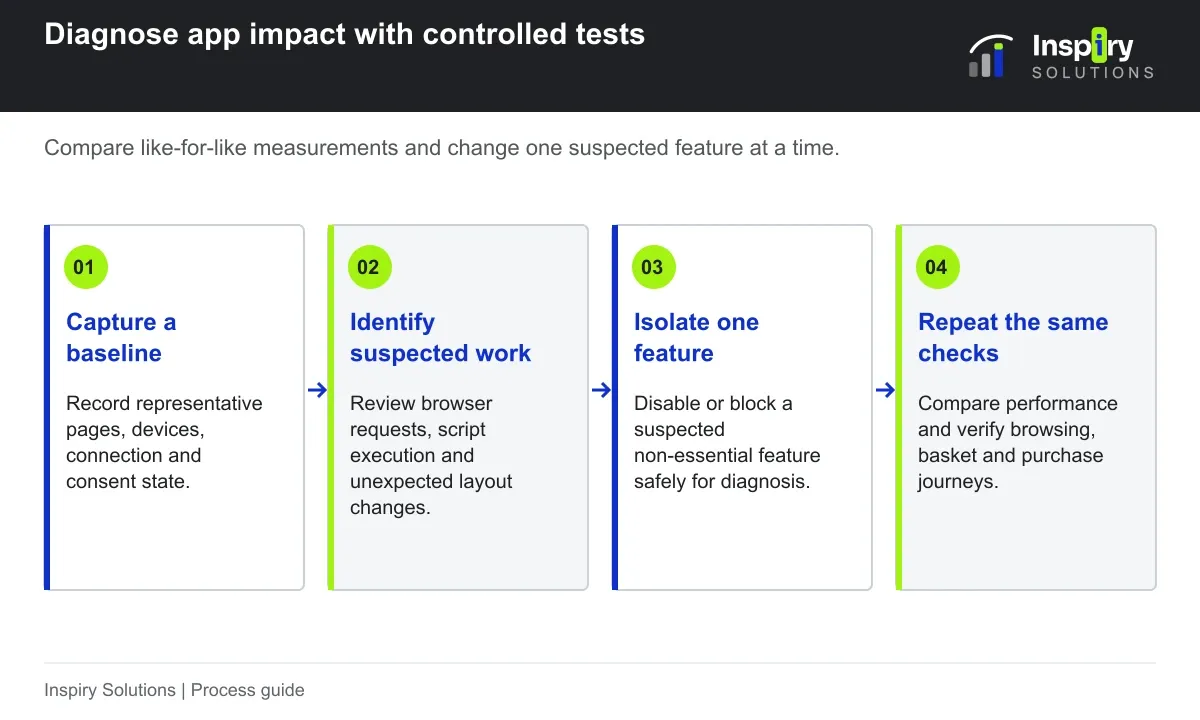
Choose one tool at a time. Record the existing process, representative pages, expected benefit and acceptable constraints. Use a safe trial or testing arrangement supported by the provider, and avoid changing several dependencies at once.
- Verify the supported workflow with your own representative data.
- Read access permissions and explain why each sensitive capability is needed.
- Record current billing, usage limits, trial terms and any external charges.
- Measure the relevant storefront or staff task before and after configuration.
- Test exceptions, such as unavailable stock, failed payment or suppressed communication.
- Check support using a real implementation question and record the response.
- Confirm exports, removal steps and recovery before approving continuing use.
Shopify’s app-charge documentation explains that billing arrangements need attention. Keep cancellation, uninstall and external supplier responsibilities separate rather than assuming one click resolves every charge.
Keep a useful Shopify apps register
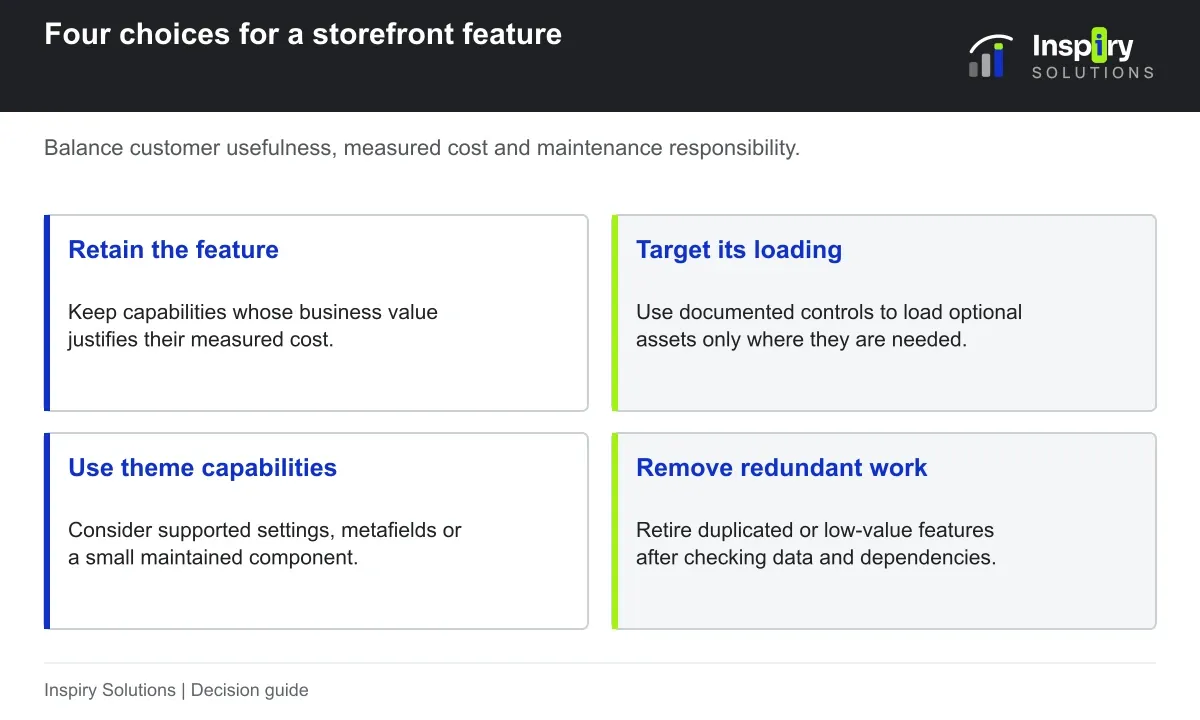
Record the owner, purpose, cost, permissions and dependent workflows for each tool. Include the affected templates, installation method and date of the last useful review. If nobody can explain why the tool exists, investigate before removing it.
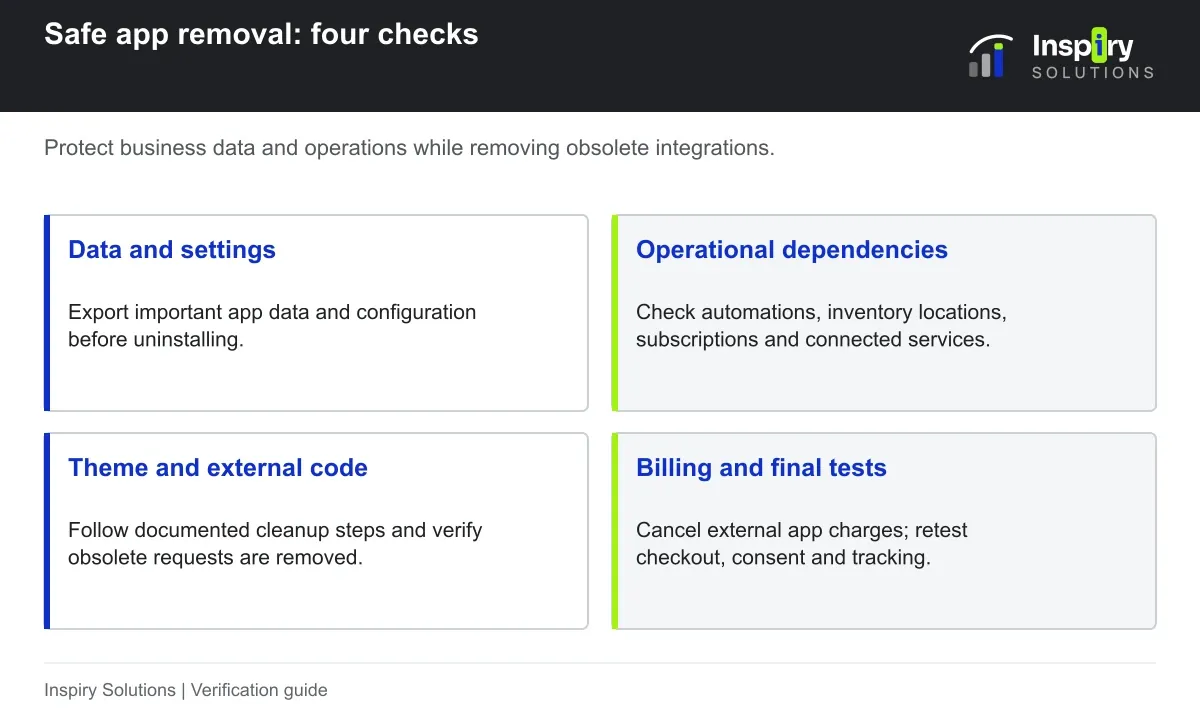
After removal, check leftover theme code, exports, external billing and broken integrations. Repeat the buying journey and relevant tracking tests. Removing redundant work can help performance, but a faster page is not proof that the business process survived.
Review dependencies after meaningful changes as well as on a routine schedule. A new theme, warehouse or marketing strategy can alter the case for a tool. Our Shopify development service can help compare supported configuration with a focused custom implementation, while the budget guide keeps continuing costs visible.
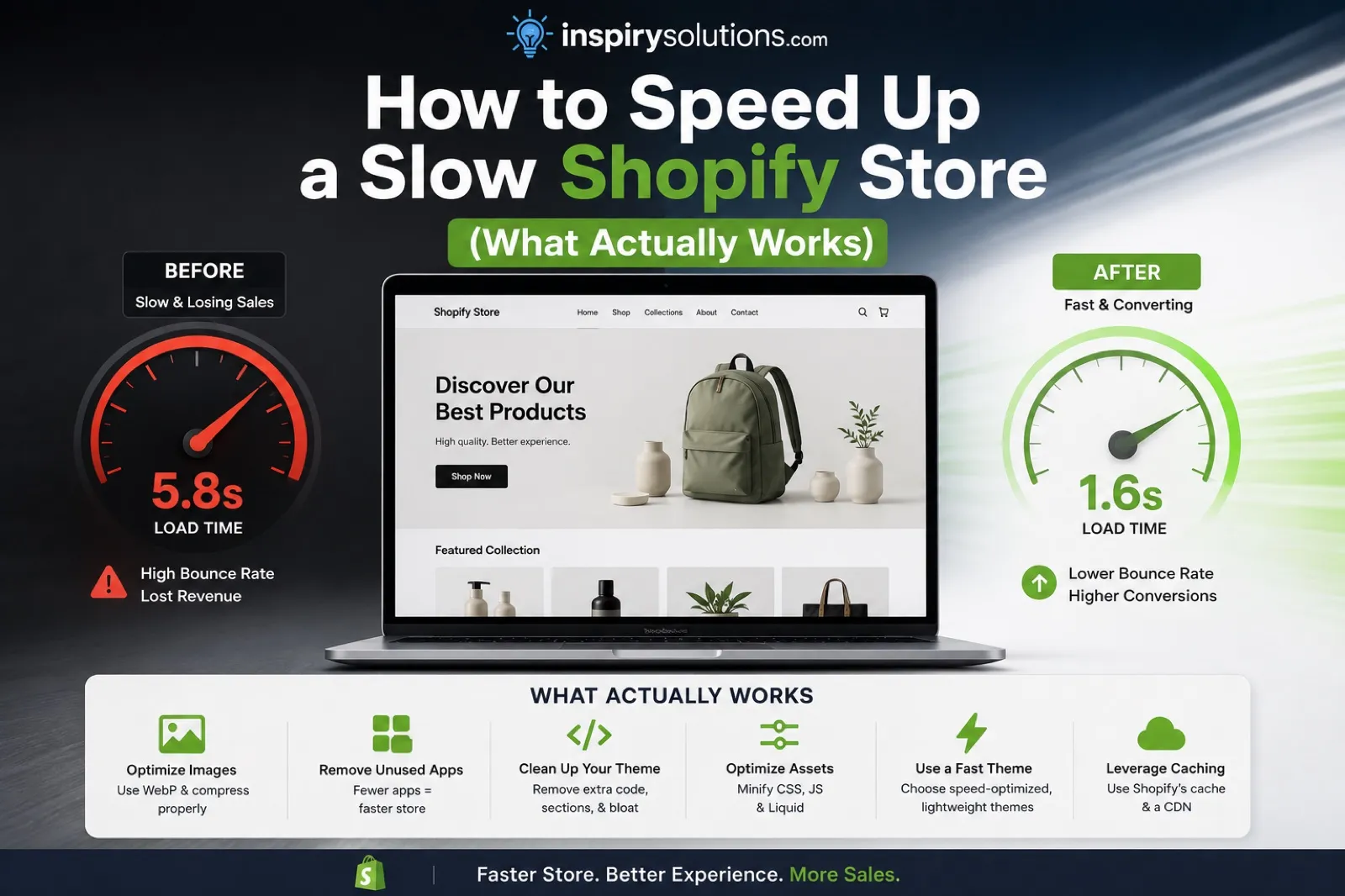
Too many apps can slow a store down. Our guides on Shopify app bloat and speeding up a slow Shopify store explain what to check before installing another one.
Common questions
How many Shopify apps should a store install?
There is no universal limit. Keep tools that solve a verified need with acceptable costs, permissions and performance. A few heavy storefront features can matter more than many administrative integrations.
Is Stocky still a recommended inventory option?
No. Shopify says Stocky became unavailable on 31 August 2026. Existing users should review the official transition guidance, data exports and dependent integrations rather than install it as a new solution.
Which Shopify apps category has the best return?
It depends on the business constraint. Inventory accuracy, communication, merchandising or reporting may matter most in different stores. Define the baseline and outcome; do not apply a universal revenue or ROI claim.
Do all Shopify apps slow the storefront?
No. Impact depends on what the tool does and where it runs. Review storefront requests and interaction work, then test a controlled change. App count alone is not a diagnosis.
Should I use two Shopify apps for the same SEO task?
Usually clarify ownership before adding overlap. Duplicate metadata or structured data can create confusion. Check the actual output and choose the smallest supported setup that meets the requirement.
Does uninstalling Shopify apps cancel every charge?
Check the billing arrangements and current documentation. External services and previously incurred charges may need separate attention. Record removal, cancellation and verification steps rather than assuming they are identical.
Can custom theme code replace Shopify apps?
It can replace suitable presentation features, but not automatically backend services, pricing rules or integrations. Compare ongoing support and platform capabilities before choosing custom code purely to remove a monthly subscription.
Your next step
Add Shopify apps for verified gaps, not because a list calls them essential. Start with one business problem, test the native alternative and keep the tool only when the evidence supports its continuing cost.