Shopify app bloat occurs when installed apps and related code add more cost, complexity or storefront work than the business value they provide. Diagnose it by measuring affected pages, mapping each feature to an owner and testing changes individually. Remove redundant features, reduce unnecessary loading and protect essential operations before uninstalling anything.
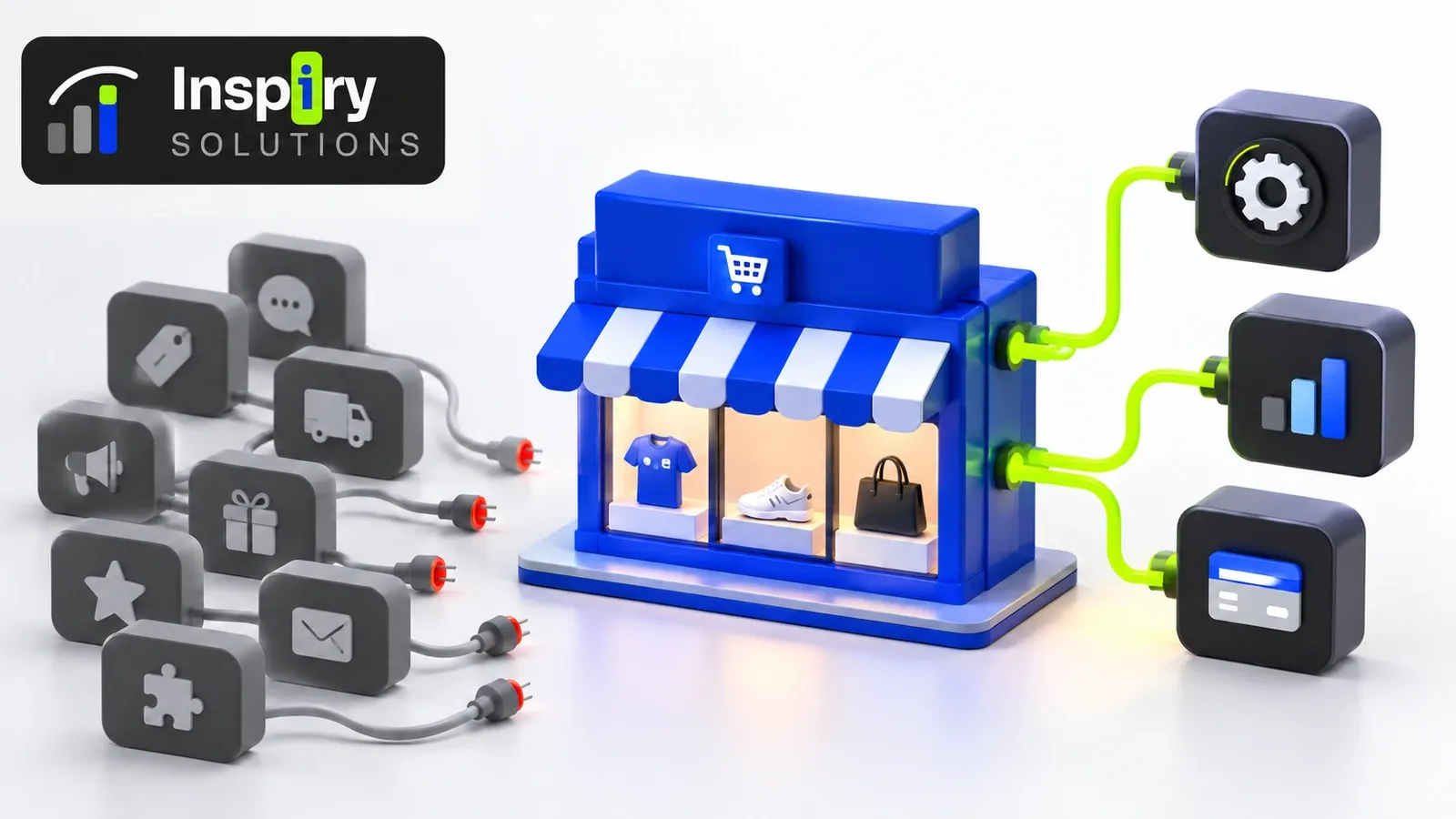
There is no universal safe app count. A store with several background integrations can perform well, while one intrusive storefront widget can cause problems. The practical question is what loads, what runs and whether the resulting customer experience justifies it.
Recognise Shopify app bloat before blaming every app
Shopify app bloat symptoms can include delayed product content, unresponsive variant selectors, moving page elements, repeated pop-ups and duplicated tracking events. Staff may also face overlapping dashboards, unexpected charges and uncertainty over which app controls a feature.
When assessing Shopify app bloat, separate storefront performance from operational complexity. An inventory connector might contribute little browser code yet be difficult to manage. A review widget might be easy to administer but add substantial browser work. The fixes are different.
Shopify’s performance guidance identifies themes, installed apps and manually added third-party code as areas to review. Images, page composition and custom code also deserve investigation. Treat Shopify app bloat as a hypothesis to test, not the explanation for every slow page.
1. Build the Shopify app bloat inventory
Record each app’s purpose, owner, subscription, pages affected, data held and dependencies. Include sales channels, theme app embeds, custom integrations and code added through tag managers. The installed-app list does not necessarily describe everything reaching a shopper’s browser.
Classify each feature as storefront, administration, fulfilment, marketing or measurement. Identify whether it is essential to trading, useful with evidence or awaiting review. Do not confuse a feature’s visibility with its importance: a hidden fulfilment integration may be more critical than a prominent pop-up.
| Inventory field | Question to answer |
|---|---|
| Purpose | Which business task does it support? |
| Owner | Who can approve changes? |
| Loading scope | Which templates load its assets? |
| Dependencies | What stops working if it is removed? |
| Evidence | What shows that it remains useful? |
| Exit plan | How are data and configuration retained? |
Use the Shopify app bloat inventory to establish responsibility and identify candidates for further investigation. The guide to Shopify apps for scaling provides context for deciding which capabilities belong in a growing store.
2. Measure a baseline that reflects shoppers
Choose representative home, collection, product and article pages for Shopify app bloat testing. Include products with variants, reviews or subscriptions, plus the basket journey. Record the device, connection, consent state and test conditions so later comparisons are meaningful.
Review available real-user performance data alongside controlled tests. A synthetic test helps isolate a change, while real-user data reflects different devices and interactions. Aggregated reporting may take time to reflect a release, and some pages may not have enough data.
Understand the three Core Web Vitals: Largest Contentful Paint concerns visible main content, Interaction to Next Paint concerns responsiveness and Cumulative Layout Shift concerns unexpected movement. A single headline score can hide which experience needs attention. The Core Web Vitals business guide explains their practical relevance.
Save screenshots, interaction notes and network or performance recordings as your Shopify app bloat baseline. Also capture business indicators such as successful add-to-basket actions and checkout errors. You need to know whether a change helped browsing without damaging the purchase journey.
3. Isolate the actual cost of a suspected app
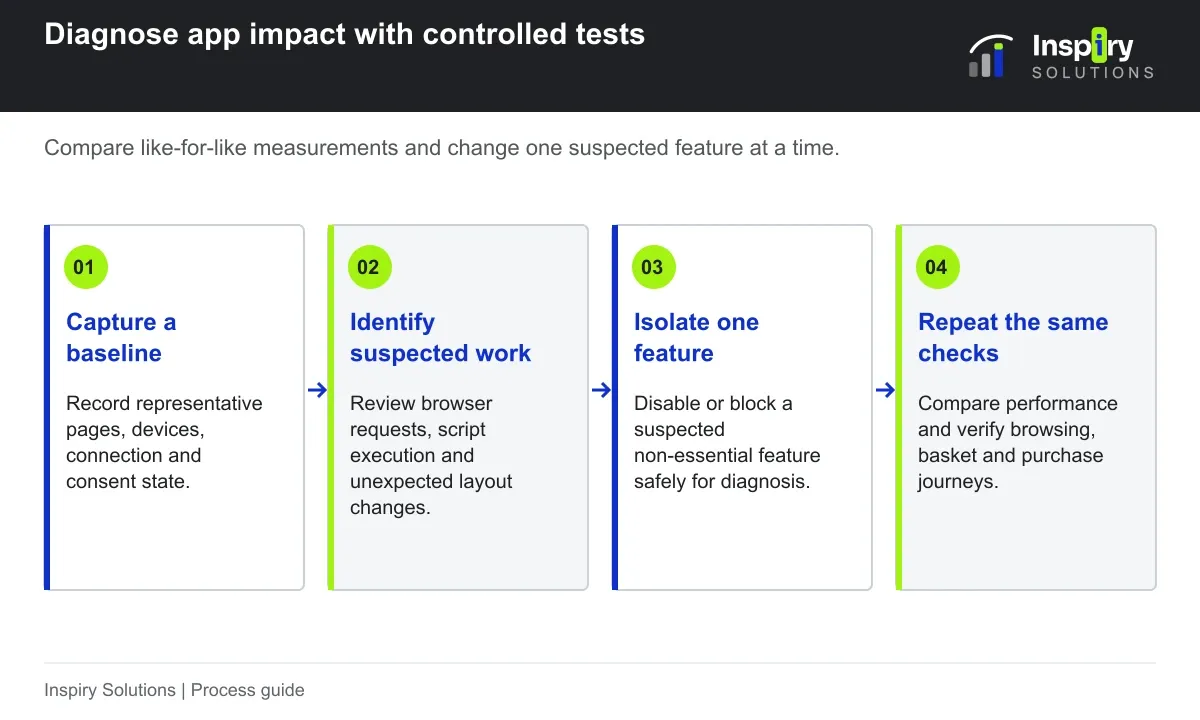
Use a duplicate theme for changes that can be isolated there, but check what remains store-wide. An unpublished theme does not create a fully separate store. Some app settings, pixels and operational changes can affect the live business regardless of the theme.
A developer can examine network requests and browser performance recordings to identify scripts, heavy execution and layout changes. web.dev’s third-party JavaScript guidance describes blocking suspected requests during controlled testing to compare their impact.
Disable one non-essential feature or integration at a time where safe, then repeat the same measurements and journeys. Request blocking helps diagnose Shopify app bloat; it does not prove the feature can be removed without consequences. Check the business dependencies separately.
Hypothetical example: reviews are not the main problem
A homeware store suspects its review app because product pages feel slow. Testing shows the main image loads late even with review requests blocked, while a separate promotional widget delays interactions. The appropriate work is to correct image loading and investigate that widget, rather than remove reviews based on assumption.
If the source of Shopify app bloat remains unclear, use website performance analysis to connect observed delays with the code responsible.
4. Remove overlapping features with an owner-approved plan
A Shopify app bloat review should look for multiple tools handling pop-ups, recommendations, tracking, size guides or badges. Each may have been installed for a valid reason, but the combined result can overwhelm customers and duplicate browser work.
Choose the feature that best meets the current requirement. Consider accessibility, mobile behaviour, reporting and data portability as well as speed. Consolidation is useful when it reduces real duplication; a larger all-in-one app can introduce its own complexity.
Include tracking code in the Shopify app bloat review with your analytics lead. The same event can be sent from a theme integration, an app and a tag manager. Removing duplication requires understanding the measurement design, rather than deleting whichever script looks unfamiliar.
Check discounts, subscriptions, bundles and loyalty rules carefully. Similar-looking features can own different data or checkout behaviour. Obtain business approval for the replacement workflow and test existing customers as well as new ones.
5. Reduce loading that shoppers do not need
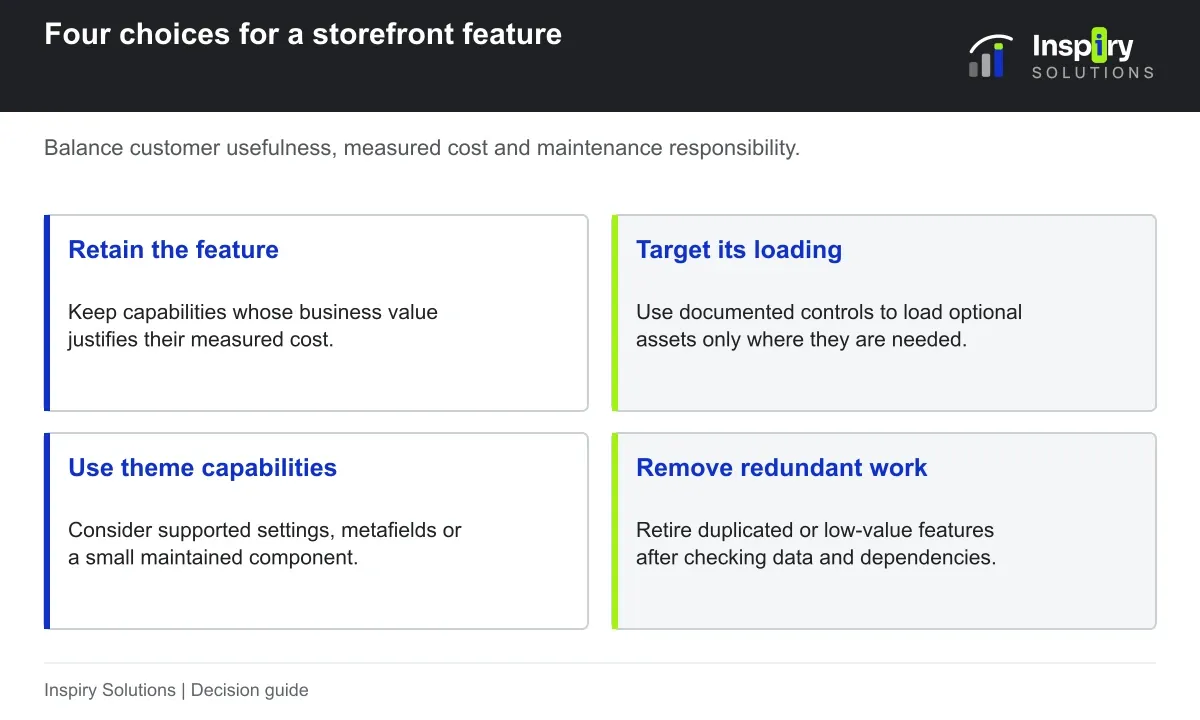
A feature needed on selected product pages should not automatically add the same assets to every template. Ask the vendor or developer whether page targeting, module selection or conditional loading can reduce Shopify app bloat. Prefer documented controls over fragile edits to app-generated code.
Review chat, video, recommendations and promotional elements separately. Some non-essential features can load later or on interaction, but that decision must preserve accessibility and expected behaviour. Important product information should remain available when optional services fail.
Reserve appropriate space for widgets so late content does not push existing content around. Test consent-accepted and consent-declined states, because the code that loads may differ. Keep required consent behaviour intact while optimising optional requests.
Shopify theme app extensions provide app blocks and embeds without requiring direct theme-file edits. They can simplify placement and maintenance, but the scripts and content they supply still need performance review.
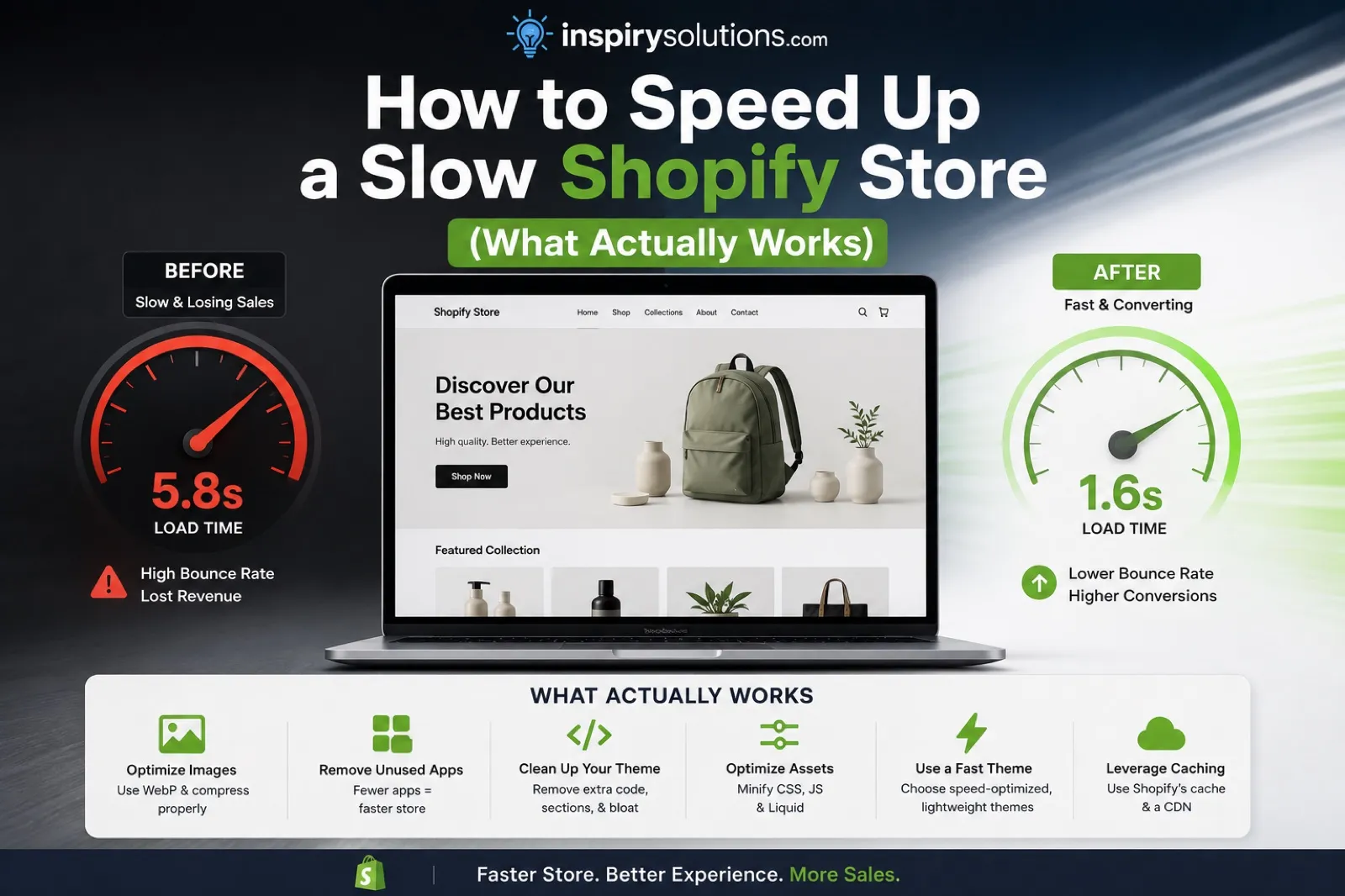
Do not add a speed app merely because another app is slow. Establish which problem it solves and whether its own code improves the measured experience. For broader bottlenecks, follow the slow Shopify store improvement guide.
6. Choose lighter alternatives to Shopify app bloat
Check the theme and platform capabilities before buying another tool. Simple product information, badges or layout elements may be supported through theme settings, metafields or a small maintained theme component. Availability depends on the setup; test the actual requirement.
Custom development can suit a narrow, stable storefront feature. It is less attractive when you would need to recreate complex subscription billing, reviews infrastructure or ongoing external integrations. Those services include responsibilities that extend beyond displaying a widget.
Compare lifetime support, editing control and data ownership. A small bespoke component still needs documentation, compatibility checks and a maintainer. A cheaper subscription is not automatically a better technical or commercial fit.
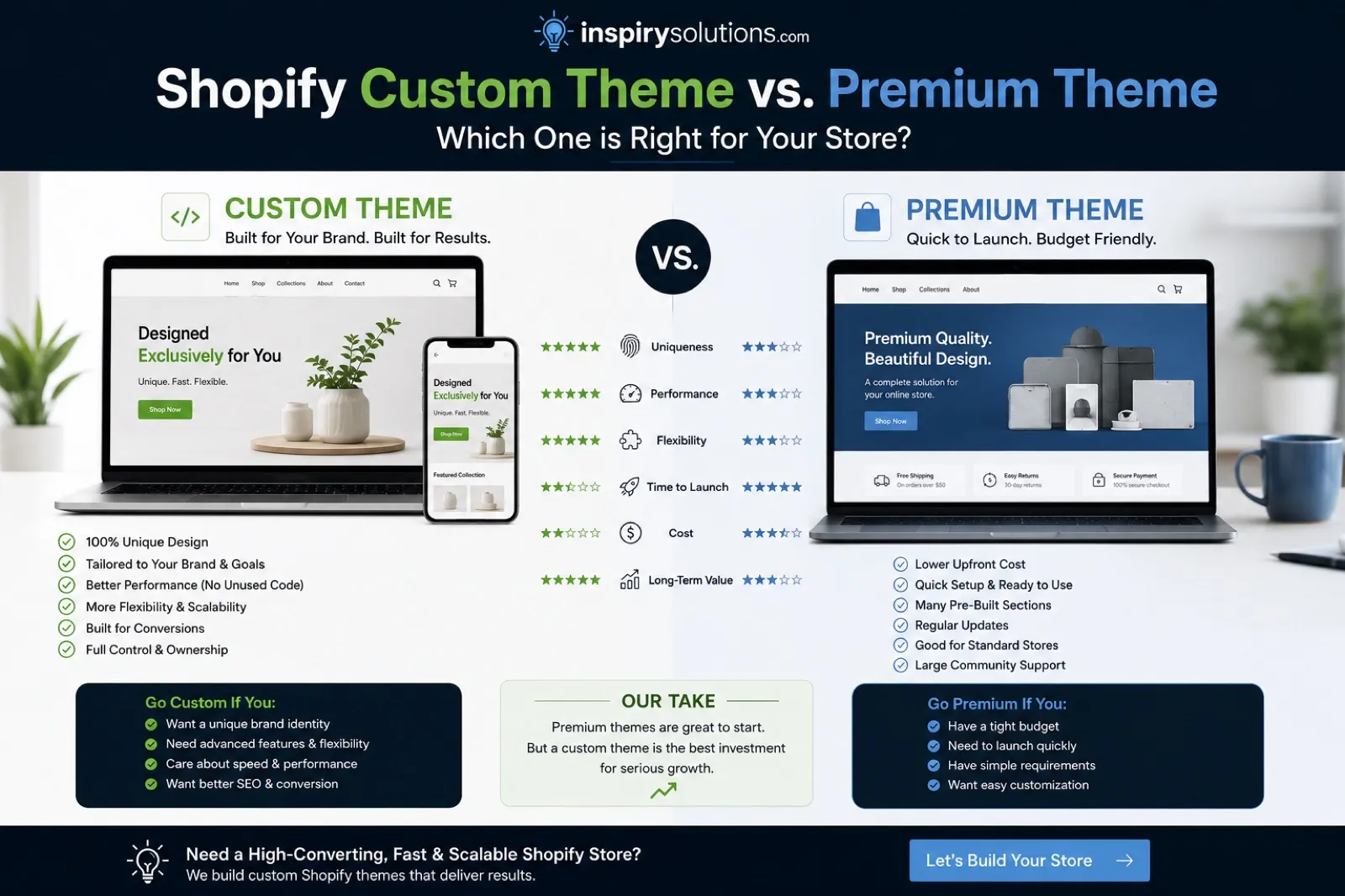
Our custom versus premium Shopify theme guide helps separate theme requirements from app requirements. Involve Shopify development support when a focused component or integration could replace unnecessary storefront work.
7. Uninstall carefully and verify what remains
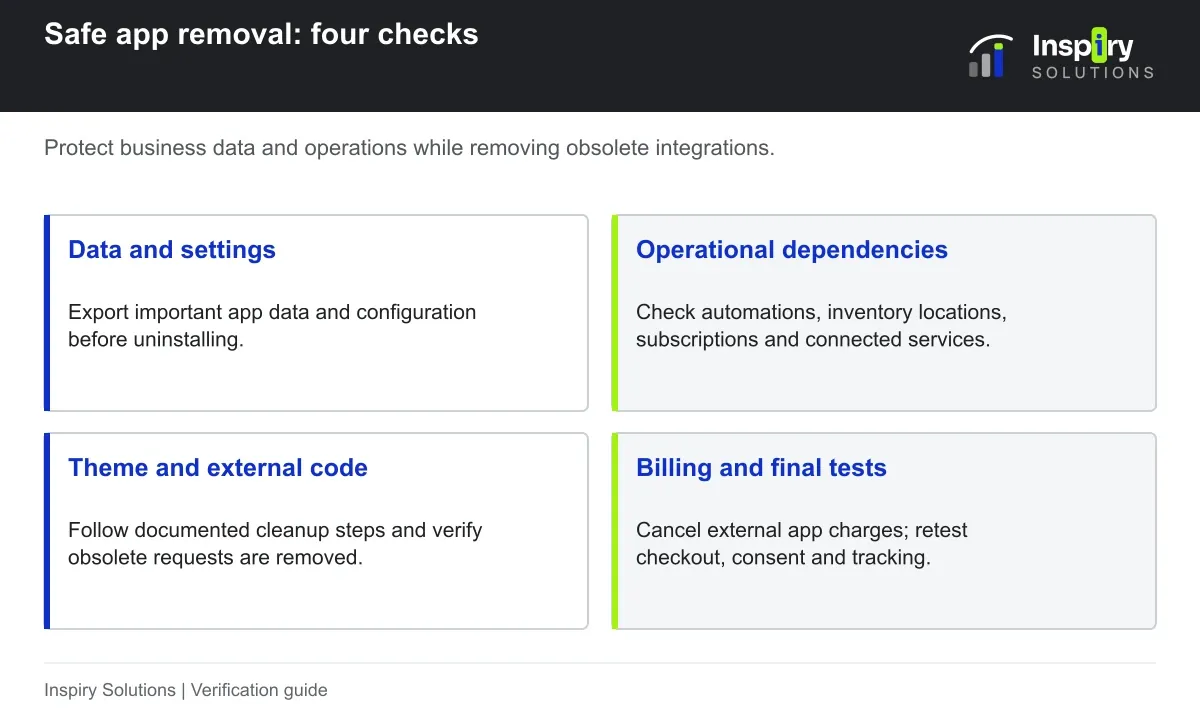
Before Shopify app bloat cleanup, export important app data and settings. Check dependent automations, inventory locations, subscriptions and external services. Record how the business will perform the task afterwards, and prepare recovery steps where they are practical.
Shopify’s uninstall guidance warns that some apps leave theme code requiring extra removal. It also notes that external billing may need separate cancellation. Follow the vendor’s documented process instead of assuming uninstallation completes every part of cleanup.
Ask a developer to remove confirmed obsolete snippets, assets and integration references using version control. Do not delete all code containing an app’s name without understanding the references. Another active feature may depend on shared code or stored data.
Retest pages, variants, basket behaviour, checkout, consent and analytics. Check network requests for obsolete endpoints and the browser console for new errors. Publish in a controlled release, then watch real-user performance and business operation over an appropriate observation period.
Prevent Shopify app bloat from returning
Require a brief before installing a new app: the problem, owner, alternative considered, acceptance checks and review date. Record the templates affected and the way to remove it. This creates a simple decision process that staff can follow.
Evaluate important changes against your baseline and retain a release history. Review the stack when the theme changes, campaigns end or the business adds a new workflow. If a platform move is planned, include the inventory in the Shopify migration SEO checklist before choosing replacement integrations. Forgotten trials and temporary promotions should not become permanent dependencies by default.
Set practical budgets for storefront assets and interactions with your developer. The purpose is to prompt investigation when complexity grows, not impose an arbitrary app limit. Review customer experience and commercial usefulness together.
Frequently asked questions
How many Shopify apps are too many?
There is no universal Shopify app bloat threshold. Loading scope, execution cost and business dependencies matter more than the count. Measure the pages and workflows customers actually use.
Do all apps slow the storefront?
No. Some mainly handle background or administration work. Others add storefront scripts and content. Assess the specific integration rather than applying one assumption to every installed app.
Is disabling an app block enough?
It may remove that visible block, but other embeds, settings or integrations can remain active. Check the vendor’s documentation and confirm which requests and behaviours changed.
Does uninstalling remove all app code?
Not always. Shopify app bloat can persist when integrations leave theme changes or externally managed code. Follow documented cleanup steps and verify the storefront after removal.
Is custom code always faster?
No. It can be lighter for a narrow feature, but poor loading decisions and expensive scripts also occur in bespoke work. Test it against the same acceptance criteria.
Will removing apps increase sales?
It may improve usability, but deleting a useful feature can also hurt the shopping journey. Measure performance and business outcomes without assuming a guaranteed conversion gain.
Keep the value and remove the unnecessary work
Managing Shopify app bloat starts with an inventory and evidence. Identify costly or duplicated features, test focused changes and choose maintainable alternatives. Careful cleanup protects essential operations while giving shoppers a more predictable storefront and your team a stack it can understand.