Google Business Profile optimisation starts with an eligible, verified profile that accurately describes your service business. Check ownership, name, categories, address or service areas, hours, services and contact routes. Add genuine evidence, request reviews without incentives and measure suitable enquiries. A complete profile supports discovery but cannot guarantee a particular local ranking.

Use this checklist after an ownership handover, a change of premises or a major service update, then schedule regular reviews. An agency should agree which facts the client must approve and which website or tracking changes the technical team owns.
Understand what optimisation can influence
Google’s local ranking guidance describes relevance, distance and prominence or popularity. Accurate information helps establish what the business offers. You cannot choose the searcher’s physical location or purchase an improved organic local ranking.
Keep website results, profile interactions and actual sales separate. A business can receive more discovery while still struggling with unsuitable enquiries or missed calls. Coordinate profile management with local SEO so the listing and destination pages describe the same service.
Google Business Profile optimisation checklist
1. Confirm ownership, access and verification
Identify the account responsible for your Google Business Profile and keep business-controlled ownership. Give agencies or team members the access needed for their role. Avoid leaving essential access dependent on a former employee’s personal account.
Check Google Business Profile verification status and unresolved notifications. Record the profile link, responsible owner and recovery contact in your internal register. When inheriting a listing, review existing access before making substantial edits. Do not create a competing profile simply because the original owner is difficult to reach.
2. Use the real public business name
Compare the Google Business Profile name with signage, the website and normal customer-facing materials. Follow Google’s business representation guidelines. Adding service keywords or towns that are not part of the real name creates an accuracy and policy problem.
Record an approved Google Business Profile naming convention for branches. If a business has genuinely rebranded, plan the change across the profile, website and public materials. Do not treat frequent name edits as a ranking experiment.
3. Choose categories that describe the business
Review the Google Business Profile primary category against the main service customers buy. Add relevant secondary categories for genuine activities rather than every adjacent service that might generate an enquiry. Category availability can vary, so assess the choices in your profile.
Hypothetical example: an electrical contractor also provides inspection services. Its category choices should reflect the actual business and offering, while the services section explains specific work. Categories are not a replacement for a clear service description.
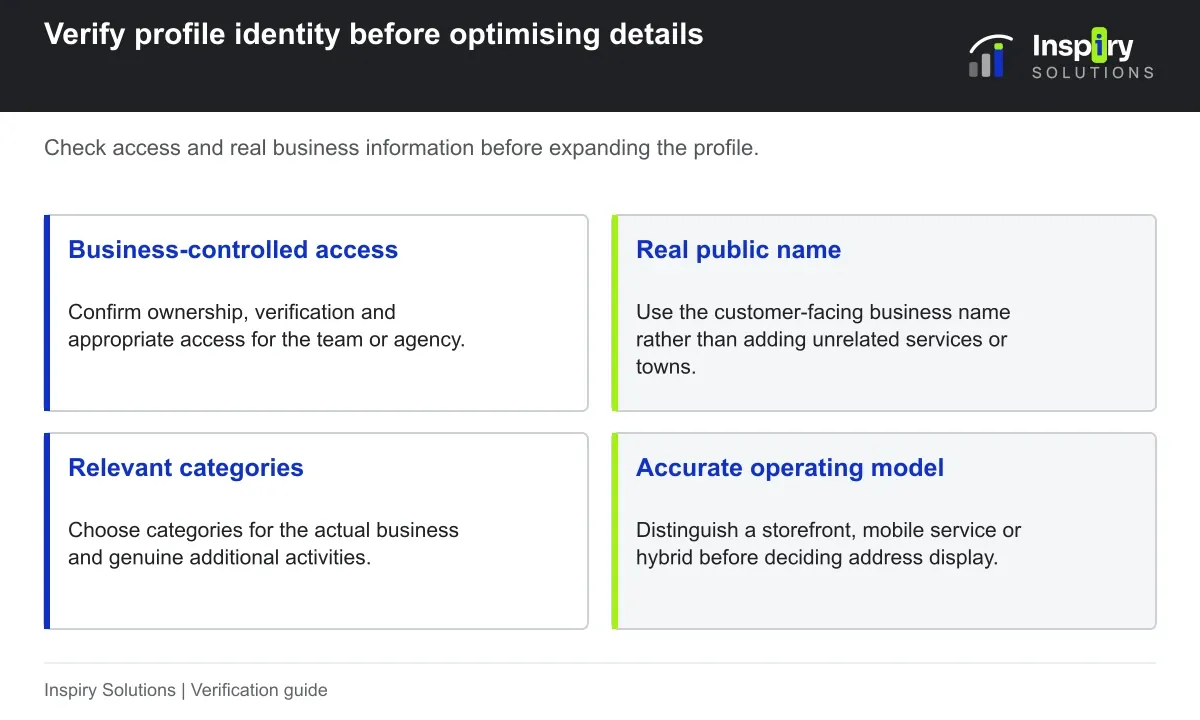
4. Match the address display to the operating model
Distinguish a storefront, a service-area business and a hybrid operation. If customers do not visit your address, follow Google’s rules for hiding it. A hybrid location should genuinely receive customers during its stated staffed hours.
Do not use a mailing address or virtual office to imply a customer-facing branch. For multiple operating bases, assess each location against the eligibility rules. A town covered by a mobile team does not automatically justify another listing.
5. Describe realistic service coverage
Compare Google Business Profile coverage with actual scheduling and travel arrangements. Remove places the team cannot serve reliably. Keep a record of exceptions, such as certain services being available only near the operating base.
Use the website to explain details that the profile cannot communicate clearly. Customers may need to know whether appointments are grouped by area or whether collection is available. Do not expand the listed territory just to create the impression of a larger physical presence.
6. Check standard and special hours
Confirm Google Business Profile hours, holiday changes and temporary closures with the operational team. Separate customer access from appointment availability and emergency response. A business should not advertise continuous availability unless it can support that claim.
Align website contact information with your Google Business Profile. If calls are handled differently outside office hours, explain the arrangement clearly on the relevant page. Assign someone to approve special hours before holidays rather than correcting disappointed customers afterwards.
7. Describe services and limitations clearly
List services customers can actually purchase and remove discontinued offerings. Write concise descriptions that explain the work, suitable customers and important exclusions. Avoid turning every service name into a string of locations and promotional adjectives.
Check the Google Business Profile description for factual accuracy and compliance with profile rules. Supporting service pages should carry the detail. For a WordPress site, a maintainable service structure through WordPress development can help editors keep the website aligned with the profile.
8. Test telephone and booking routes
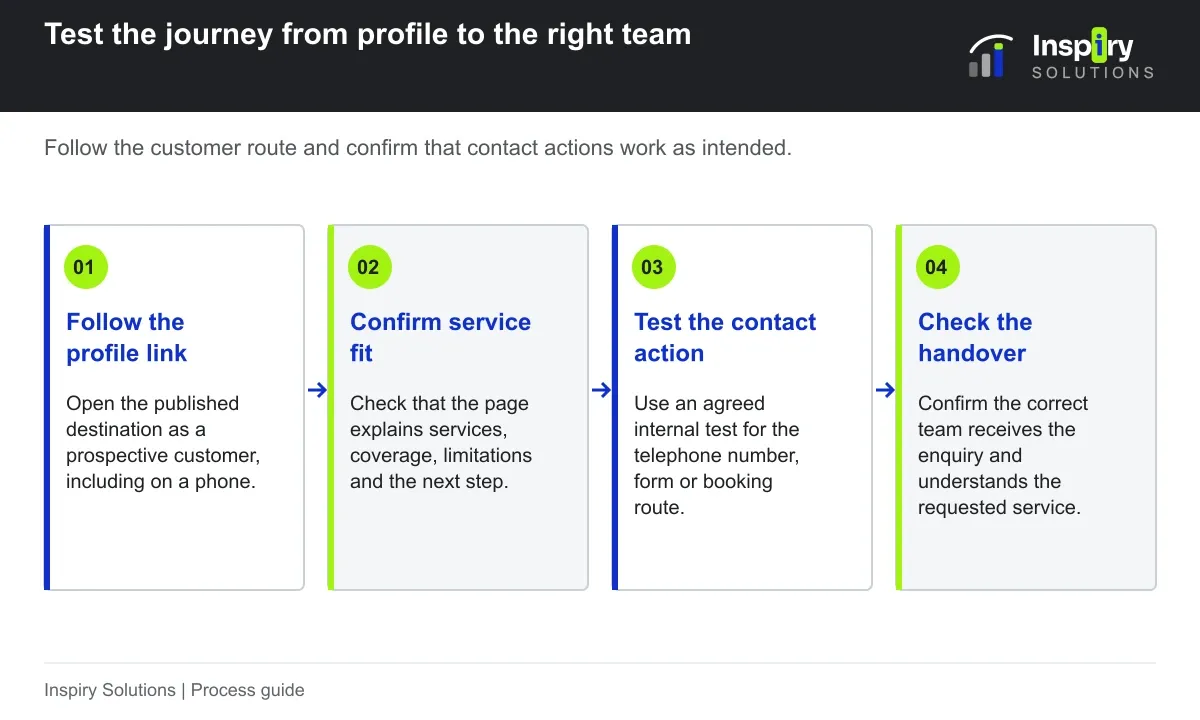
Call the Google Business Profile number through an agreed internal test and confirm that it reaches the correct team. Check available booking or appointment links, including confirmation messages and failed submissions. Review links whenever a scheduling provider changes.
If tracking is used, document how it works and preserve an accurate route to the business. Record who investigates missed calls and incomplete bookings. A profile audit is incomplete when its contact details look correct but have not been tested.
9. Send visitors to a relevant, usable page
Choose a Google Business Profile website destination that represents the business or individual branch accurately. A customer following a service profile should quickly understand scope, coverage and the next step. Avoid forcing them to locate the relevant information from a generic welcome page.
Test the page on mobile, including the enquiry form and consent interface. Include website performance checks and investigate broken redirects or indexing issues through technical SEO. A listing and its destination form one customer journey.
10. Use genuine, current photographs
Show the business people will encounter: premises, entrances, team members where appropriate, equipment and completed work you have permission to share. Remove imagery that could misrepresent current facilities or imply services you do not offer.
Organise Google Business Profile photographs by location and date in your internal library. Ask operational staff for useful updates when something changes. The purpose is to help customers recognise and assess the business, not to hit an arbitrary upload quota.
11. Request reviews without incentives or filtering
Request Google Business Profile reviews straightforwardly after a real customer experience. Google’s review policies prohibit incentives, selective requests for positive reviews and pressure for specified review content. Let customers choose whether and what to write.
Reply professionally and protect customer information. Move detailed complaint resolution to a suitable private channel. Flag suspected policy violations through the normal process rather than promising removal of every negative review.
Check agency scripts and automated messages as well as staff behaviour. A compliant policy is ineffective if the sending workflow filters customers by satisfaction score.
12. Measure interactions and suitable enquiries
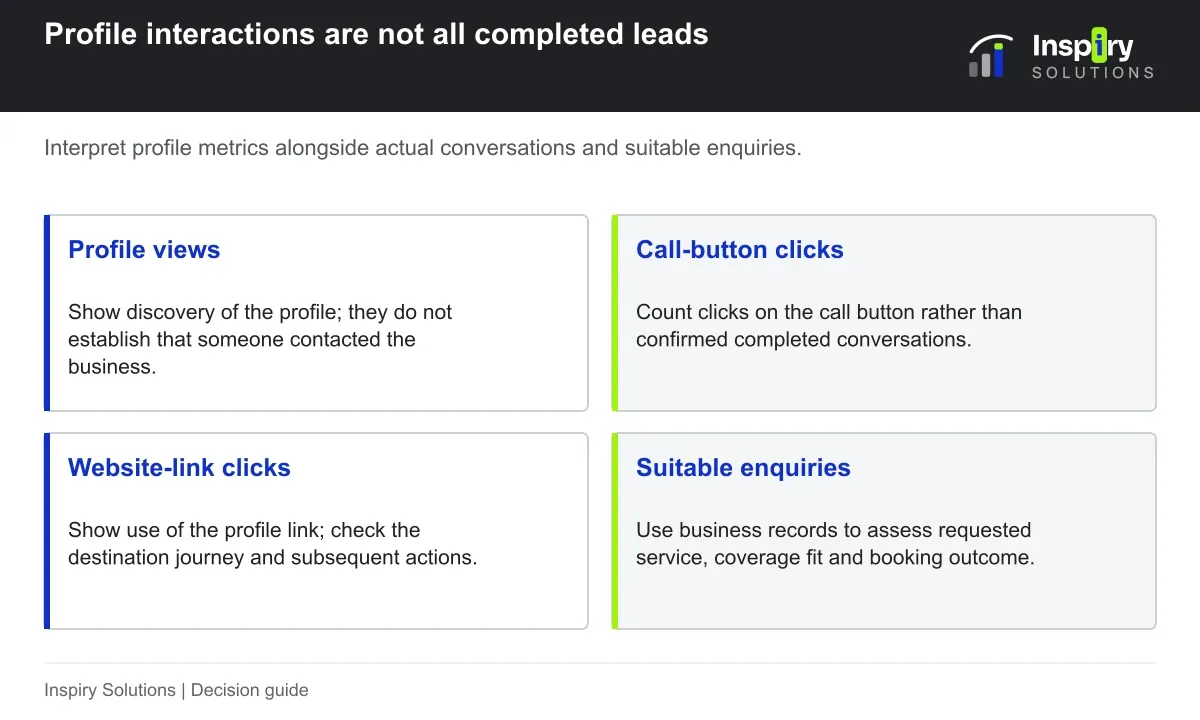
Use the Business Profile performance documentation to interpret available metrics. Calls represent clicks on the call button, not confirmed completed conversations. Website clicks are interactions with the profile link, not evidence that a visitor became a customer.
Compare Google Business Profile signals with answered calls, completed forms and qualified bookings. Record service requested, coverage fit and outcome. Use consistent date ranges and note seasonal factors or operational changes before attributing an increase to a profile edit.
Turn the checklist into monthly maintenance
| Frequency | Check | Responsible role |
|---|---|---|
| When operations change | Hours, coverage, contact routes and services | Business manager |
| Weekly | New reviews and urgent profile notifications | Profile manager |
| Monthly | Website journey, factual accuracy and enquiry quality | Marketing and operations |
| At agency handover | Ownership, access, tracking and change history | Business owner and agency |
Hypothetical example: a heating company changes its weekend call arrangements. The manager updates the profile, contact page and call-handling instructions together, then confirms that the published route works. The change log records the operational reason, so reporting does not misinterpret a call pattern as an SEO failure.
Include profile-linked pages in the website maintenance budget. When a redesign changes URLs or forms, use a documented redesign migration process and retest the profile links. Profile management needs coordination with the website team, not an isolated list of edits.
A profile works best alongside a website that supports it. Our local SEO service covers both. You may also find service area pages vs location pages and location pages for multiple branches useful when planning the pages your profile links to.
Frequently asked questions
Can a home-based service business have a profile?
An eligible business that visits customers may use a service-area setup. If customers do not visit the home address, follow the rules for hiding it. Eligibility depends on the actual business model.
Does adding more service areas guarantee more visibility?
No. Service coverage should describe operations accurately. Distance and other local factors still matter. Use the areas you can serve rather than treating the field as a ranking shortcut.
Do we still need a website?
A website provides room to explain scope, evidence and enquiry requirements. It also supports a controlled customer journey. A profile alone cannot carry every detail a buyer needs.
Can we offer a discount for an honest review?
No. Google’s policy prohibits incentives in exchange for reviews, even when you do not demand a positive rating. Request feedback without a reward, filtering or pressure.
How often should we add updates?
Publish relevant Google Business Profile updates when there is something useful to communicate. There is no universal posting frequency that guarantees rankings. Prioritise correct facts and dependable contact routes.
What should an agency report?
Report completed checks, approved changes, unresolved issues and suitable enquiry outcomes. Explain metric limitations and client responsibilities. A collection of profile screenshots is insufficient evidence of business impact.
Keep the profile aligned with the business
A useful Google Business Profile is accurate, eligible and connected to a dependable customer journey. Apply the twelve checks, assign owners and review changes with the operational team. Measure suitable enquiries alongside profile interactions, and use the findings to improve the next customer’s experience.
For branch-specific details, use the multi-location SEO guide to coordinate the website inventory and operating facts.