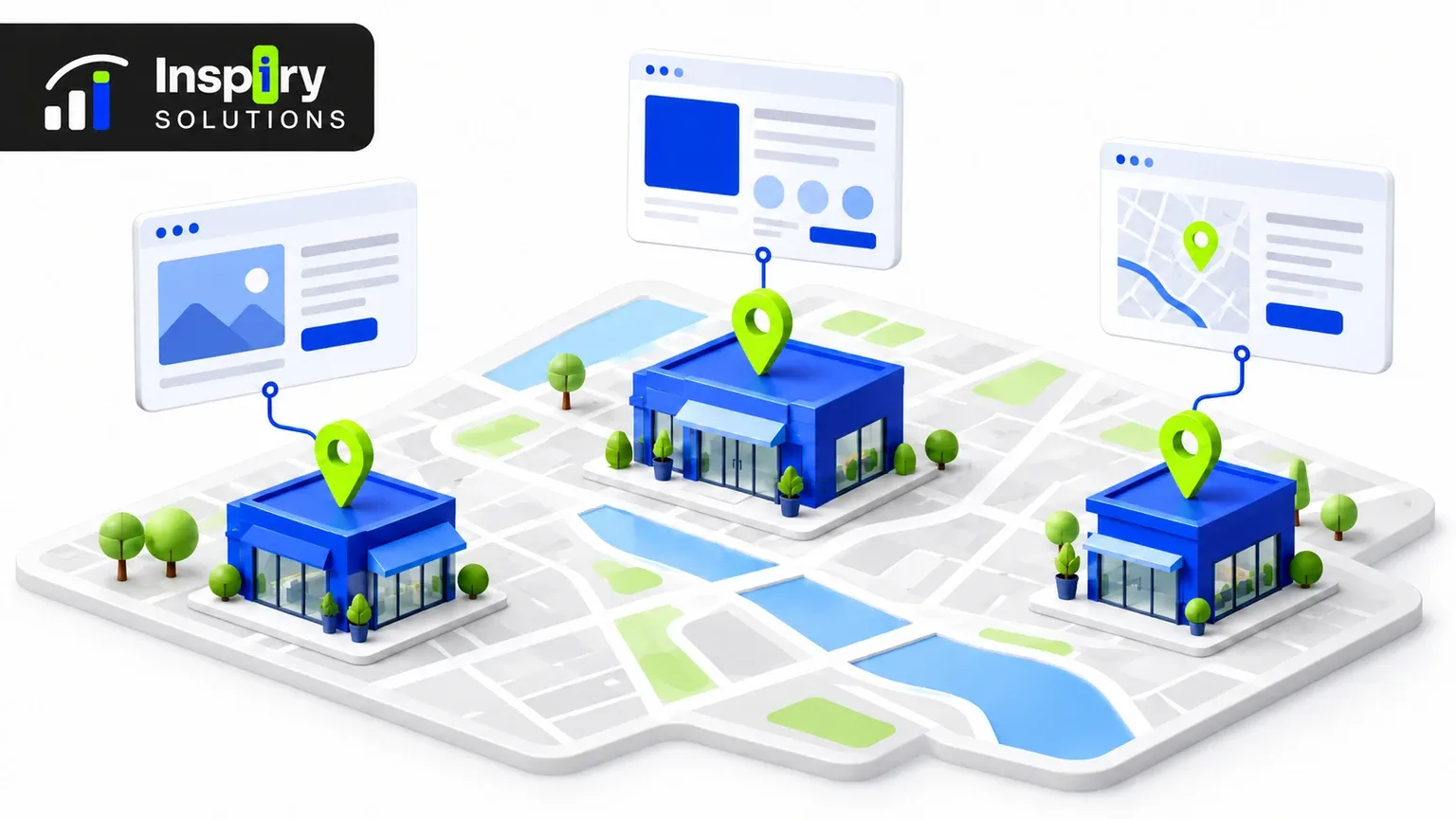
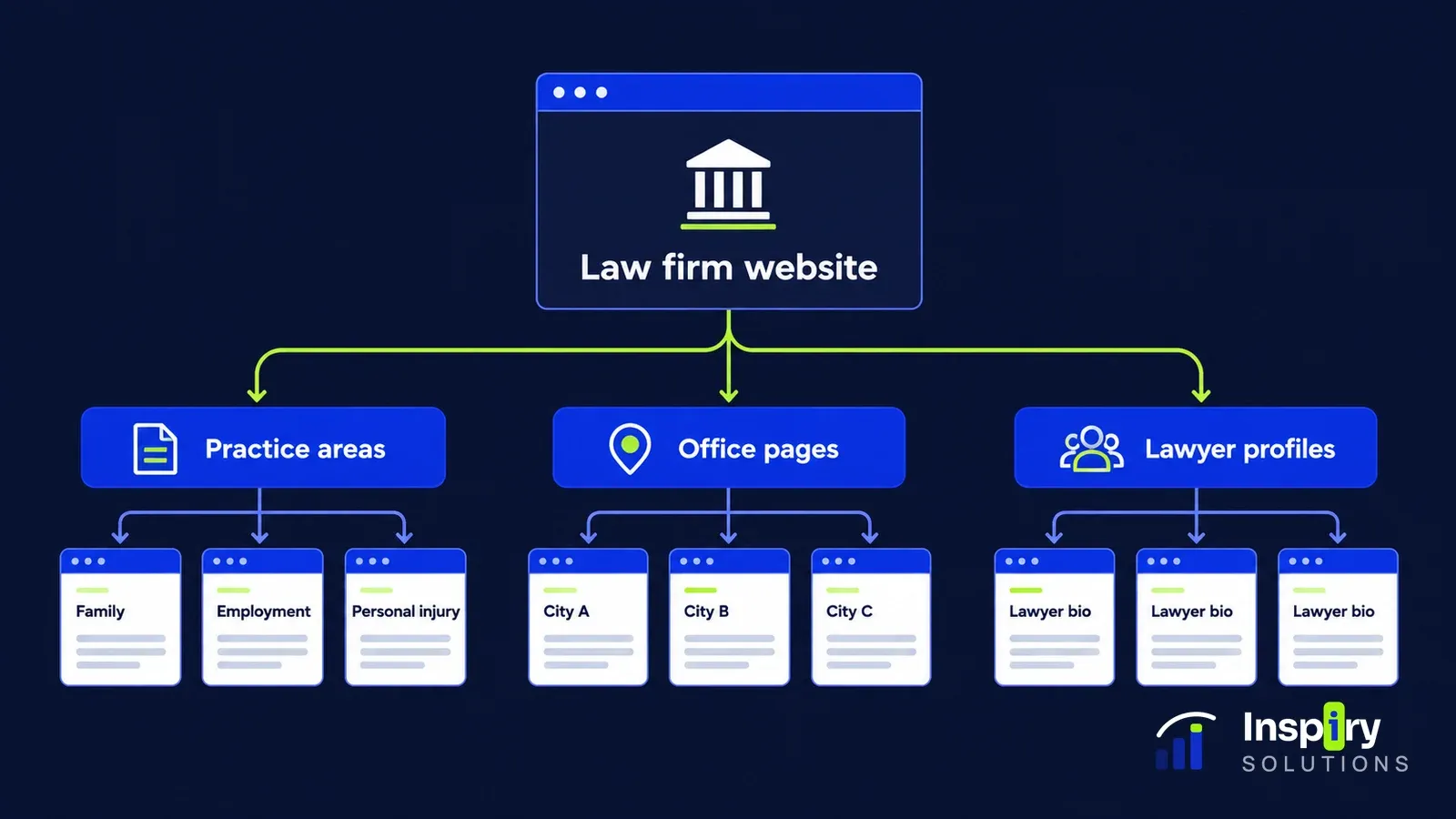
Service area pages explain where your team visits or delivers to customers; location pages describe a real operating location and how customers use it. Choose according to your business model and the information customers need. Some businesses need both, but neither page type justifies an invented office or another Google Business Profile.
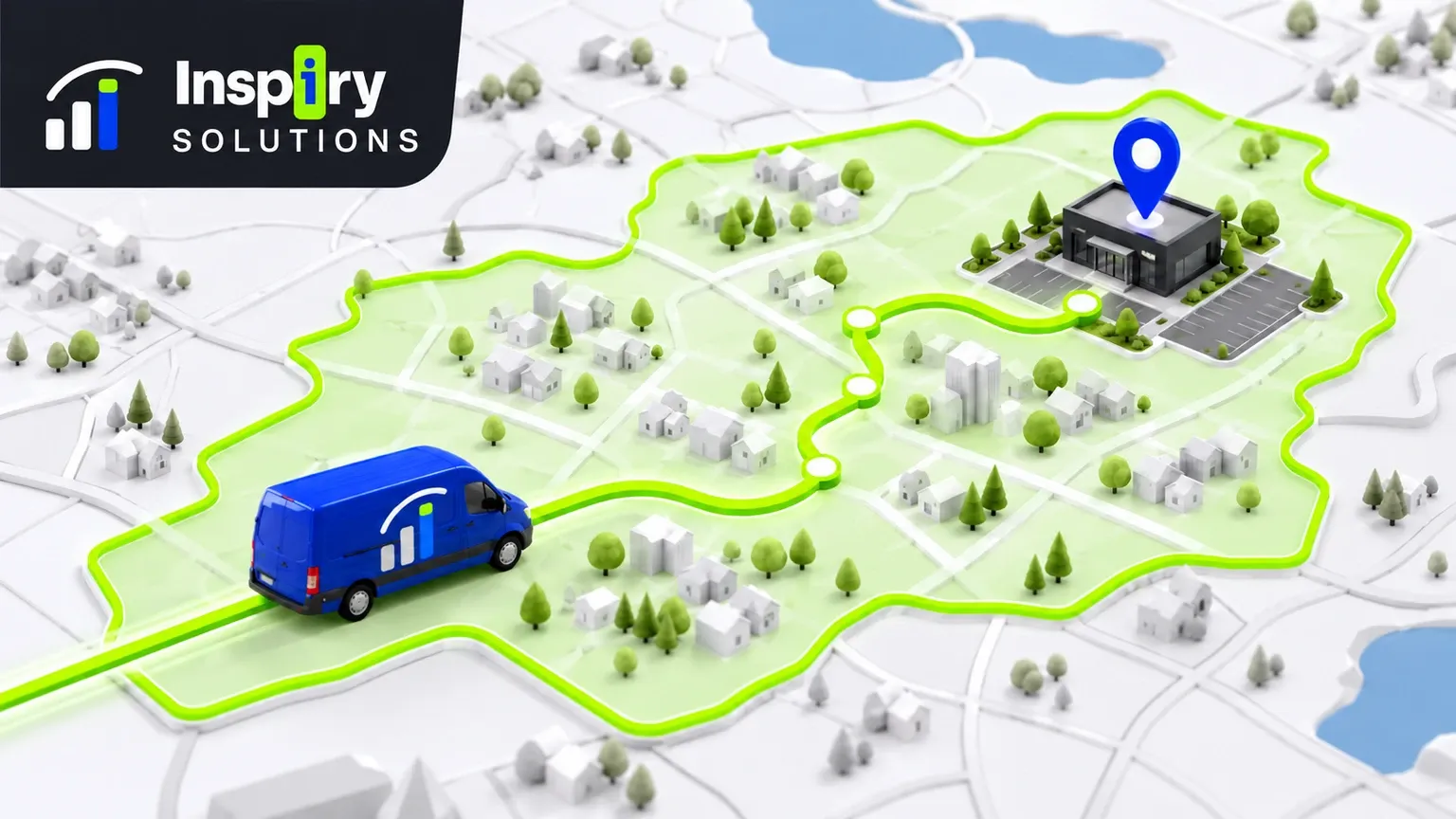
The distinction affects wording, navigation, enquiries and maintenance. A page promising a local branch creates different expectations from one offering appointments in the area. Decide those expectations before choosing a slug or asking writers to produce town-specific content.
1. Identify how the business actually operates
Before creating service area pages, start with a list of premises and delivery arrangements. Record where staff work, where customers can visit, where services are performed and which areas mobile teams cover. Keep these fields separate so an administrative address is not mistaken for a public branch.
Google’s service-area guidance distinguishes businesses that visit customers from hybrid businesses that also receive customers. If customers do not visit the business address, the profile should not display it. This helps set expectations, but your website still needs to explain the practical service arrangement.
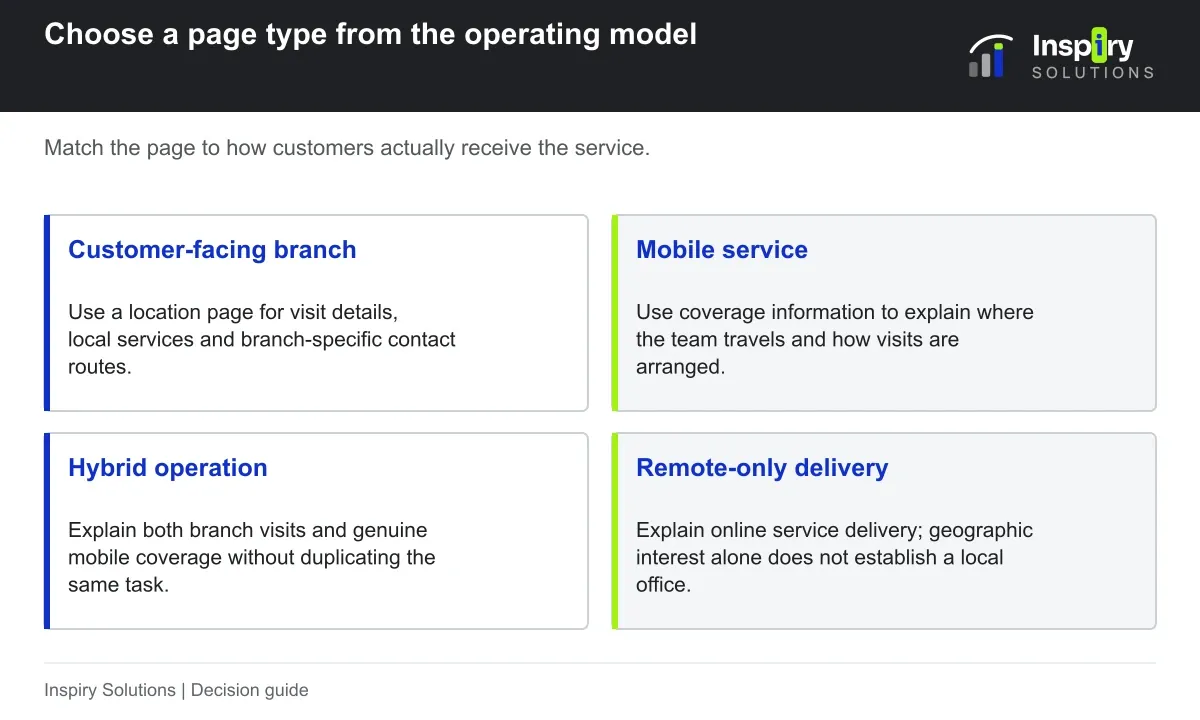
| Business situation | Useful page type | Customer question |
|---|---|---|
| Public branch with local services | Location page | Can I visit, and what is available there? |
| Mobile team visiting customers | Service area page or coverage hub | Will you travel to me, and how does booking work? |
| Branch with on-site and mobile services | Location page plus justified coverage information | Should I visit or request an appointment at my premises? |
| Remote-only service delivered online | Service page with delivery details | Can you support my requirements remotely? |
Remote delivery does not automatically justify separate service area pages. A business working online with customers nationwide may be better served by clear service and sector pages. Likewise, customer presence in a town does not establish an office there.
Hypothetical example: a mobile locksmith is based in Reading and visits customers in nearby towns. Coverage pages may explain booking and service limits. They should not invite visitors to a branch that does not exist.
Keep profile eligibility separate from page planning
A website can describe genuine coverage across several areas. Profile eligibility follows Google’s business representation rules, including requirements for separate operating locations. Do not create a profile for each town solely because each has a landing page.
Have the client approve an operating-model register before local content is written. For an agency, that register prevents a generic template from introducing inaccurate address, opening-hours or walk-in claims.
2. Decide what the customer must learn
A location page should help someone select and use a branch. Include accurate visit details, relevant services, staffed hours, access information and the correct contact route. Make it clear when an appointment is required.
Useful service area pages help customers determine whether their premises are covered. Explain the services available, how the visit is arranged, what information is needed and any genuine constraints. A coverage map can assist, but give essential details in text too.
Calls to action on service area pages should match the arrangement. A branch can offer directions or location-specific booking. A mobile service may ask for a postcode and job description before confirming availability. Do not present a request form as a confirmed appointment.
Hypothetical example: an appliance repair firm operates a workshop and visits homes. The workshop page explains drop-off arrangements. A coverage page asks for appliance type and postcode, then states that an appointment is confirmed after the team checks the request.
Evaluate service area pages against recent enquiries. If callers repeatedly ask whether you travel to them, coverage is unclear. If they arrive at a staff-only building, your location wording needs correction. These are useful inputs for local SEO planning.
Keep the central service explanation useful
On service area pages, summarise detailed technical explanations and keep the full explanation on a central service page. Local pages can summarise the relevant offering and link to that fuller explanation. This lets editors update core facts once while retaining the practical local information customers need.
For a WordPress website, structured development work can separate shared service descriptions from branch and coverage fields. The content model should follow operations rather than forcing every town into the same branch template.
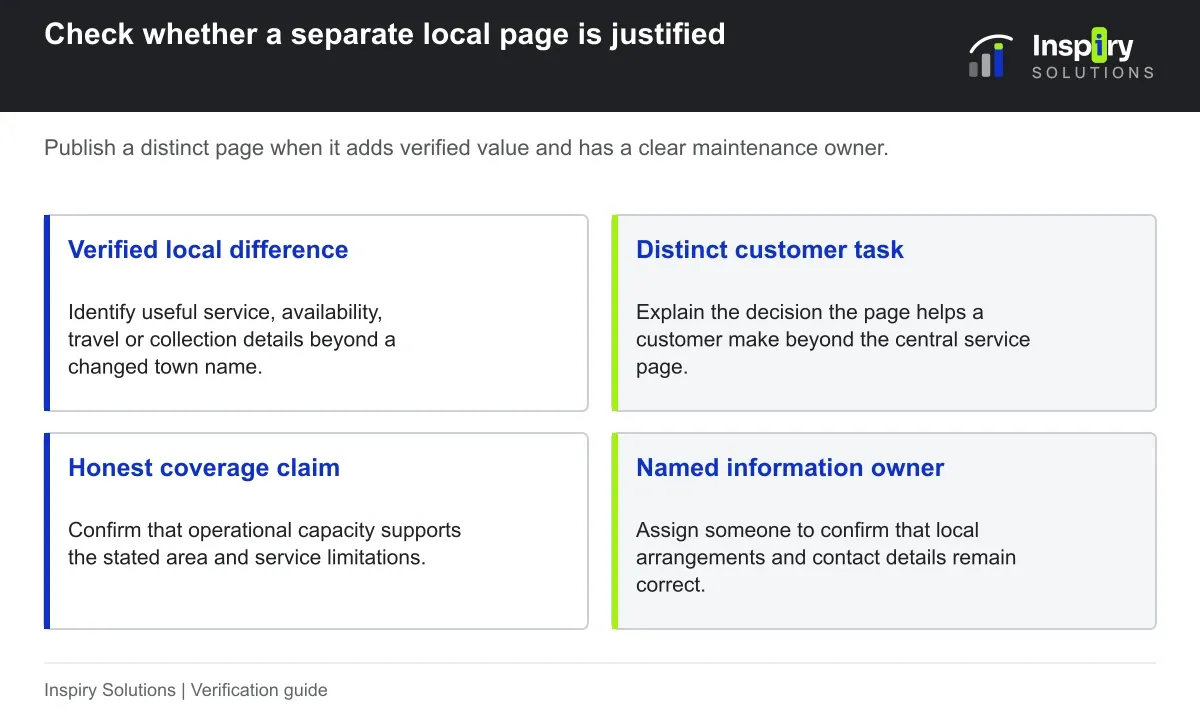
3. Check whether a separate local page is justified
Service area pages are not necessary for every area you cover. Ask whether the page answers a distinct question, contains facts you can verify and helps someone complete a task. If neighbouring towns have identical arrangements, a coverage hub may communicate them more clearly.
Collect evidence for service area pages before commissioning copy. Useful material might include service differences, genuine travel arrangements, local availability, collection options or permissioned project examples. An original photograph can help when it represents the actual work rather than an unrelated landmark.
Changing place names or adding generic town history does not create meaningful local value. Google’s doorway-abuse policy is relevant when pages target similar searches but offer little usefulness before sending everyone to the same destination.
There is no need to invent local case studies to differentiate service area pages. If evidence is limited, publish a transparent coverage overview and improve the central service information. Expand the local structure when the business develops a real distinction worth explaining.
Use a three-question publication test
- What verified detail does this page add beyond the central service page?
- What decision can a customer make after reading it?
- Who will confirm that the information remains accurate?
When those answers are weak, revisit the brief for your service area pages. This is a practical editorial test, not a published search-engine scoring formula. It keeps the conversation focused on customer value and maintainable facts.
An agency should request client sign-off on coverage and limitations. Ranking ambition cannot establish operational capacity. A company may accept enquiries from a wider area while still needing to confirm each appointment individually.
4. Build navigation around the customer journey
Create a locations hub for real branches and a coverage hub for areas served when both are needed. Use labels that make the difference obvious. A menu item called our offices should not lead to a collection of mobile-service towns.
Keep URLs for service area pages stable and descriptive. A simple location or coverage structure is easier to maintain than a growing set of service-and-town combinations. Document which pages own each topic so new content does not compete unnecessarily with existing pages.
Link from service area pages to relevant services and from branch pages to visit or booking details. Make it easy to move between related information without losing the selected area. Check whether forms preserve the branch or coverage choice.
Include technical SEO checks for indexing, canonical targets, sitemap entries and links. Distinct useful pages should not all point their canonical tags at one generic page. Consolidating thin pages requires a content decision, not only a tag change.
When replacing existing service area pages, inventory the URLs and plan relevant redirects. The principles in redesigning without losing SEO also apply to a smaller local-page migration.
Test the completed navigation on mobile. A long town selector, inaccessible map or intrusive overlay can make simple coverage questions difficult. Coordinate website performance with the design review so important details and forms remain dependable.
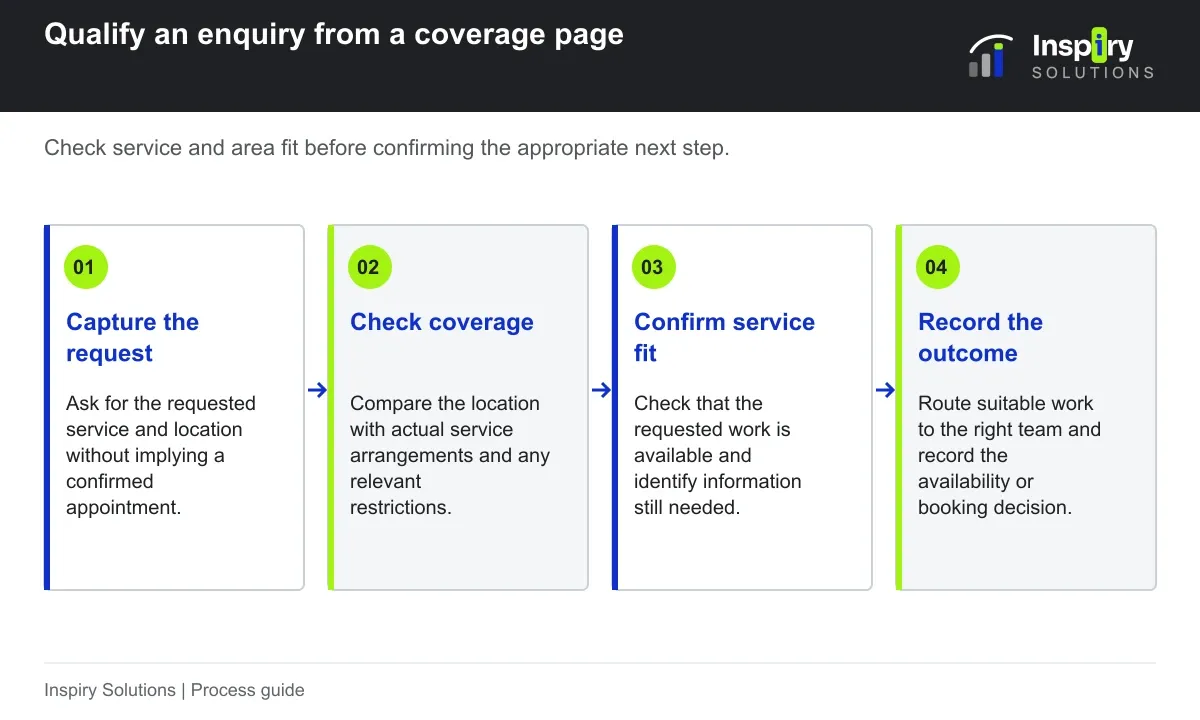
5. Measure service area pages by suitability
Assess service area pages by whether they attract appropriate enquiries and help customers contact the right team. Record the requested service, location, availability check and outcome. A page generating many enquiries outside your coverage is signalling an accuracy problem.
Compare periods carefully. Changes in staffing, capacity and seasonal demand can affect bookings independently of search visibility. Keep a change log for page revisions, coverage adjustments and contact-route changes.
Hypothetical example: a maintenance company receives repeated enquiries from a town where only scheduled commercial visits are available. It revises the page to explain that limitation and adjusts the form. Fewer unsuitable requests may be a useful outcome even if total enquiries fall.
Assign an owner to information on service area pages and review it when operations change. Put coverage fields, booking destinations and branch details into the website maintenance plan. A well-designed structure is only useful while its facts remain correct.
If you want help deciding which page types your service area needs, our local SEO service starts by reviewing how your business actually operates. For related reading, see how to build location pages without duplicate content and our Google Business Profile optimisation checklist.
Frequently asked questions
Can a business use both page types?
Yes, when it has genuine branches and meaningful mobile-service coverage. Give each page a distinct job and keep navigation clear. Avoid publishing two pages that answer the same local question with interchangeable content.
Should a service area page display a local address?
Only display addresses accurately and with the right context. Do not imply a customer-facing office in the area. A service area page can explain coverage without publishing an invented or misleading address.
Do we need a page for every city we cover?
No. A coverage hub may be sufficient where arrangements are the same. Separate pages become useful when they explain meaningful differences or support a distinct customer task.
Which type ranks better?
There is no universal winner. The page must fit the customer’s intent and the business model. Use evidence, relevant information and technical checks instead of choosing a label because it is marketed as a ranking tactic.
Should a remote agency create local office pages?
Only for offices that actually exist and are described accurately. Remote delivery should be explained as remote delivery. Geographic interest alone does not justify a physical-location claim.
What should we do with thin existing town pages?
Review demand, content and customer usefulness. Improve justified pages, merge overlapping material and plan relevant redirects where consolidation makes sense. Avoid deleting the whole structure before understanding existing journeys and links.
Choose the page that reflects the service
Service area pages should explain real coverage, while location pages should help customers use real premises. Start with operations, define the customer task and publish only the local distinctions you can support. Then maintain the information and measure suitable enquiries. That creates a clearer website and a more practical local SEO programme.
The multi-location SEO guide covers branch inventories, while the Google Business Profile checklist covers the matching profile review.