A custom WordPress plugin is worth building when a business-critical workflow cannot be served reliably by an existing product and someone can fund its ongoing maintenance. Start with established options, test the exact gaps and compare the full cost of ownership. Choose custom development for a defined requirement, with clear support and exit arrangements.
The decision is rarely a simple contest between buying and building. You can configure an existing plugin, add a small integration or commission a dedicated product. The strongest choice solves the business problem with an amount of software your organisation can responsibly maintain.
1. Define what the custom WordPress plugin must do
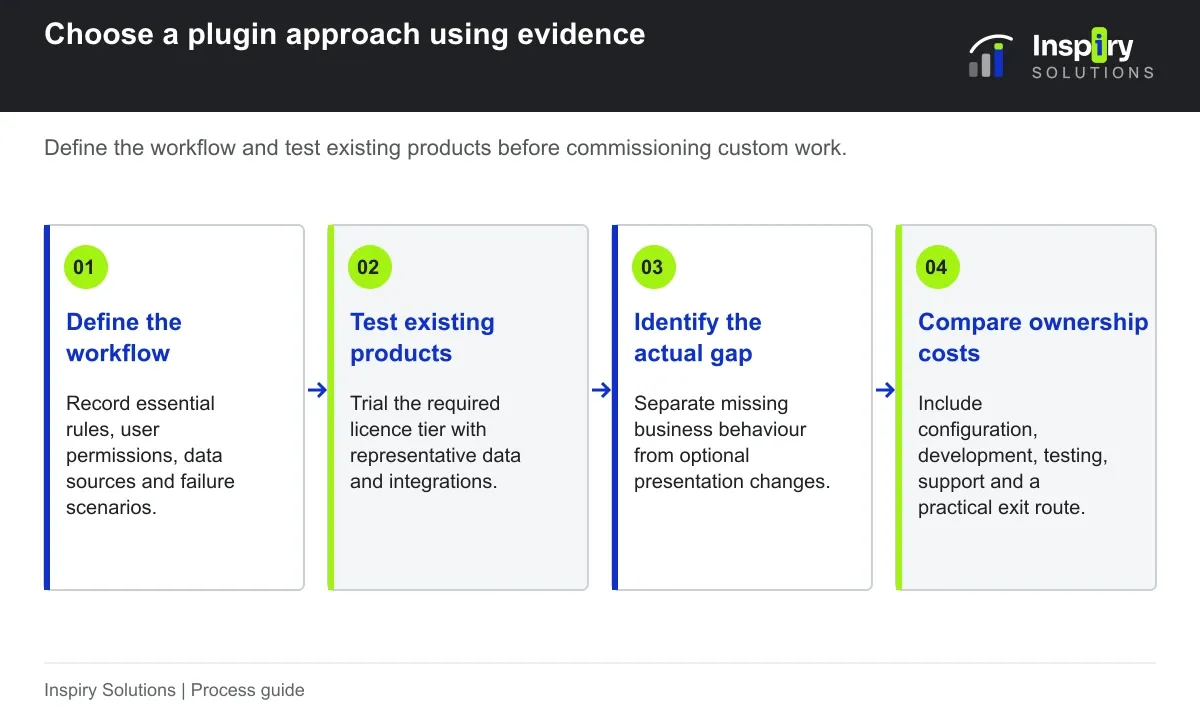
Describe the business workflow before specifying custom WordPress plugin features. Who supplies information, what rules apply, who approves it and what happens next? Identify the source of truth for customers, prices, bookings or stock. Write down which failures would interrupt trading.
Separate requirements into essential behaviour, useful improvements and optional presentation. A plugin requiring a slightly different button layout is a different proposition from one that cannot support your pricing rules. Include staff tasks and reporting, not just the public interface.
Hypothetical example: a trade quotation workflow
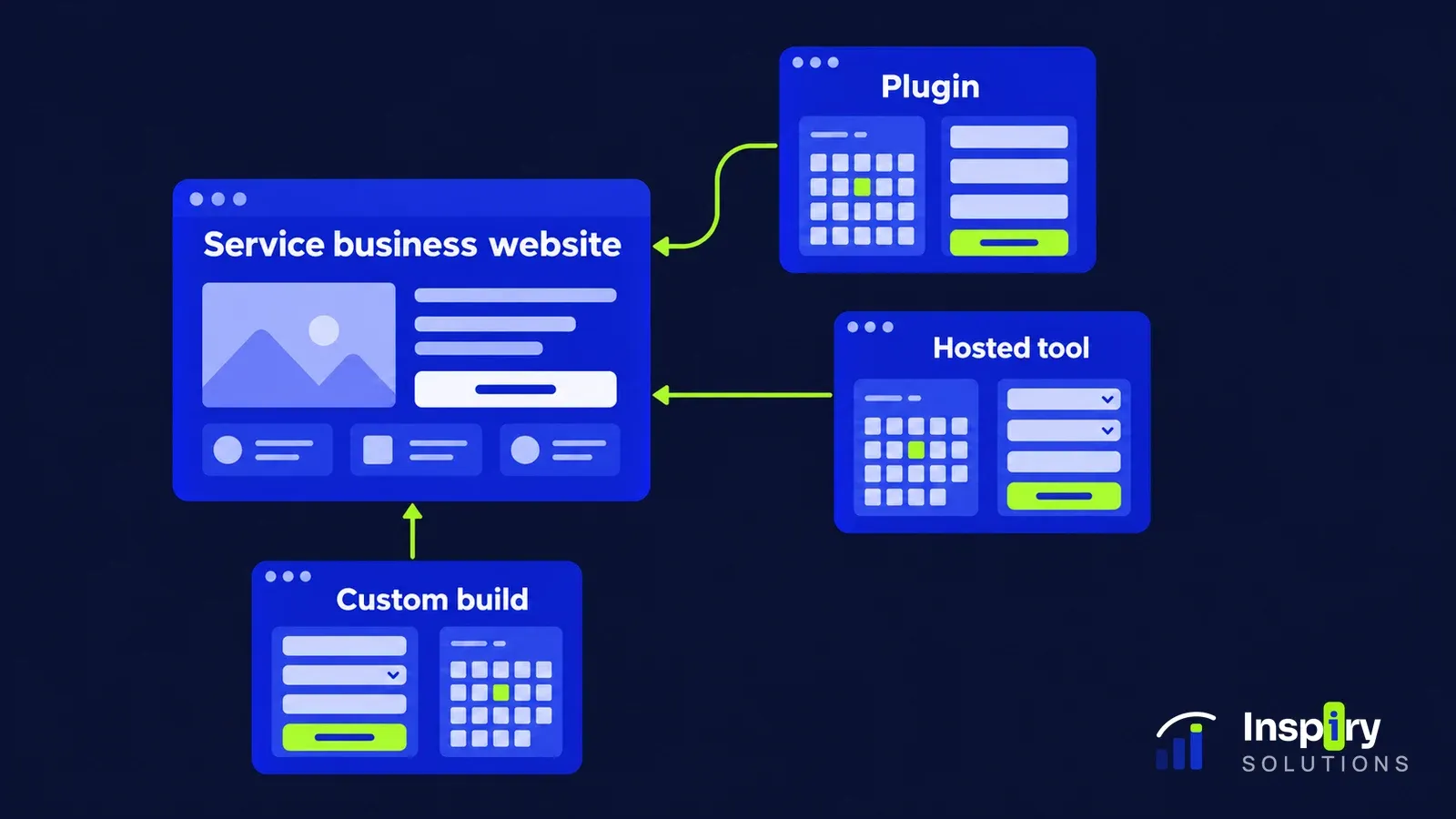
A distributor needs customers to upload specifications, select a trade account and receive a quotation after internal approval. A standard form product handles uploads and notifications. The missing part is checking account eligibility against an internal system and recording approvals. That may justify a small integration rather than rebuilding the entire form system.
Ask your WordPress development partner to turn each requirement into an acceptance check. This makes supplier proposals comparable and exposes assumptions before they become expensive changes.
2. Test alternatives to a custom WordPress plugin
Create a shortlist from the required capabilities. Review documentation, support arrangements, update history, compatibility information and data export options. Popularity can help you discover products, but it does not establish that a product fits your business.
Run a trial on staging with representative data. Test permissions, unusual inputs, failed submissions, duplicate records and the administration screens staff will use. Include the exact integrations and licence tier you expect to buy; a demonstration using a different tier can hide limitations.
Ask the vendor specific questions. Does the plugin expose a supported API? Can settings and business data be exported? What happens after cancellation? Is the integration documented or maintained by an unrelated supplier? Retain the answers with the decision record.
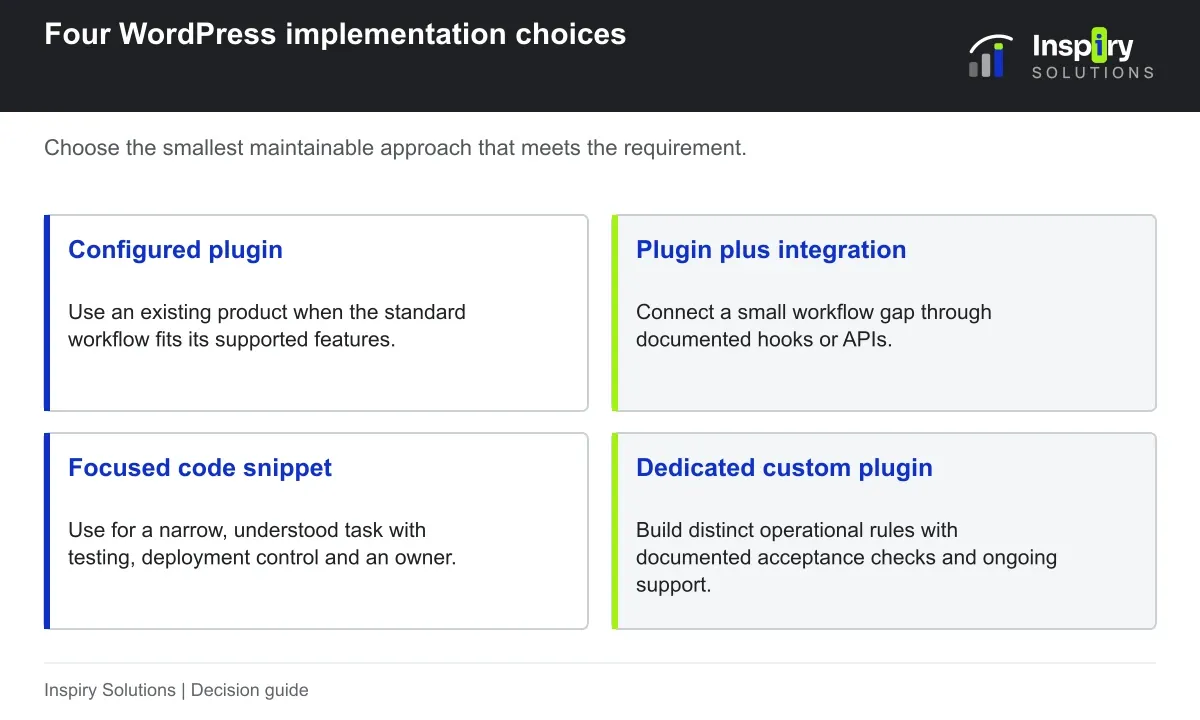
| Approach | Strongest fit | Main responsibility |
|---|---|---|
| Existing plugin | Standard workflow with adequate support | Configuration and vendor dependency |
| Existing plugin plus integration | Small gap with stable extension points | Compatibility of the connecting code |
| Dedicated custom plugin | Distinct rules central to operations | Complete lifecycle and support |
A product can be the right choice even when it contains features you will not use. The question is whether those extras create measurable cost or complexity. Avoid assuming that every broad plugin must be replaced with a custom WordPress plugin.
3. Assess custom WordPress plugin integration risk
An integration is only as reliable as its boundaries. Document authentication, data formats, rate limits, timeout handling, error reporting and retries. For a job that creates a record or initiates payment, repeated execution must not produce duplicate business actions.
Define how the custom WordPress plugin behaves when the external service is unavailable. Can the request wait in a queue? Should staff receive an alert? Can customers continue without that feature? A friendly failure message is preferable to a silent success that never reaches the destination.
Use supported WordPress and vendor extension points rather than editing another plugin’s files. Such edits can disappear during updates. The WordPress plugin best-practice guidance also recommends organising code to avoid naming collisions.
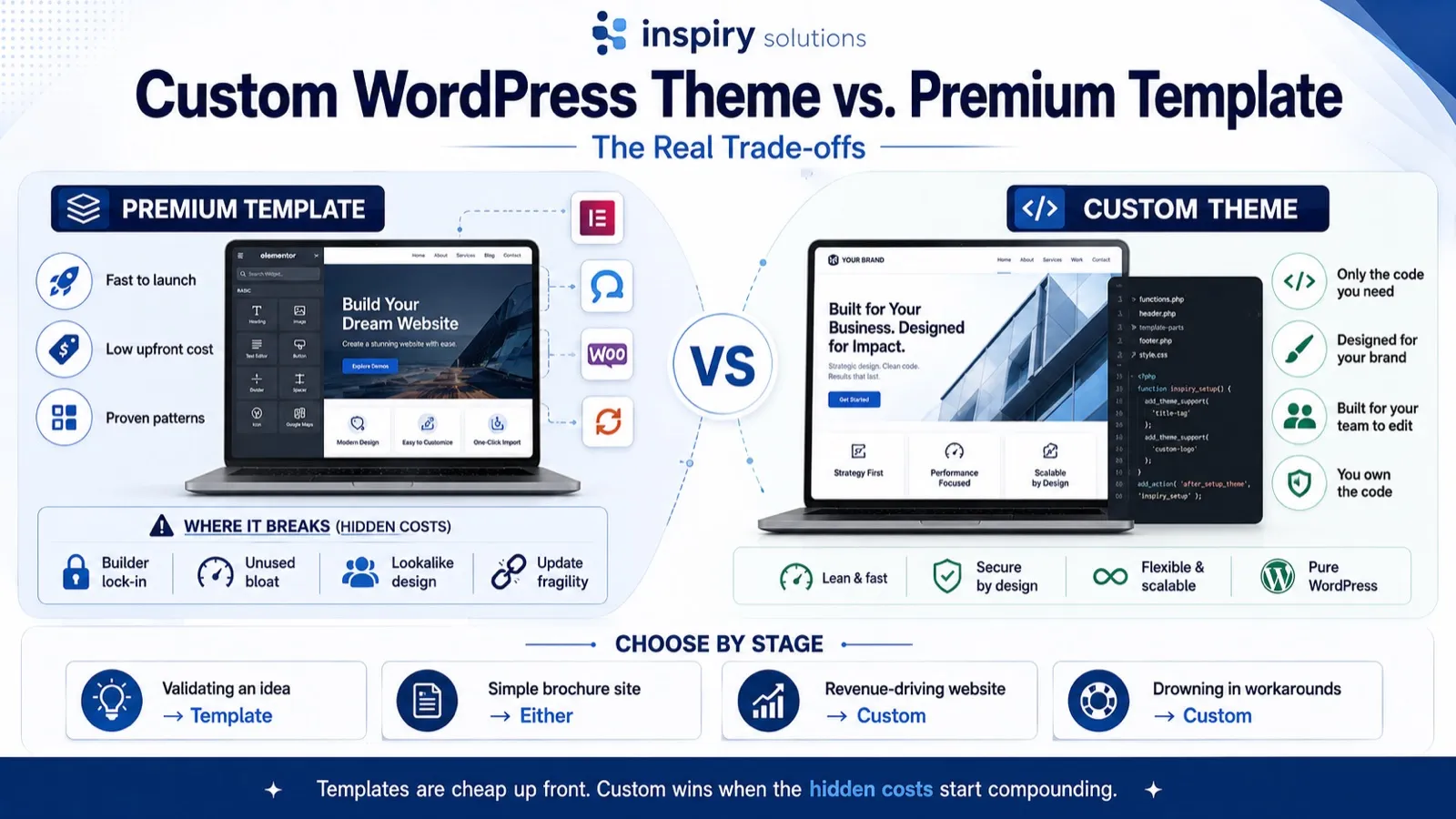
Keep business functionality separate from presentation where practical. If a theme replacement would erase account rules or approval records, the architecture deserves review. Our custom theme versus template guide helps distinguish design requirements from application behaviour.
4. Compare custom WordPress plugin ownership costs
Compare options over a period that matches your business planning, rather than comparing a yearly licence with a single development quote. Include discovery, configuration, integration, testing, hosting needs, staff training and ongoing support.
For a custom WordPress plugin, allow for platform updates, external API changes, security fixes and the developer’s absence. For existing products, allow for licence renewals, tier changes, vendor limitations and the cost of switching. Neither route removes maintenance.
Hypothetical example: licence savings can mislead
An agency wants to replace a paid reporting plugin to avoid renewals. A custom WordPress plugin would require building exports, permissions, scheduled delivery and a support interface. If the existing product already meets requirements, eliminating the licence could increase the agency’s workload. Conversely, a product that requires weekly manual corrections may have a substantial hidden operational cost.
Use actual staff time, supplier quotes and observed failure costs in the comparison. Do not invent a return on investment from an assumed conversion improvement. The WordPress maintenance cost guide covers recurring responsibilities; the broader website cost guide provides context for planning development alongside other project work.
5. Review security, permissions and data handling
Both commercial and custom plugins can introduce vulnerabilities. Ask who reviews code, who receives vulnerability reports and who can deploy an urgent fix. A custom WordPress plugin is not automatically secure merely because fewer people can see it.
Identify where information enters or leaves the custom WordPress plugin: forms, imports, API responses, administration settings and exports. Define acceptable values and access rights. An employee able to view a record may not be allowed to approve, delete or export it.
WordPress security guidance calls for validating and sanitising input and escaping output. WordPress nonces help protect against particular request attacks, but do not replace authentication or permission checks. Ask developers to demonstrate these controls rather than merely listing security as a feature.
Specify retention, deletion and export behaviour for business records. Deactivating a plugin should not unexpectedly erase operational data. Decide separately what uninstallation does, and test recovery from backup. These choices need approval from the person responsible for the data.
6. Test performance where the plugin actually runs
Plugin count is an unreliable proxy for site speed. A lightweight integration running only in administration has a different impact from a storefront widget loading on every page. A custom WordPress plugin can also perform expensive database queries or make slow remote requests.
Measure representative pages and tasks before and after introducing the feature. Include uncached responses, searches, logged-in journeys and larger datasets. A plugin that works with a few test records may behave differently with years of orders.
Set practical acceptance conditions: the feature loads only where required, timeouts do not stall unrelated pages and background work does not monopolise server resources. Use website performance analysis when you need to identify where time is actually spent.
If the custom WordPress plugin generates public pages, define their intended URLs, canonical behaviour and indexing. Filters or internal search results can create unintended crawlable combinations. Involve technical SEO support before those pages become part of the live site.
7. Agree ownership, maintenance and an exit route
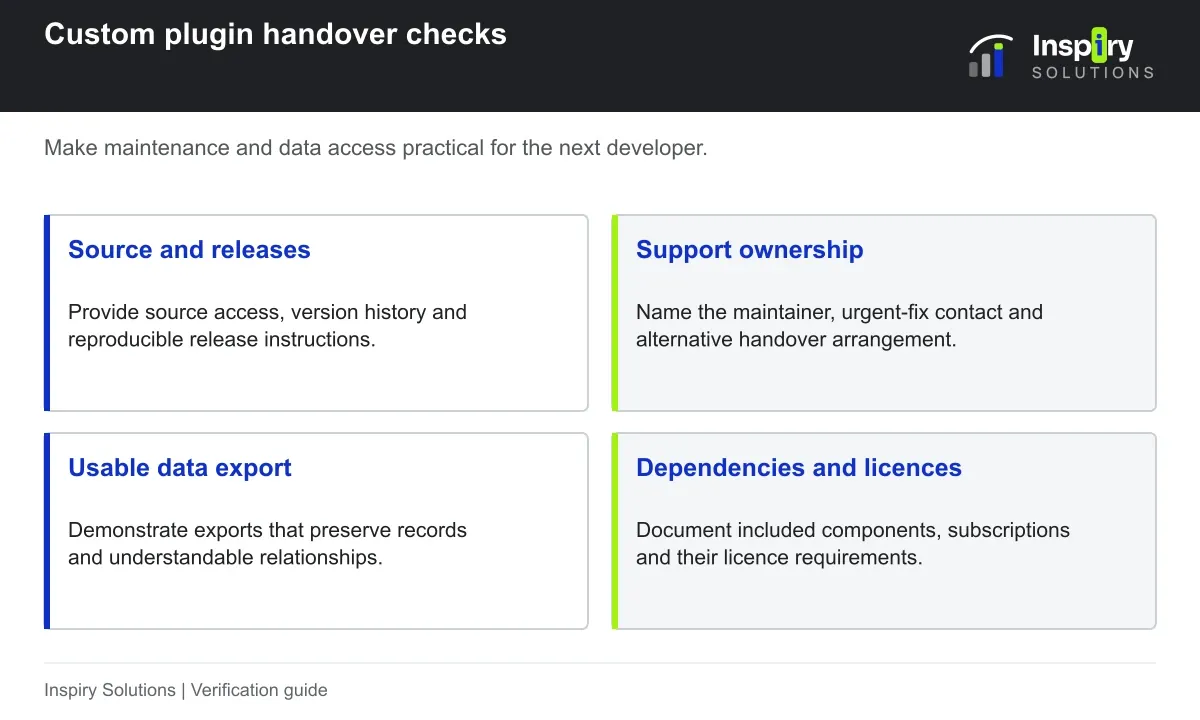
For your custom WordPress plugin, require access to source code, release packages, documentation and a version history. Confirm who holds vendor accounts, API credentials and licence subscriptions. A delivered ZIP file is useful, but it does not explain how another developer can reproduce a release.
State the support boundaries: response expectations, update compatibility checks, defect correction, paid enhancements and emergency contact arrangements. Name an alternative maintainer or define a handover process if the original supplier stops supporting the project.
Document dependencies and their licences. The WordPress handbook’s licensing guidance explains the common use of GPL licensing for plugins. Commercial ownership arrangements should account for the licences of included components rather than promise exclusivity over everything in a WordPress stack.
Ask for a custom WordPress plugin data export demonstration. Can you export records in a usable format and understand their relationships? Can the feature be retired without breaking the rest of the website? Those answers matter as much as the initial launch.
Turn the decision into a development brief
A custom WordPress plugin brief includes the business goal, workflow, user permissions, data fields, integrations, expected volumes and acceptance checks. Add failure scenarios, accessibility requirements, deployment steps and the support arrangement. Document deployment alongside the WordPress migration checklist when a host change is part of the project.
Begin with the smallest complete workflow. Delivering one well-tested approval process can reveal more than building a large administration dashboard immediately. Reserve optional features for later releases and document decisions so future maintainers understand why the software behaves as it does.
The final recommendation should say which options were tested, what gaps remained and why the chosen approach is maintainable. This gives a business owner evidence to approve the investment and an agency a clear scope to deliver.
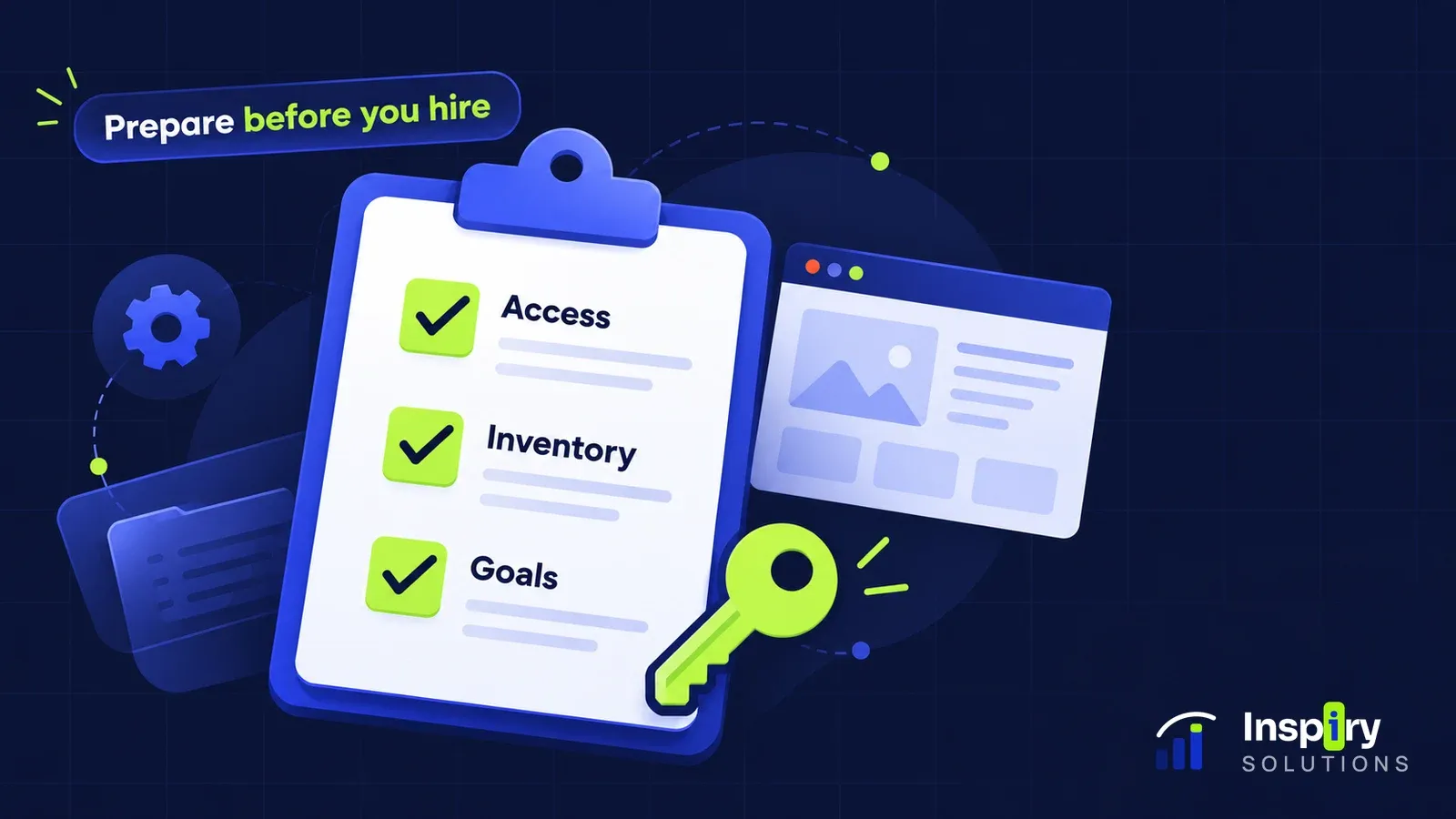
If you are planning custom work, our guide on what to prepare before you hire a WordPress developer explains how to brief it so quotes are comparable.
Frequently asked questions
Is a custom plugin cheaper than a paid plugin?
Sometimes over its lifetime, but the comparison must include development, support and future compatibility work. Licence savings alone rarely describe the complete business cost.
Can a code snippet replace a plugin?
A small, understood snippet may handle a narrow requirement. It still needs ownership, testing and deployment control. Complex workflows deserve a documented plugin structure rather than scattered snippets nobody can confidently maintain.
Will custom plugins survive WordPress updates?
A custom WordPress plugin can remain compatible when it uses supported APIs and receives ongoing testing. Compatibility is a maintenance responsibility, not a permanent guarantee made at delivery.
Should developers modify an existing plugin directly?
Usually they should use documented hooks or APIs instead. Direct edits can be overwritten by updates and create a private version that becomes difficult to support. Any unavoidable fork needs an explicit maintenance plan.
Are custom plugins more secure?
Not inherently. Security depends on implementation, review, access controls and timely fixes. Evaluate those practices for both custom developers and product vendors.
What happens when the developer leaves?
Another maintainer should be able to support the custom WordPress plugin using its source, documentation, credentials and reproducible releases. Arrange that handover before commissioning development, and ensure the business can export its data independently.
Buy the standard workflow; build the justified gap
A custom WordPress plugin earns its place when it addresses a proven operational gap and the business can support its lifecycle. Test existing products first, compare complete costs and insist on clear acceptance criteria. The right decision leaves you with useful functionality and a credible way to maintain it.