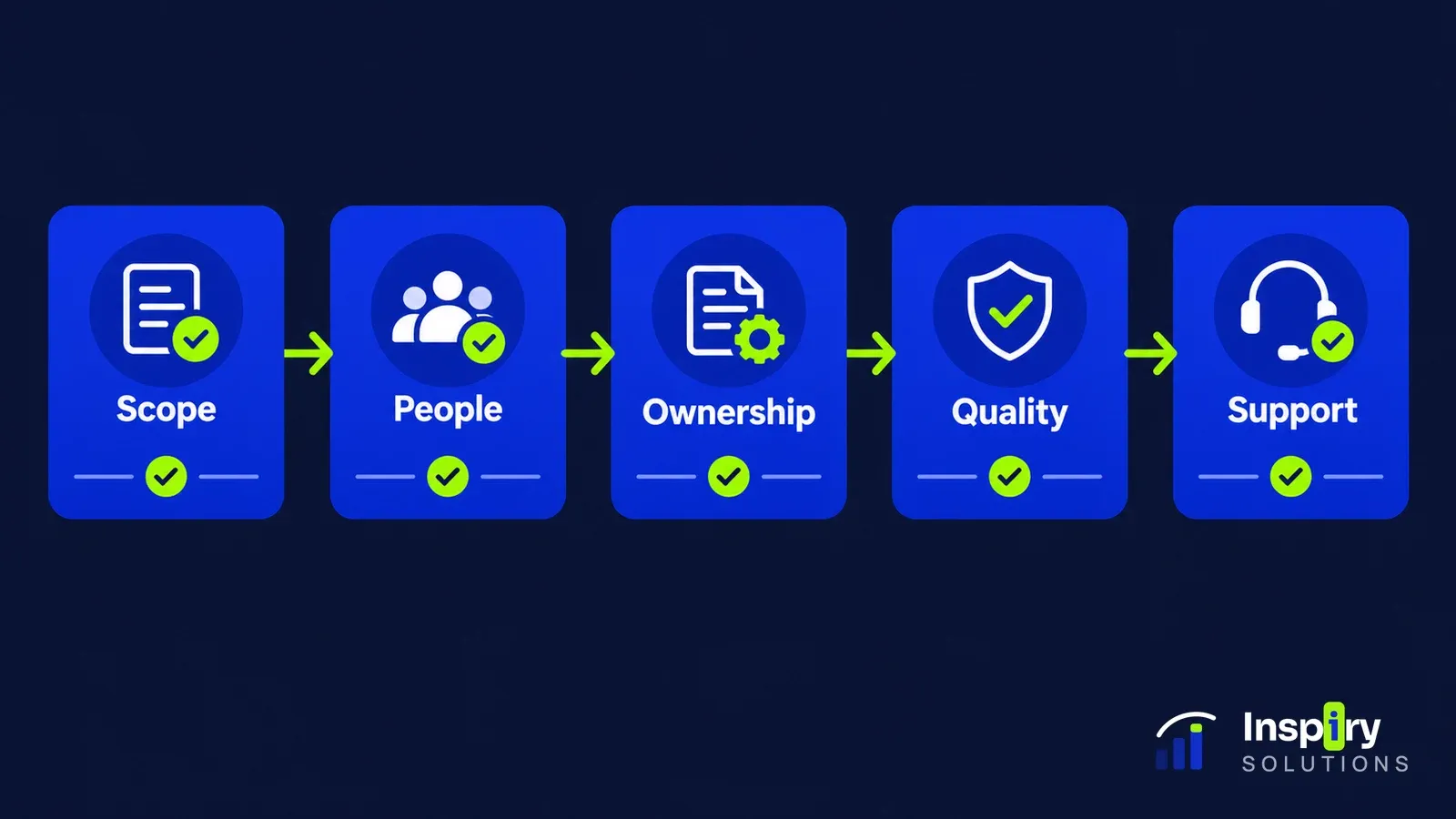
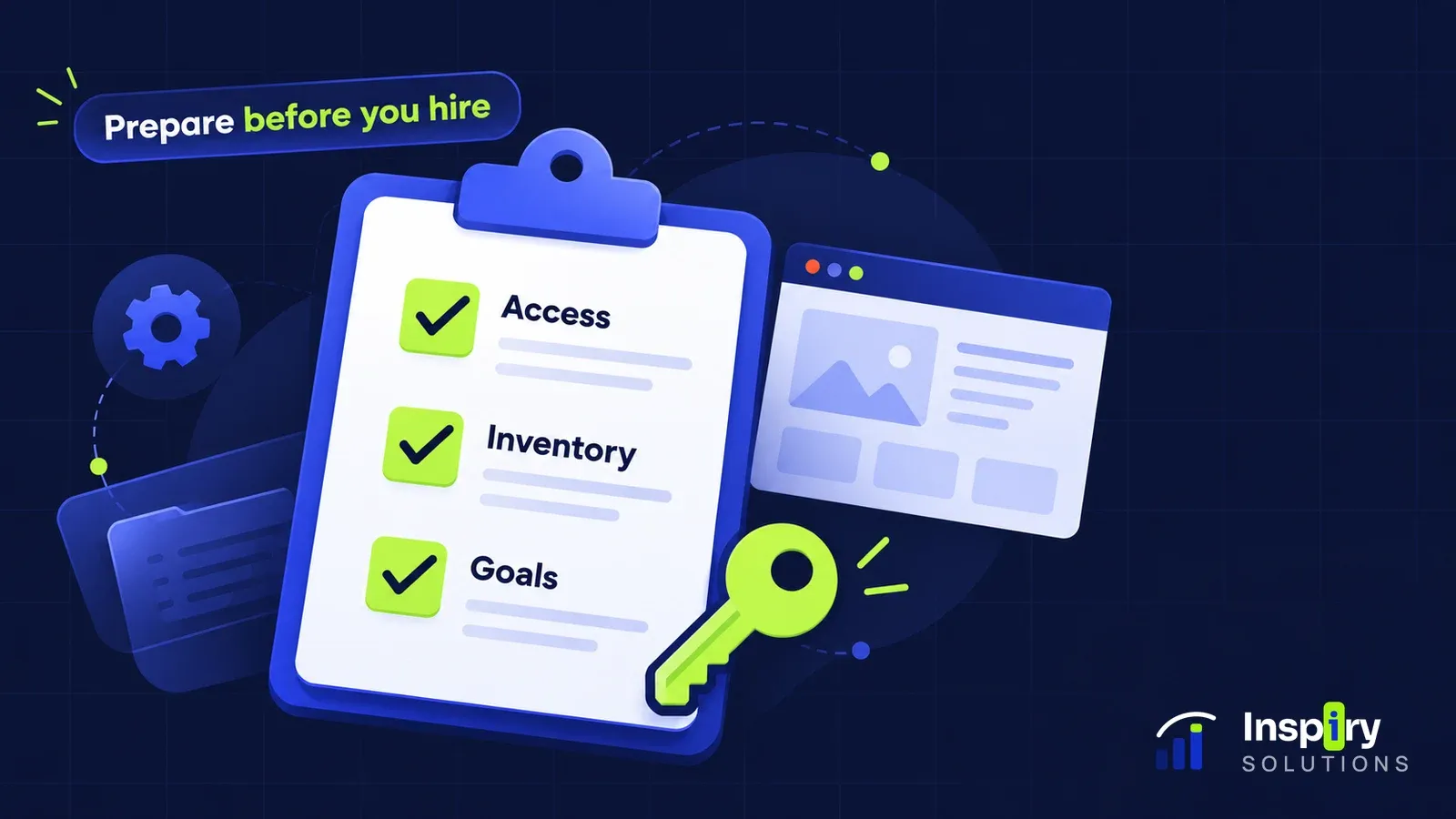
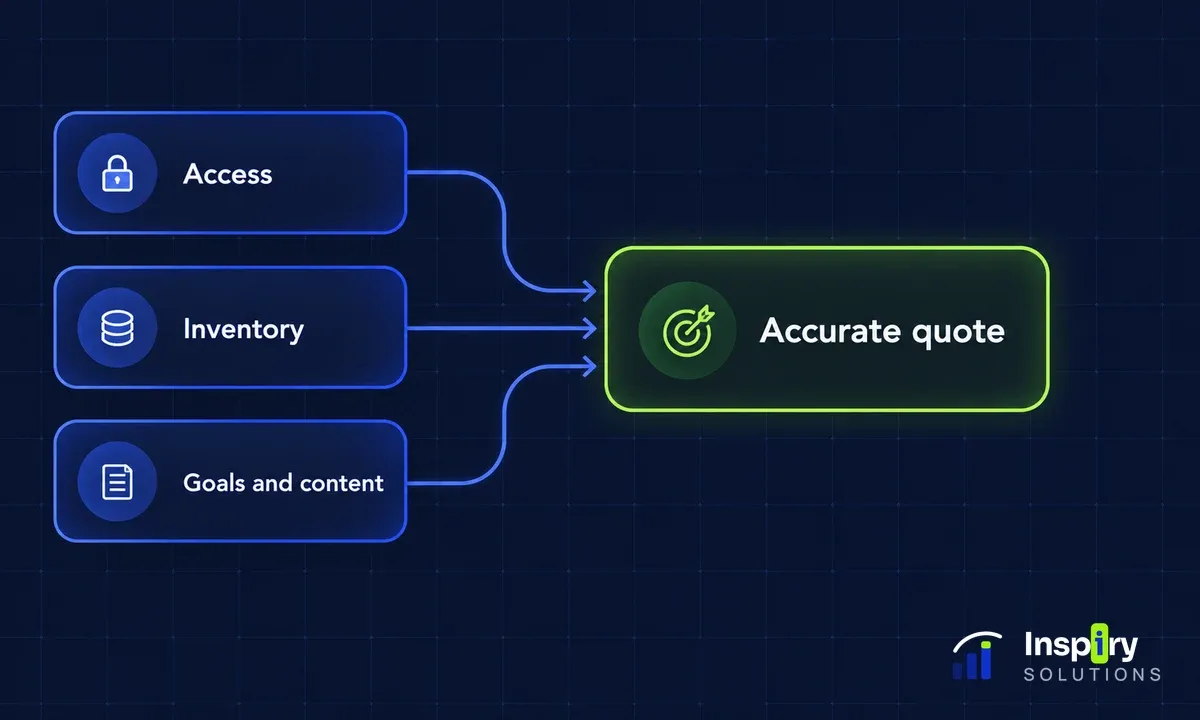
Before you hire a WordPress developer, prepare five things: website access, an inventory of existing functionality, clear business goals, content status, and budget and timing constraints. You do not need a technical specification or finished content. You need enough information for a developer to understand the work, identify risks and provide a realistic quote. The better you define what must be built and what must continue working, the easier it becomes to compare proposals and avoid unexpected costs.
This guide is for business owners and marketing managers about to hire a WordPress developer for a new site or rebuild. It gives you a practical pack to send with your enquiry. If you are still deciding whom to hire, read our guide to choosing between an agency and a freelancer.
Why preparation changes the quote when you hire a WordPress developer
A request such as “I need my website redesigned” leaves too many questions unanswered.
Does the site have five pages or fifty? Are there booking systems, custom features or integrations? Which existing functions must survive the rebuild?
Developers handle these unknowns differently. Some add contingency to their quotes. Others provide hourly estimates or exclude uncertain requirements.
Preparation makes fixed quotes possible
A fixed quote works best when deliverables, dependencies and exclusions are understood.
At Inspiry Solutions, our process can begin with a free website audit. We examine the current setup, clarify requirements and identify technical risks before quoting.
Our WordPress development with fixed quotes service covers new builds, rebuilds and development work based on an agreed scope.
Preparation does not guarantee a cheaper project. It reduces uncertainty and makes competing proposals easier to compare.
Hypothetical example
A physiotherapy clinic requests three website quotes without providing an inventory. The prices vary considerably because each developer makes different assumptions.
The clinic then documents its booking integration, two contact forms and five important service pages.
It sends the same requirements to all three developers.
The revised proposals can now be compared line by line, including what each developer will build, preserve and test.
This is a hypothetical example. Its purpose is to demonstrate how defined requirements improve quote comparability.
Access: the logins a developer will ask for
Before starting, identify who owns your website accounts and how access can be granted.
When you hire a WordPress developer, do not send passwords with your initial enquiry. Record the providers, account owners and available permission options.
Domain registrar and DNS
Your domain registrar manages your domain registration. DNS, or Domain Name System, directs your domain to website and email services.
These may be managed by different companies.
Record your registrar, DNS provider, account owner and who can authorise changes. This matters when migrating hosting or launching a rebuilt website.
Hosting and WordPress admin
Hosting provides the environment where your website runs. WordPress admin controls content, users, settings and plugins.
A developer may need both, depending on the project.
Create a separate named WordPress account rather than sharing your password. Choose the lowest role that permits the necessary tasks.
The official WordPress roles and capabilities documentation explains the available permissions.
Administrator access may be necessary for development, but it should be granted deliberately and removed when no longer required.
Analytics and Search Console
Identify who manages Google Analytics and Google Search Console.
Analytics helps measure website activity. Search Console provides information about your site’s presence in Google Search, as described in Google’s Search Console overview.
Your business should retain account ownership and grant suitable user access when needed.
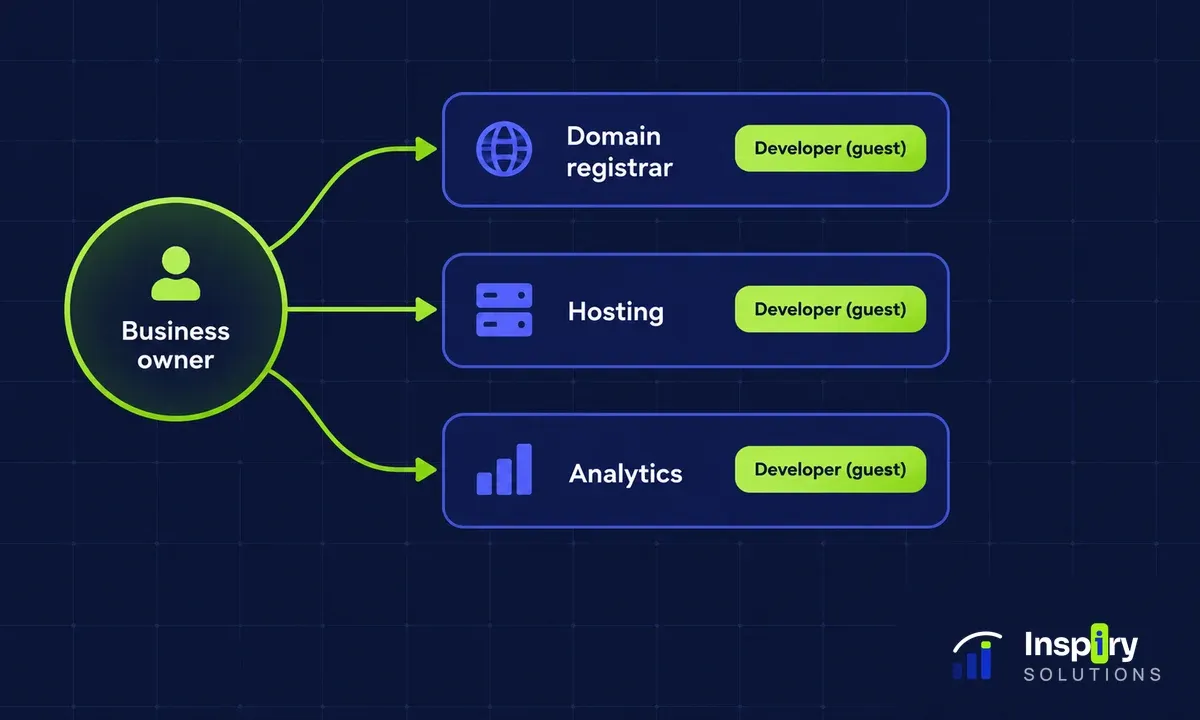
The principle is straightforward: your business owns the accounts, and your developer receives the permissions needed to do the job.
An inventory of what the current site does
A website may look simple while supporting several important business processes.
Document what happens behind the scenes, especially anything connected to enquiries, bookings or payments.
Forms and submission destinations
List every important form and where its submissions go.
| Form | Destination | What must keep working |
|---|---|---|
| Contact form | Sales inbox | Enquiries reach the team |
| Quote request | CRM | Leads are recorded |
| Careers form | Recruitment inbox | Applications and attachments arrive |
A CRM is customer relationship management software used to organise customer information and enquiries.
If you do not know where a form sends information, flag it for investigation.
Plugins and integrations
WordPress plugins add functionality. Some affect only presentation, while others manage bookings, payments, memberships or page layouts.
List installed plugins and identify known business-critical features.
Also document connections to external services, including:
- CRM and booking platforms
- Payment providers
- Email marketing systems
- Third-party APIs
An API, or application programming interface, allows different software systems to exchange information.
Some requirements can use existing plugins. Others may need custom development. Our guide explains when a custom plugin is justified.
Important pages and backups
Identify pages that currently generate enquiries or sales using available analytics and business records.
These pages need particular attention during a redesign or migration.
Before development begins, confirm that a current, restorable backup exists. The official WordPress backup documentation explains how website files and databases are protected.
Goals and success measures
A project needs a business objective beyond “make the website look modern”.
Decide what visitors should accomplish and how you will measure success.
Define the primary objective
Your main goal might be:
- Generating qualified enquiries
- Increasing appointment bookings
- Selling products
- Attracting job applicants
Translate that goal into website requirements.
For example, an appointment-focused website may need clear service information, visible booking options and mobile-friendly forms.
Decide how to measure results
| Objective | Measurement |
|---|---|
| Enquiries | Submitted enquiry forms |
| Bookings | Completed bookings |
| Sales | Recorded purchases and revenue |
| Recruitment | Completed applications |
Record current figures where reliable data exists. Use consistent tracking and comparable reporting periods after launch.
Identify what must not break
List existing processes that need protecting:
- Lead routing and contact forms
- Analytics and conversion tracking
- Important URLs and redirects
- Existing search visibility
- Booking and payment systems
These requirements become part of the developer’s testing and launch checklist.
Content: what is ready and what is not
Content affects page layouts, project scope and launch timing.
You do not need everything finished, but developers need to know what exists and who is responsible for missing material.
Create a content inventory
For each planned page, record the status of:
- Written copy and headings
- Photographs and other images
- Team profiles
- Approved testimonials and case material
- Brand assets and logos
Use simple labels such as Ready, In progress or Missing.
Assign responsibilities
Decide who writes content, supplies images and gives final approval.
For example, a marketing manager may prepare copy while the business owner approves service descriptions and pricing.
If copywriting or content entry is required from the developer, include it in the proposed scope.
Unfinished content is manageable. Unassigned content responsibilities create avoidable delays.
Budget, timing and decision makers
Budget and deadlines influence which solutions are practical.
If you plan to hire a WordPress developer for a fixed date, sharing these constraints early helps developers propose work that fits your priorities.
Give a realistic budget range
When you hire a WordPress developer, a range allows them to recommend an appropriate scope or phased approach.
Inspiry Solutions’ published WordPress development prices are:
- Small websites from $1,200
- Typical business websites from $2,500-$8,000
Final pricing depends on the audited requirements.
For more context, see our guide to honest website price ranges.
A smaller budget may require fewer features initially. It is better to agree on those priorities before receiving a quote.
Identify deadlines and dependencies
Explain whether launch must happen before a campaign, event or business deadline.
Separate fixed dates from preferred dates.
Also identify dependencies such as content delivery, approvals, third-party access or branding decisions.
Name one decision maker
Multiple people can provide feedback, but one person should approve the scope, designs and final delivery.
Agree on how feedback will be collected and when decisions are required.
This helps prevent contradictory instructions and unexpected changes.
Your preparation checklist
Use this website project preparation checklist as the pack you send with your enquiry before you hire a WordPress developer.
For account-related items, “ready” means you know the owner and can arrange suitable access. It does not mean sharing passwords in the document.
Preparation checklist
| Item | Why the developer needs it | Who usually holds it | Ready? (yes/no) |
|---|---|---|---|
| Domain registrar login | Confirm ownership and launch requirements | Business owner or IT | Yes / No |
| DNS access | Review and update domain records | DNS administrator | Yes / No |
| Hosting account | Assess the hosting environment | Business owner or IT | Yes / No |
| WordPress admin (named account) | Review and work on the site | WordPress administrator | Yes / No |
| Google Analytics and Search Console access | Review tracking and search data | Marketing or account owner | Yes / No |
| List of forms and destinations | Preserve enquiry workflows | Sales or marketing | Yes / No |
| Plugin list | Identify existing functionality | Website administrator | Yes / No |
| Integrations list | Understand external dependencies | Operations or IT | Yes / No |
| Top enquiry pages | Protect important business pages | Marketing or sales | Yes / No |
| Content status | Identify missing content tasks | Content or marketing team | Yes / No |
| Budget range | Recommend suitable scope | Business owner | Yes / No |
| Launch constraints | Plan deadlines and dependencies | Project manager | Yes / No |
| Decision maker | Establish approval authority | Business owner | Yes / No |
What to expect after you hire a WordPress developer
Your pack is a starting point, not a substitute for technical investigation.
Once you hire a WordPress developer, they should use it to produce:
- Confirmed deliverables and exclusions
- Technical risks and dependencies
- Requirements needing clarification
- Proposed project stages and approvals
- A clear quote based on the agreed scope
At Inspiry Solutions, the free audit helps establish these details before fixed-price development work is quoted.
Common questions
Should I give a developer my own WordPress password?
No. Create a separate named WordPress account instead of sharing your personal password. Choose the lowest role that allows the developer to complete the agreed work, and remove access when the engagement ends. Some tasks require administrator permissions, but those should be granted deliberately. Your business should retain control of its main account.
Do I need finished content before hiring a developer?
Not necessarily. You can hire a WordPress developer before all your copy, photographs and other assets are ready. However, explain what is missing and who will provide it. Content writing or entry can then be scoped and priced appropriately. Clear responsibilities also help prevent development from being delayed while everyone waits for unassigned content tasks.
How much should I tell a developer about my budget?
Share a realistic budget range so the developer can propose an appropriate scope rather than guessing what you can spend. Inspiry Solutions’ typical business WordPress website costs $2,500-$8,000, with small sites starting from $1,200. These are published price ranges, not automatic quotes. Your final price depends on the requirements confirmed during the audit.
What if I do not know which plugins my site uses?
The Plugins screen in WordPress lists your installed plugins, provided your account has permission to view them. You do not need to know what each one does before making an enquiry. A free website audit can produce the inventory for you, identify plugins supporting essential functionality and highlight anything requiring further investigation.
Start with a website audit
You do not need a perfect technical brief to begin.
Gather the information you already have, identify what is missing and send your website URL. An initial audit can clarify the remaining technical requirements before development is priced.
Send us your URL with whatever you have gathered and we will reply within two working days with a plain-language audit and a fixed quote for the WordPress development work.